ExpressVPN for Android Introduces Passkeys, Login Tokens, and Email Code Sign-Ins
· GlobeWire Daily Editorial Desk · Source: www.techradar.com
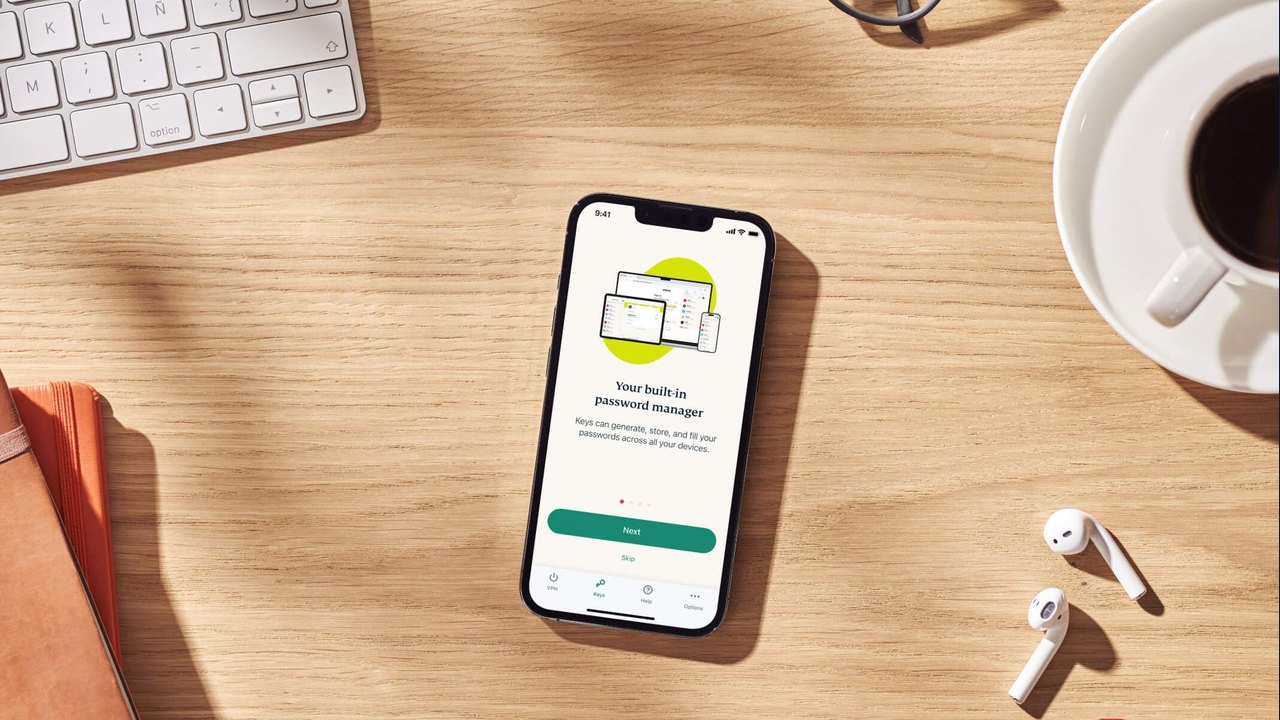
Image: TechRadar · Photo source · Resized and letterboxed to 16:9; no AI generation
ExpressVPN has released an update for its Android application, adding three alternative authentication methods designed to reduce reliance on traditional passwords and activation codes.
According to reported details, the update introduces email verification codes, expiring login tokens, and passkey support. These options are currently rolling out gradually, with the company reporting an expectation that all Android users will have access to the features by the end of the year. Traditional email and password sign-ins remain available under legacy options on the app's welcome screen.
New Sign-In Methods Overview
- Email Verification Codes: Users enter their account's linked email address to receive a one-time code directly to their inbox.
- Login Tokens: Generated from the ExpressVPN+ web portal, these time-limited tokens can be pasted into the application or scanned as a QR code. They replace the older activation codes that remained static and never expired.
- Passkeys: Utilizing the FIDO2/WebAuthn standard, users can authenticate using passkeys stored via passkey managers, hardware security keys, or ExpressVPN's own ExpressKeys password manager.
Security and Practical Implications
Passkeys offer improved security and ease of use compared to traditional passwords, while time-limited login tokens mitigate the risk associated with static activation codes that could potentially be exposed. ExpressVPN advises users to treat login tokens with the same caution as passwords, avoiding sharing or posting screenshots of them.
To verify the availability of these new login methods, Android users can check for official application updates through the Google Play Store or review account settings directly within the updated ExpressVPN application.
AI-assisted reporting; source claims are attributed and have not been independently verified.
More to read
 Telegram Android Voice Call Flaw Potentially Allowed Attackers to Run Code
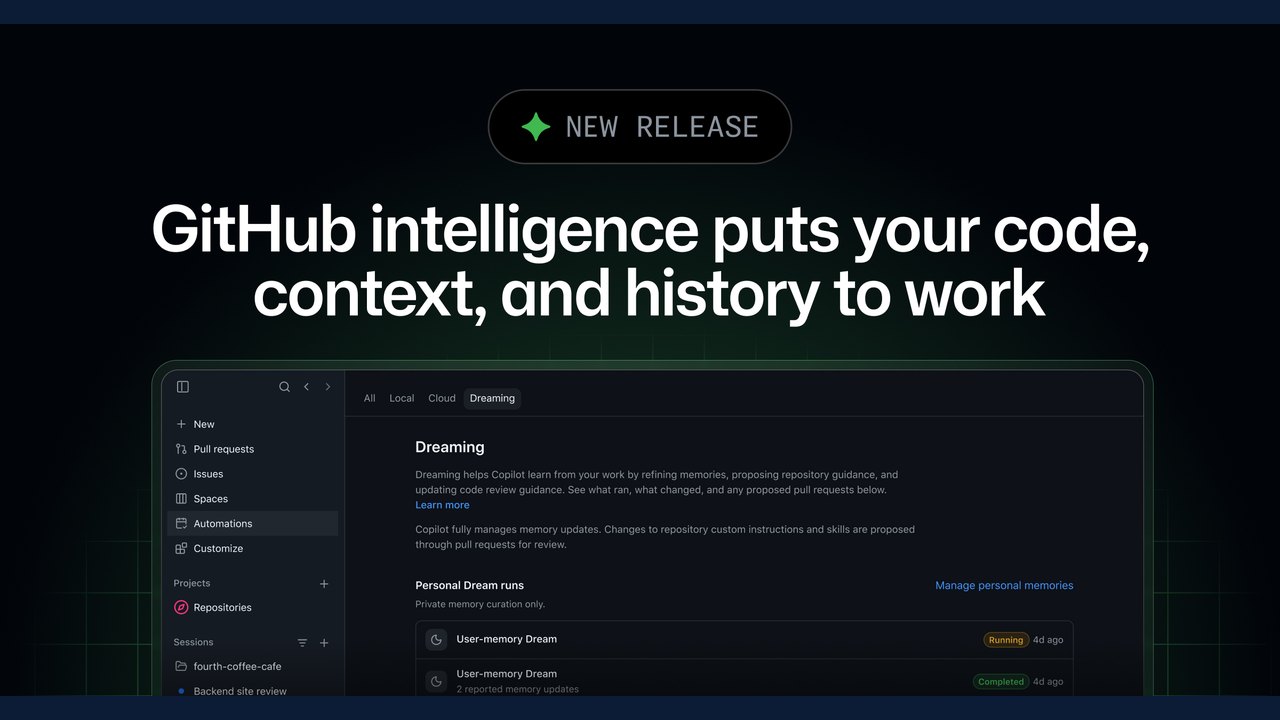 GitHub Intelligence Introduces Cross-Session Memory and Enhanced Code Search
 Critical Microsoft Authenticator Flaw Allowed Android Apps to Steal Session Tokens
 T3 Code Introduces Agent Harness Control Surface for Multiple AI Providers
Trending on GlobeWire Daily
Selected from recent coverage and related topics; not live search rankings.
 Madhya Pradesh Government Plans Revenue Generation from 117-Year-Old Edward Villa in Mumbai Through Leasing
 iPhone 18 Pro Named TechRadar Product of the Year 2026
 Google Project Suncatcher Runs Gemma 4 AI on Orbiting Satellite and Receives First Response
 Gender Disparities in Eye Care Access Across India Examined
 Satellite Images Show Cyclone Arnab Weakening Over India As New System Brews
 Expanding Green and Blue Spaces Crucial for India's Economic and Public Health, Reports Indicate