Five iOS 27 Settings to Adjust for Better Readability and Privacy
· GlobeWire Daily Editorial Desk · Source: www.cnet.com
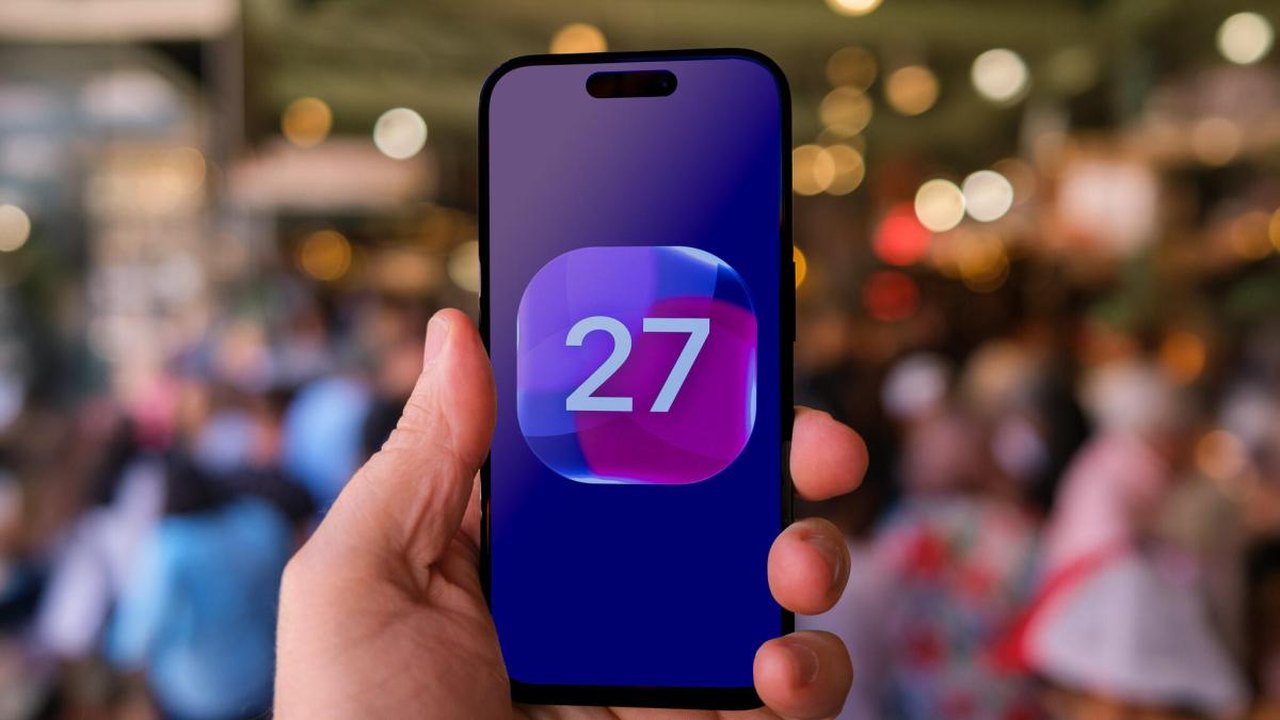
Image: CNET · Photo source · Resized and letterboxed to 16:9; no AI generation
A report outlines five default settings in iOS 27 that users can adjust to improve interface readability, manage Siri conversation history, and control automatic video subtitles. These options apply to compatible iPhone models running the software update.
Key Settings to Adjust
- Liquid Glass and Transparency: Adjust the appearance settings by going to Settings > Appearance > Liquid Glass to add tint and opacity. Alternatively, enable Reduce Transparency under Accessibility settings.
- Siri Conversation Retention: By default, iOS 27 retains Siri chats. Users can change this by navigating to Settings > Siri > Keep Conversations to select a 30-day or 1-year deletion limit.
- Writing Assistance Restrictions: Disable Write with Siri through Screen Time content and privacy restrictions if you do not use Apple's AI writing tools.
- Wake Word Preferences: Switch from the single-word "Siri" command back to "Hey Siri" under Settings > Siri > Talk to Siri to help prevent accidental activations.
- Automatic Video Subtitles: Turn off automatic captions in video player menus or adjust triggers like "When Languages Don't Match" under Accessibility settings.
Practical Implications and Verification
Adjusting these settings can help tailor your iPhone experience to personal preferences regarding privacy and visual clarity. To verify the availability of these controls on your specific device, check the settings menu on an iPhone running iOS 27 or consult Apple's official support documentation.
AI-assisted reporting; source claims are attributed and have not been independently verified.
More to read
 Google Tests iOS-Style Family Hub Settings for Pixel Devices
 Hands-on: Google and Samsung’s Android XR glasses focus on design and privacy
 How Google’s Android XR Glasses Handle Camera and Privacy Features
 Practical Methods and Climate Settings to Prevent Car Window Fogging