GitHub Copilot Assisted Permissions Generally Available Across Multiple Interfaces
· GlobeWire Daily Editorial Desk · Source: github.blog
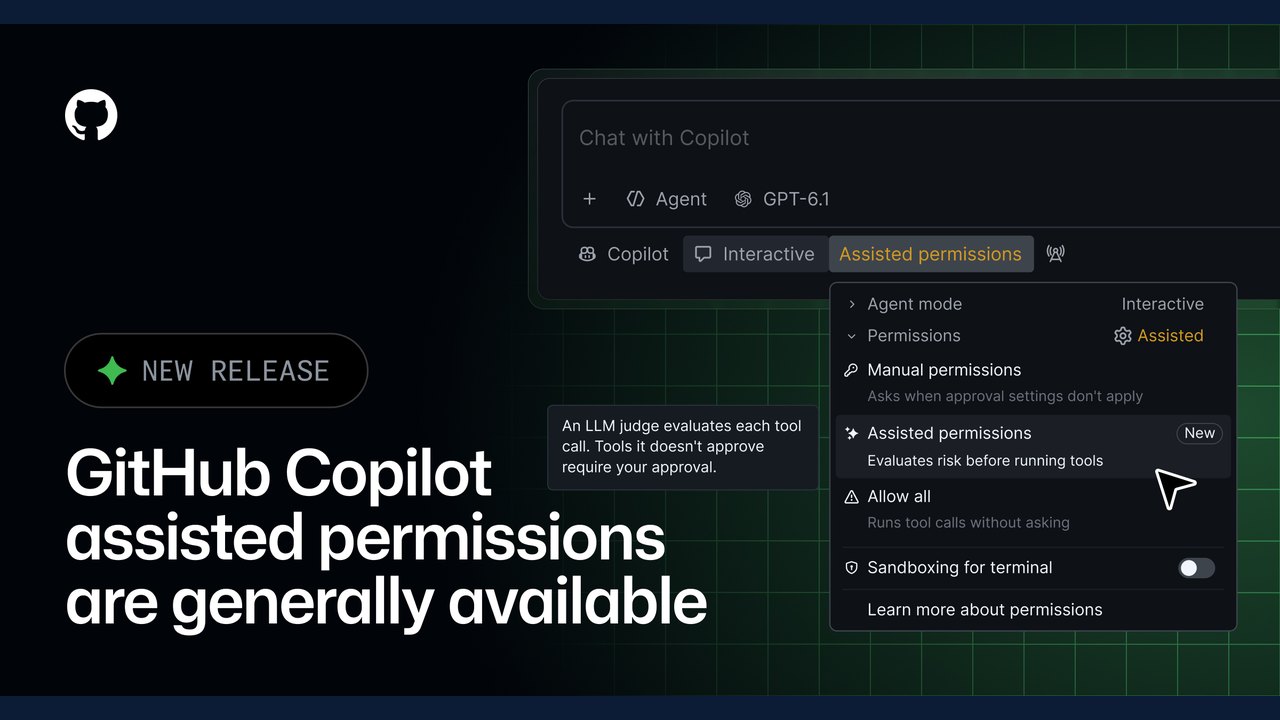
Image: The GitHub Blog · Photo source · Resized and letterboxed to 16:9; no AI generation
GitHub has announced that assisted permissions are now generally available in the GitHub Copilot CLI, the GitHub Copilot app, and Visual Studio Code. According to the announcement, this feature uses a large language model to evaluate requests when Copilot asks for permission to run a command, access a file system path, or open a URL.
How Assisted Permissions Work
- Safe Requests: Requests that are classified as clearly safe proceed automatically without manual intervention.
- Manual Approval: Any requests not classified as clearly safe require user approval before proceeding.
Enabling Assisted Permissions
Users can enable the feature across different supported interfaces using specific commands and settings:
- GitHub Copilot CLI: Run `/permissions` and then select `assisted`.
- GitHub Copilot App: Open the mode picker, click `Tool permissions`, and select `Assisted`.
- Visual Studio Code: Open the permissions picker and select `Assisted permissions`.
Enterprise and Default Settings
Enterprise administrators can configure enterprise-managed settings to block the `Allow All` option while keeping the assisted feature available, or disable assisted permissions separately. Additionally, users can choose a default permission mode for new sessions, though developers remain able to select another mode permitted by policy. If a default mode is unavailable or prohibited by policy, the session will start with manual approval.
Verification and Further Details
To verify the original announcement and review technical guides, developers can consult the official GitHub Blog changelog entry. Documentation regarding how assisted permissions evaluate requests and when approval is required is available through the official documentation resources provided by GitHub.
AI-assisted reporting; source claims are attributed and have not been independently verified.
More to read
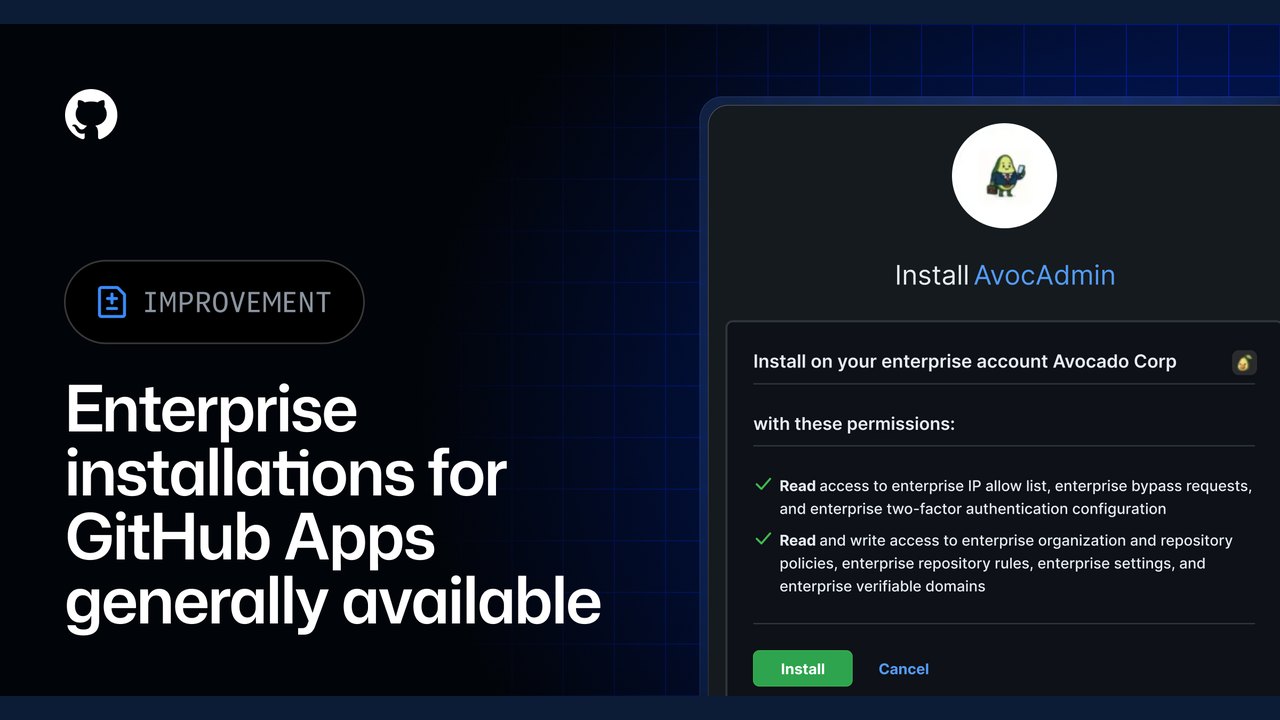 Enterprise Installations for GitHub Apps Generally Available
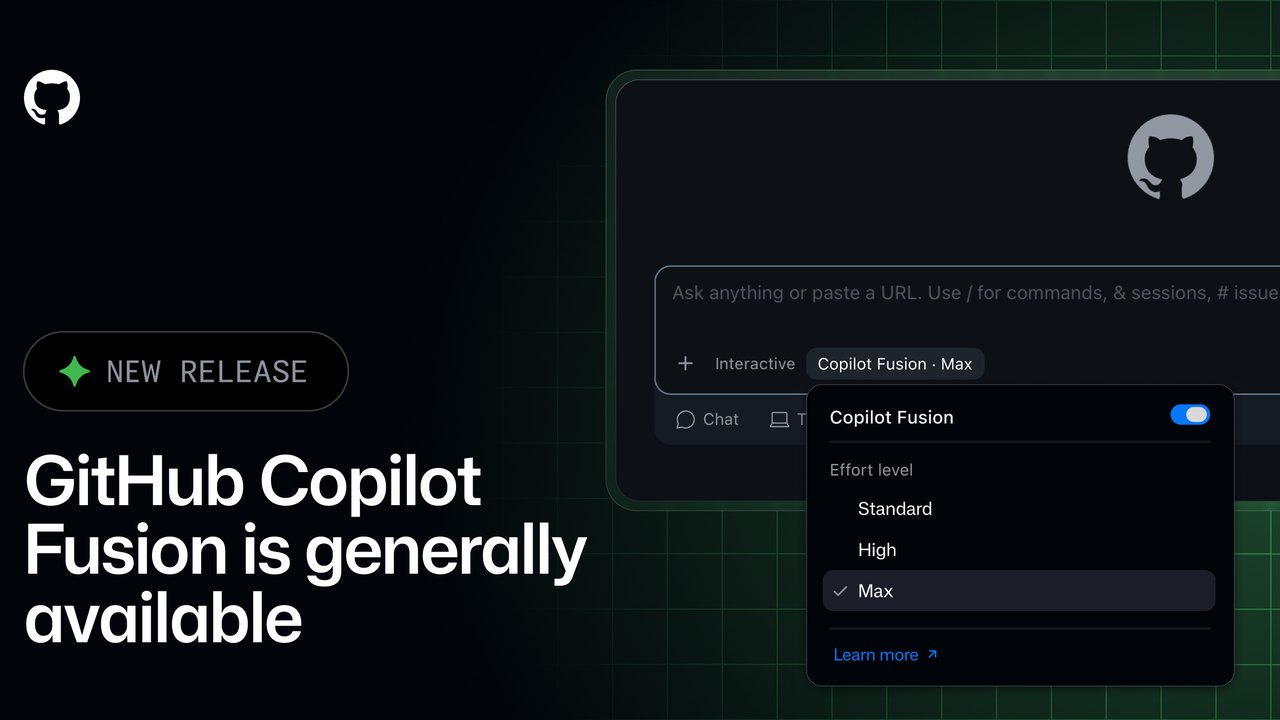 GitHub Copilot Fusion Goes GA: Intelligent Model Routing and Orchestration Now Available
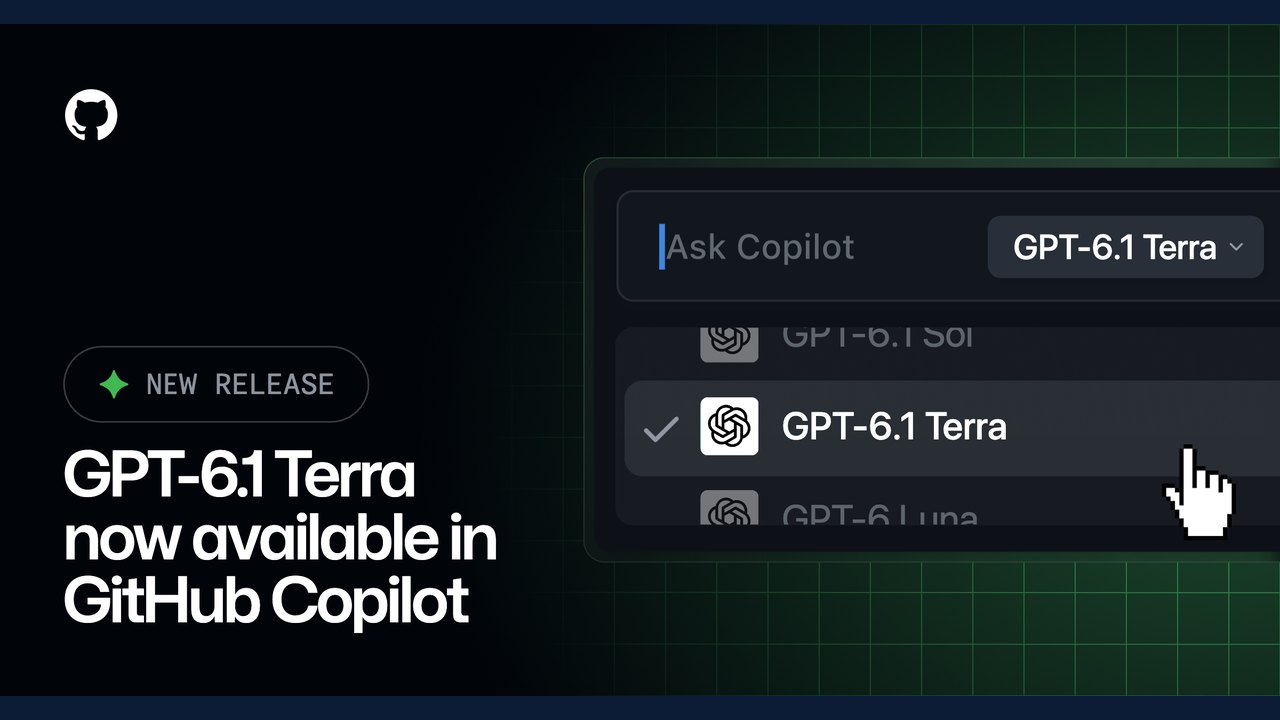 OpenAI’s GPT-6.1 Terra Model Now Available in GitHub Copilot
 GitHub Introduces Connected Copilot Cloud Experience and Flexible Compute Entitlement
Trending on GlobeWire Daily
Selected from recent coverage and related topics; not live search rankings.
 Madhya Pradesh Government Plans Revenue Generation from 117-Year-Old Edward Villa in Mumbai Through Leasing
 iPhone 18 Pro Named TechRadar Product of the Year 2026
 Google Project Suncatcher Runs Gemma 4 AI on Orbiting Satellite and Receives First Response
 Gender Disparities in Eye Care Access Across India Examined
 Satellite Images Show Cyclone Arnab Weakening Over India As New System Brews
 Expanding Green and Blue Spaces Crucial for India's Economic and Public Health, Reports Indicate