GitHub Expands Copilot Code Review with 'Max' Effort Level and Automated Approvals
· GlobeWire Daily Editorial Desk · Source: github.blog
Original GlobeWire Daily editorial illustration — not an event photograph.
Enhanced AI Code Analysis
GitHub has announced the release of a new "Max" review effort level for its Copilot code review tool, now available in public preview. This feature aims to provide more comprehensive analysis for high-risk pull requests, such as updates to authentication logic or core shared libraries.
Unlike previous levels like "Lite" or "Balanced," the Max setting employs multiple independent AI agents across different models. An aggregation agent is used to reconcile findings and address potential discrepancies before finalizing the feedback, a process designed to identify issues that a single model might overlook.
General Availability of Copilot Approvals
Alongside the new review level, GitHub has moved the Copilot approvals feature to general availability. Key aspects of this feature include:
- Approval Integration: Copilot can now formally approve a pull request, with its approval counting toward the repository's mandatory requirements.
- Lifecycle Management: If new commits are added to a branch after Copilot provides an approval, the system automatically dismisses it, requiring a new review cycle to ensure accuracy.
- Configurability: Repository administrators can restrict which file paths Copilot is authorized to approve.
Implementation and Access
These updates are available to users on Copilot Pro, Pro+, Max, Business, and Enterprise plans. Organizations and administrators have control over the implementation:
- Review Settings: Admins can set maximum effort levels for repositories or organizations, preventing the use of "Max" if desired.
- Approval Controls: Approvals remain off by default and must be explicitly enabled by administrators at the desired organizational or repository level.
- Default Effort: Developers can select the review effort level per pull request or configure a default setting for their projects.
GitHub noted that because the Max effort level involves more extensive processing, it may require more time and consume more AI credits compared to lower effort tiers.
How to Verify
Users interested in implementing these features can manage their settings by visiting the official GitHub documentation on "Configuring code review by GitHub Copilot." Further updates and community discussions are hosted on the GitHub Copilot community forums.
AI-assisted reporting; source claims are attributed and have not been independently verified.
More to read
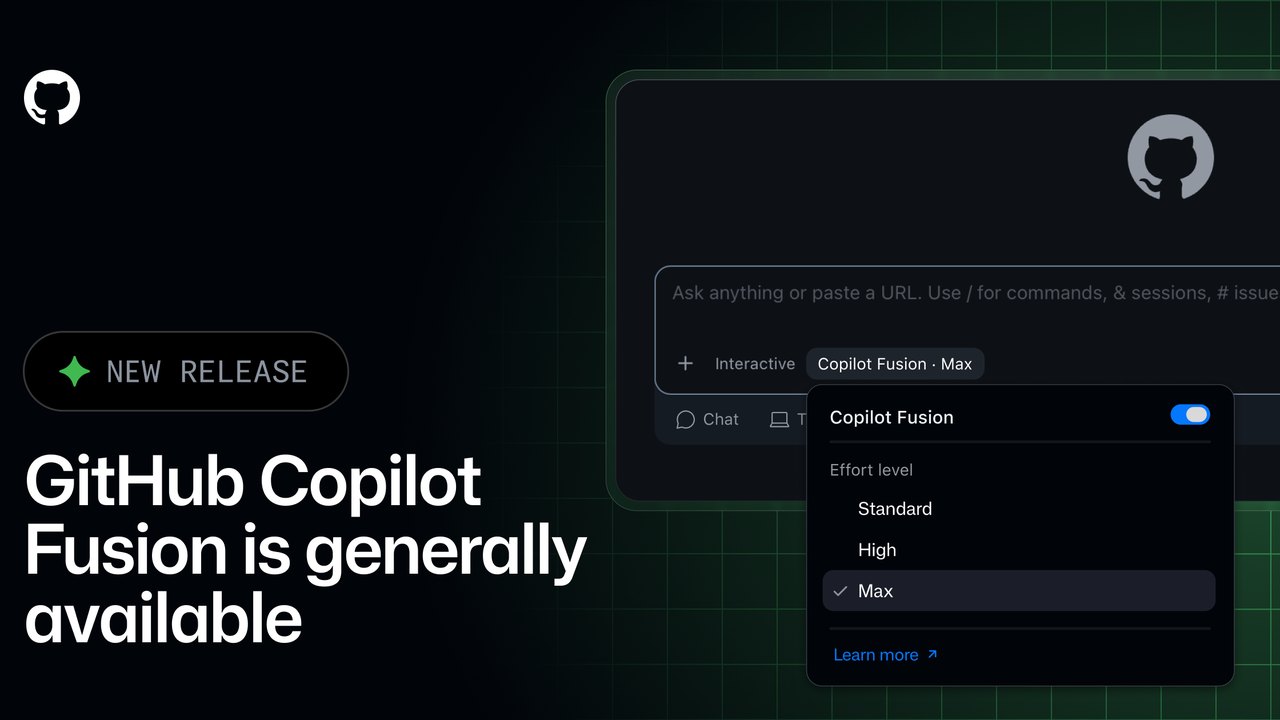 GitHub Copilot Fusion Goes GA: Intelligent Model Routing and Orchestration Now Available
 Windows 11 Insider Builds Introduce New Xbox Shortcuts and Enhanced Search Capabilities
 New Android 'SMS of Death' Exploit Can Remotely Crash Unpatched Phones
 Exploring Android Chrome's Hidden Flags to Optimize Mobile Web Navigation
Trending on GlobeWire Daily
Selected from recent coverage and related topics; not live search rankings.
 US Tech Sector Faces Market Volatility Amid Heightened AI Spending Scrutiny
 Manchester United Manager Michael Carrick Addresses Friction with Captain Bruno Fernandes
 Open Genjutsu Launches Local-First Workflow for AI-Powered Video Recasting
 Lexmount Releases Moli: A Rust-Based Headless Browser Optimized for AI Agents
 Tonga Secures Semifinal Spot with Narrow Victory Over Samoa
 Inde Navarrette Makes 'SNL' Hosting Debut With Targeted Comedy and Film Announcements