GitHub Introduces Support for ACCESSIBILITY.md Files to Centralize Project Accessibility Information
· GlobeWire Daily Editorial Desk · Source: github.blog
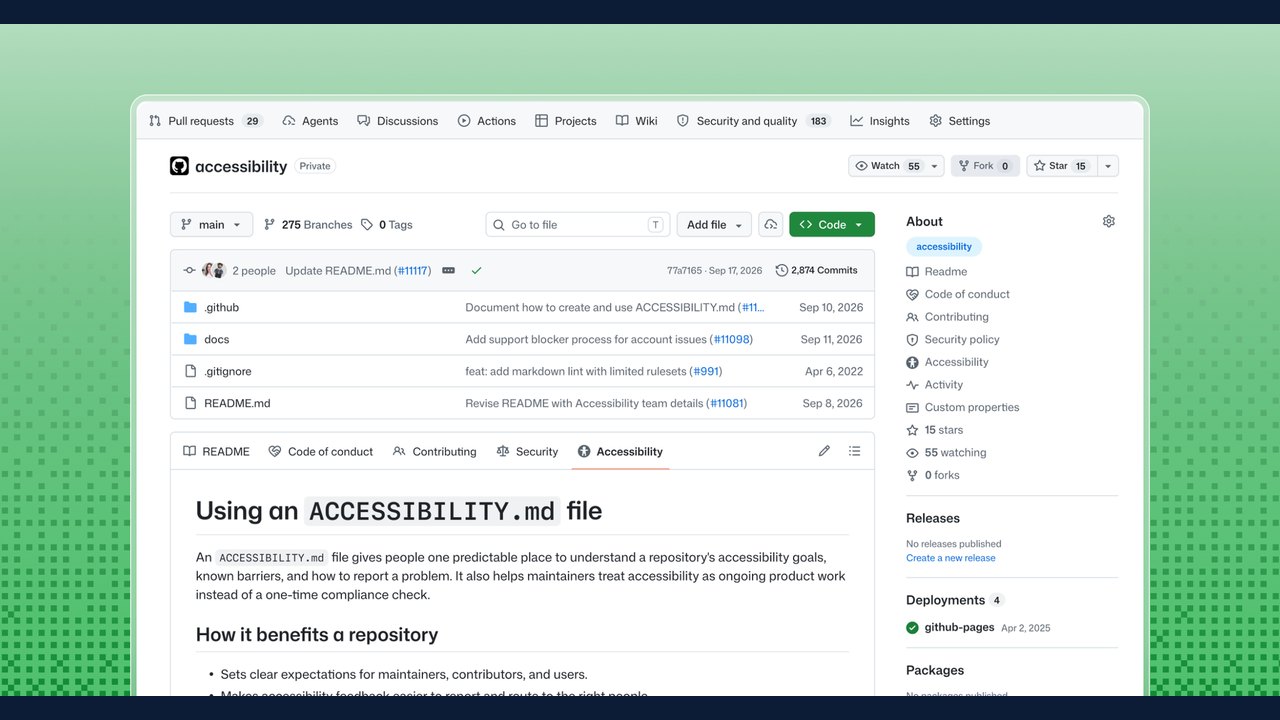
Image: Jan Maarten · Photo source · Resized and letterboxed to 16:9; no AI generation
GitHub has announced support for a dedicated `ACCESSIBILITY.md` file, providing open-source maintainers with a centralized place to document accessibility goals, known limitations, and reporting procedures directly within repository overviews. According to GitHub's announcement, accessibility information has traditionally been scattered across issue trackers, documentation, and external conversations. The new initiative aims to make these practices more discoverable.
Discoverability and Community Standards
GitHub now recognizes the `ACCESSIBILITY.md` file when placed in a repository's root directory, `.github/` folder, or `docs/` directory. Furthermore, repositories can inherit statements from an organization's `.github/` repository. For public repositories, maintainers can add or propose a statement directly through the Insights > Community Standards tab using a provided starter document. Additionally, new repositories will include a default accessibility issue label to help maintainers track and organize related tasks.
Recommended Contents of an Accessibility Statement
GitHub notes that there is no single mandatory format, allowing projects to tailor the file to their specific capacity and user base. However, recommended sections include:
- Priorities and goals: Outlining why accessibility matters and which user experiences are prioritized.
- Contributor expectations: Detailing required accessibility checks and review practices for code changes.
- Reporting paths: Establishing direct, accessible methods for reporting barriers without requiring disability disclosure.
- Response processes: Explaining how maintainers triage and track issues.
- Supported environments: Listing tested platforms, browsers, and assistive technologies.
- Known limitations: Documenting existing barriers and available workarounds.
Projects can also reference target standards such as the Web Content Accessibility Guidelines (WCAG), though GitHub emphasizes that mentioning a target does not substitute for a formal conformance evaluation.
Practical Implications and Verification
Early adopters, such as the GitHub CLI and the GitHub Annotation Toolkit, have begun documenting specific workarounds and limitations, such as canvas-based UI constraints or screen reader considerations. Developers and contributors can review these files in the repository overview to understand existing constraints and expectations.
To verify or implement this feature, maintainers can check their repository settings under community standards or review GitHub's official blog announcement for starter templates.
AI-assisted reporting; source claims are attributed and have not been independently verified.
More to read
 Workday Introduces Workday GO for Financials to Support Growing Companies
 GitHub Introduces Connected Copilot Cloud Experience and Flexible Compute Entitlement
 KytyPS5-Native GitHub Project Explores Running PS5 Titles on Linux via AMD BC-250 Hardware
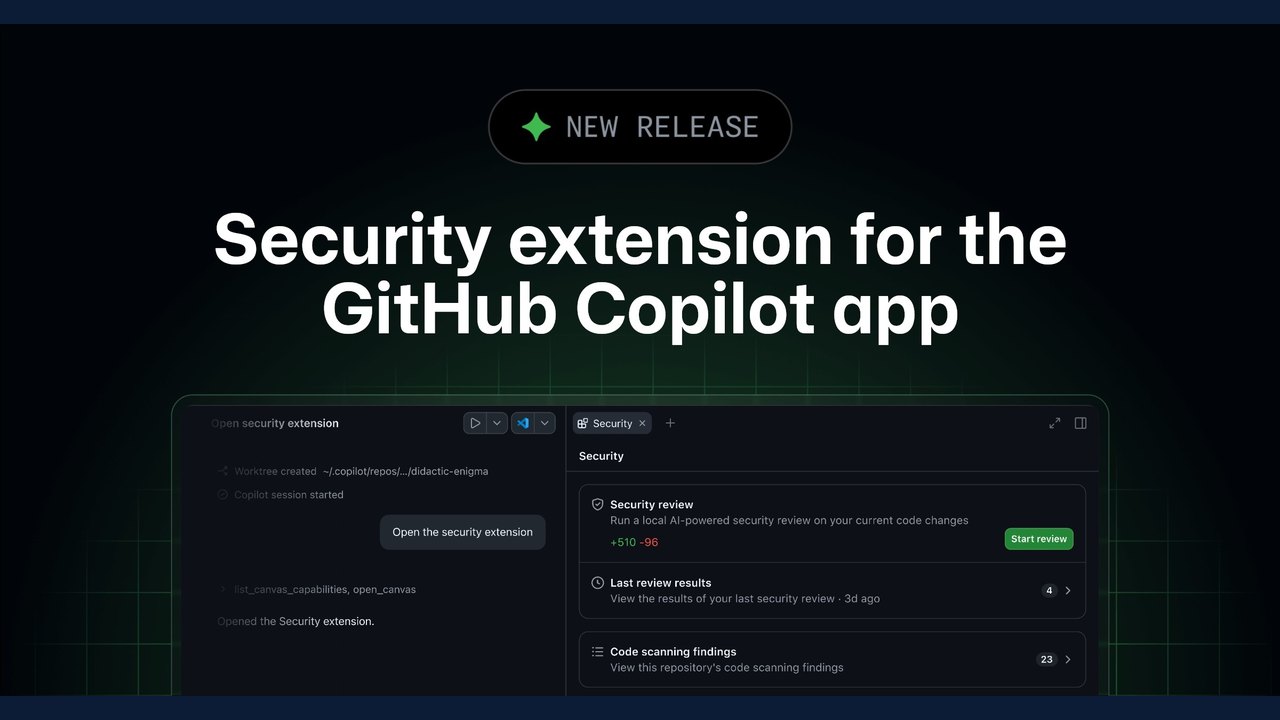 GitHub Introduces Security Extension for the Copilot App in Public Preview