Apps & Software
GitHub Introduces Security Extension for the Copilot App in Public Preview
· GlobeWire Daily Editorial Desk · Source: github.blog
Key takeawaysGitHub has announced a new security extension for the GitHub Copilot app, currently available in public preview. According to the announcement, the extension allows users to manage and address repository code scanning alerts directly within the Copilot app without switching to the main website or editor.
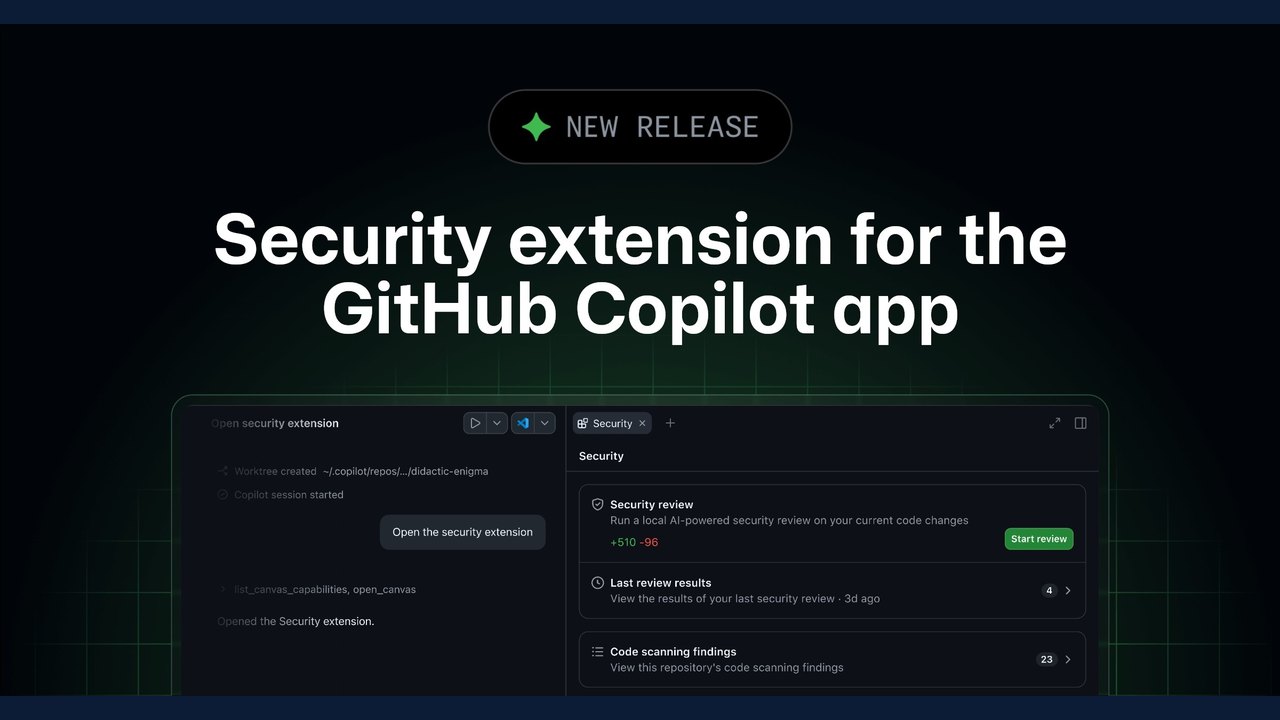
Image: The GitHub Blog · Photo source · Resized and letterboxed to 16:9; no AI generation
GitHub has announced a new security extension for the GitHub Copilot app, currently available in public preview. According to the announcement, the extension allows users to manage and address repository code scanning alerts directly within the Copilot app without switching to the main website or editor.
Key Features of the Security Extension
- Centralized Alert Management: Browse, search, and filter open code scanning alerts ordered by severity, view affected code, and check linked pull requests.
- AI-Assisted Fixes: Select one or multiple alerts to ask Copilot to explain or fix them. Fixes are applied only in the local working copy, allowing developers to review and iterate before committing or pushing.
- Dismissals and Approvals: Dismiss alerts directly or route them for approval if the organization uses delegated alert dismissal.
- Local Security Reviews: Run the `/security-review` command on current changes to catch new issues before opening a pull request, with notifications when code changes necessitate a re-review.
- Chat Integration: Ask Copilot about alerts in chat, subject to existing tool permission settings.
Availability and Requirements
- Platform Support: The public preview is available on github.com and GitHub Enterprise Cloud with data residency. GitHub Enterprise Server is not currently supported.
- Plan Requirements: Compatible with any Copilot plan for installation and local `/security-review` execution. Copilot Business and Enterprise tiers require administrators to enable the GitHub Copilot app policy and manage plugin permissions.
- Code Scanning Integration: Viewing, fixing, and dismissing existing alerts require code scanning to be enabled, appropriate repository permissions, and GitHub Code Security for private repositories.
- AI Credit Usage: Actions such as Explain, Fix, and `/security-review` consume AI credits based on the selected model, while browsing and dismissing alerts do not.
Installation and Verification
- Installation Methods: Users can install the extension via the terminal using `copilot plugin install github-security@awesome-copilot`, or inside the GitHub Copilot app by selecting *Customize*, searching for `github-security`, and clicking *Install*.
- Usage: Once enabled, the Security canvas can be opened from a session for the repository.
- Verification: Users can review the official GitHub security extension documentation and participate in discussions on the GitHub Community forum to verify details and stay updated.
Share this article
Read the original source: Security extension for the GitHub Copilot app
AI-assisted reporting; source claims are attributed and have not been independently verified.
More to read
 GitHub Copilot App Introduces Projects and Computer Use in Public Preview
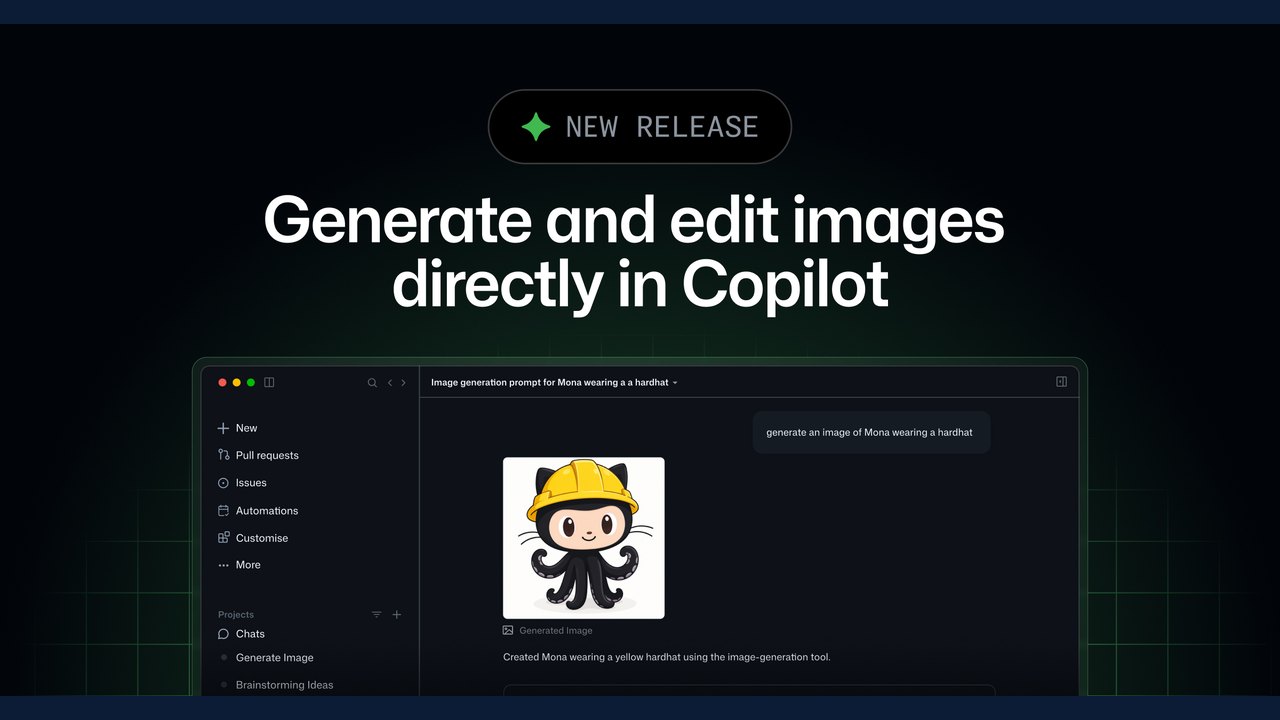 GitHub Copilot Introduces Built-in Natural Language Image Generation and Editing in Public Preview
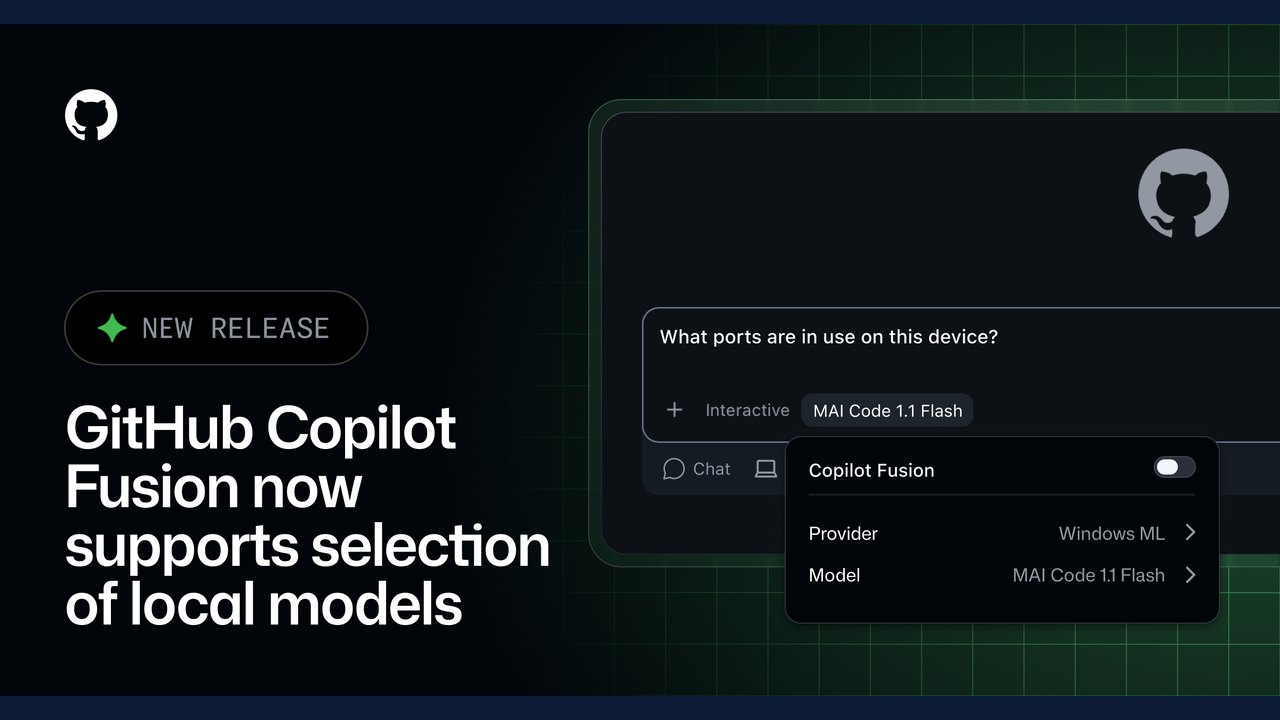 GitHub Copilot Fusion Introduces Intelligent Local Model Routing in Preview
 GitHub Introduces Public Preview for Issue Artifacts
Trending on GlobeWire Daily
Selected from recent coverage and related topics; not live search rankings.
 Madhya Pradesh Government Plans Revenue Generation from 117-Year-Old Edward Villa in Mumbai Through Leasing
 iPhone 18 Pro Named TechRadar Product of the Year 2026
 Google Project Suncatcher Runs Gemma 4 AI on Orbiting Satellite and Receives First Response
 Gender Disparities in Eye Care Access Across India Examined
 Satellite Images Show Cyclone Arnab Weakening Over India As New System Brews
 Expanding Green and Blue Spaces Crucial for India's Economic and Public Health, Reports Indicate