GitHub Copilot App Introduces Projects and Computer Use in Public Preview
· GlobeWire Daily Editorial Desk · Source: github.blog

Image: The GitHub Blog · Photo source · Resized and letterboxed to 16:9; no AI generation
GitHub has announced new features for the GitHub Copilot app, including Copilot Projects and a computer use capability, both currently available in public preview. These updates are designed to help developers manage multi-repository work, connect external tools, and automate desktop applications.
Copilot Projects
Work often spans multiple repositories, design assets, and communication channels. Copilot Projects provide a unified workspace to keep context, agents, and results together:
- Unified Context: Combine repositories, design mockups, Slack threads, and meeting notes in one place.
- Agent Coordination: Copilot runs multiple background agents as needed and returns deliverables, such as pull requests, for user review.
- Automations: Set up repeatable workflows, like generating promotional videos when a feature is completed.
For focused tasks within a single repository, users can still initiate direct sessions.
Computer Use on macOS and Windows
Announced in public preview, the computer use feature allows Copilot to interact with desktop applications on macOS and Windows, including apps that lack an API, command-line interface, or MCP integration.
- Capabilities: Copilot can read app content, click controls, enter or edit text, and navigate across apps to handle workflows like expense reports.
- Safety and Controls: Copilot requests user approval prior to controlling an application. Organizations can also disable this feature via managed settings.
- Configuration: Users can enable the feature by navigating to Settings > Computer Use in the app. macOS users must additionally grant Accessibility and Screen Recording permissions.
Additional Integrations and Verification
The app also supports context from tools like Slack and Figma for research and drafting specifications, alongside natural language image generation and editing in chat.
Developers can review the official GitHub blog changelog and documentation to verify release details, check prerequisites, and join community discussions.
AI-assisted reporting; source claims are attributed and have not been independently verified.
More to read
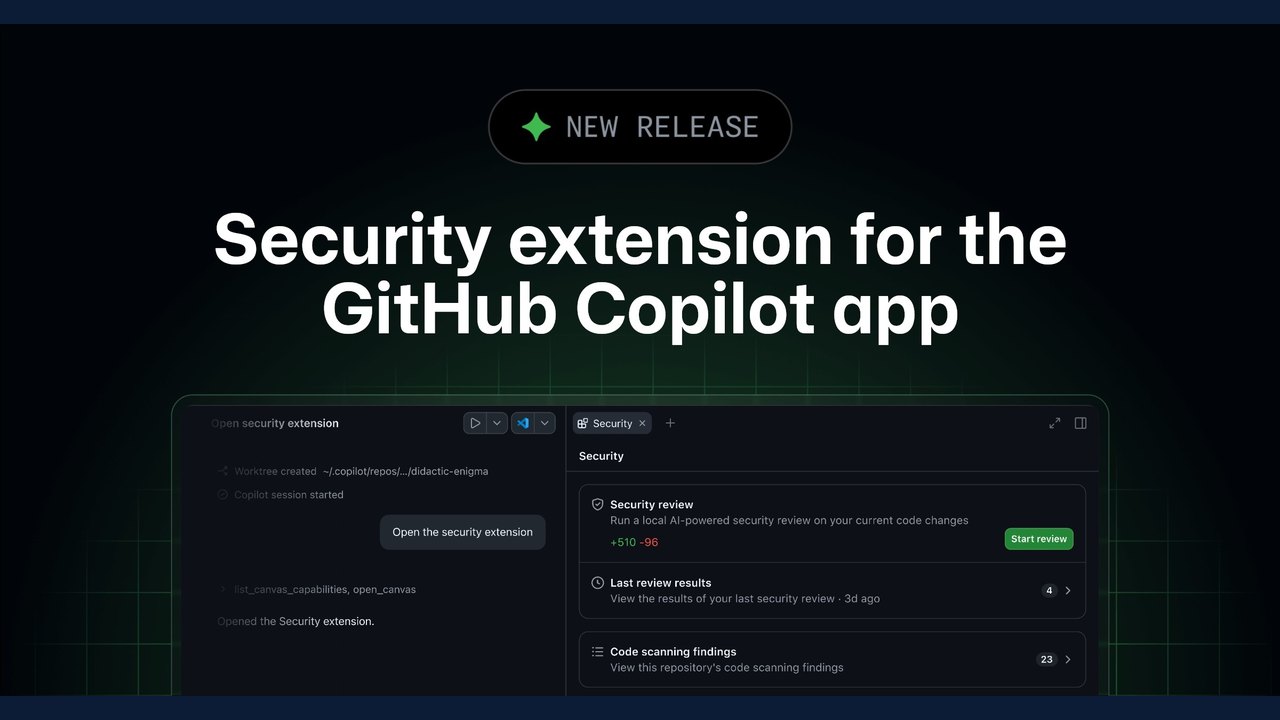 GitHub Introduces Security Extension for the Copilot App in Public Preview
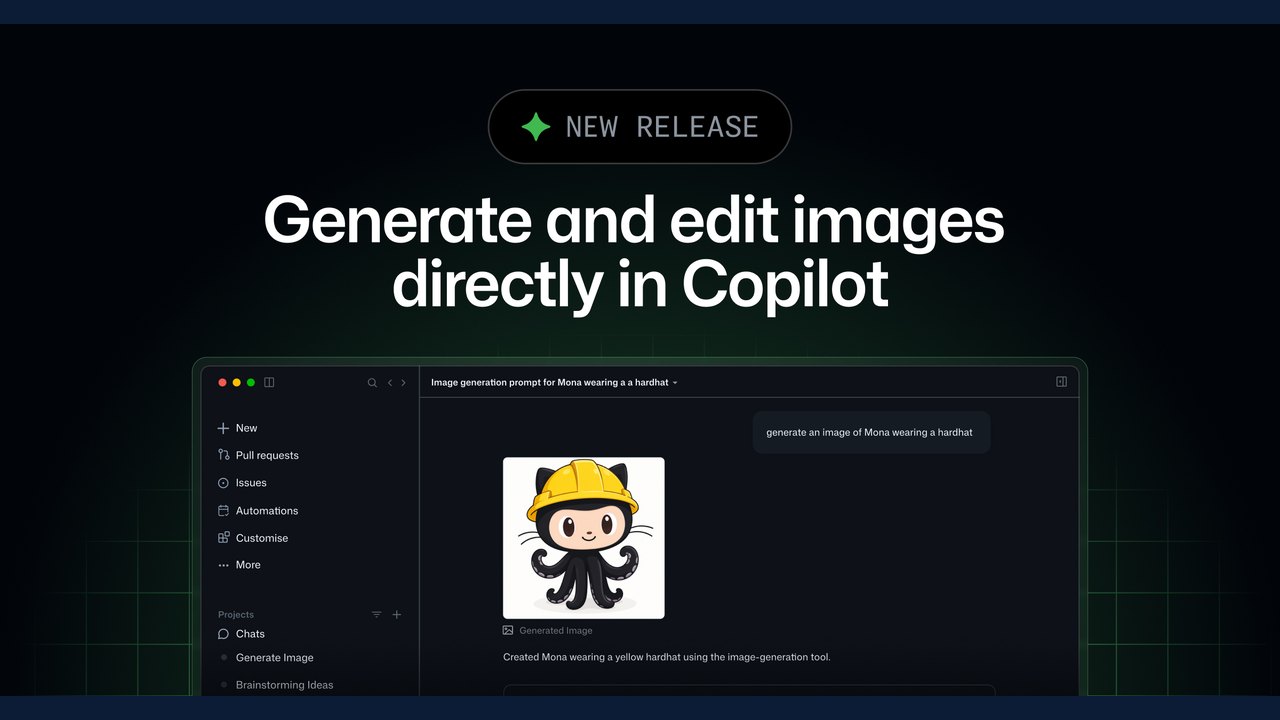 GitHub Copilot Introduces Built-in Natural Language Image Generation and Editing in Public Preview
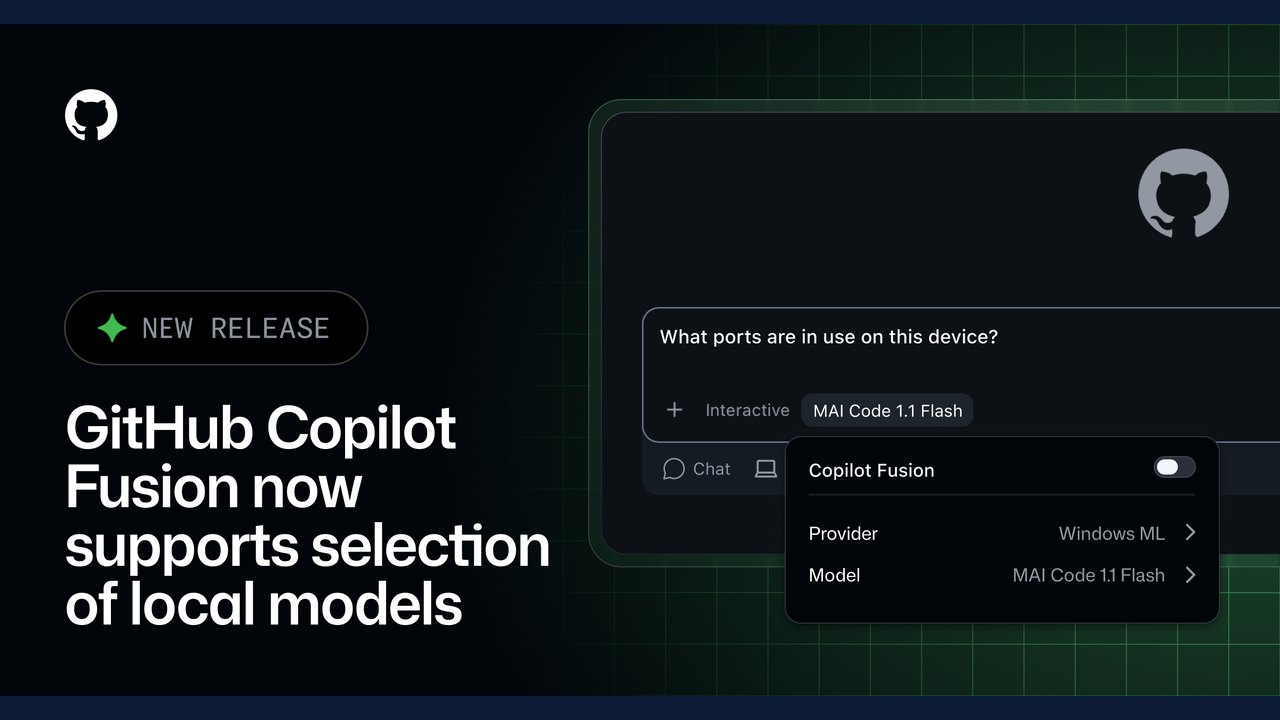 GitHub Copilot Fusion Introduces Intelligent Local Model Routing in Preview
 GitHub Introduces Public Preview for Issue Artifacts
Trending on GlobeWire Daily
Selected from recent coverage and related topics; not live search rankings.
 Madhya Pradesh Government Plans Revenue Generation from 117-Year-Old Edward Villa in Mumbai Through Leasing
 iPhone 18 Pro Named TechRadar Product of the Year 2026
 Google Project Suncatcher Runs Gemma 4 AI on Orbiting Satellite and Receives First Response
 Gender Disparities in Eye Care Access Across India Examined
 Satellite Images Show Cyclone Arnab Weakening Over India As New System Brews
 Expanding Green and Blue Spaces Crucial for India's Economic and Public Health, Reports Indicate