OpenWorker launches open‑beta AI coworker that runs locally and emphasizes governance
· GlobeWire Daily Editorial Desk · Source: github.com
Image: GitHub · Photo source · Resized and letterboxed to 16:9; no AI generation
Overview
OpenWorker, an open‑source AI coworker project hosted on GitHub, entered open beta in early 2024. The application runs on the user’s desktop, can connect to a range of large‑language‑model (LLM) providers, and is marketed as a tool that delivers finished deliverables – code reviews, documents, Slack replies, and more – rather than just chat responses.
Confirmed capabilities (as described in the repository)
- Local‑first architecture – the agent loop, conversation history, connector tokens and model keys stay on the machine. The only cloud component is a lightweight OAuth broker for third‑party connectors.
- Model flexibility – users can supply their own API keys for OpenAI, Anthropic, Google Gemini, Azure OpenAI, or any OpenAI‑compatible endpoint. Fully local models are supported via Ollama, llama.cpp, vLLM, LM Studio, etc.
- Security‑focused coworkers – the first specialist agents are designed for security tasks such as code‑base vulnerability scanning, cloud‑posture audits, and incident triage. Findings combine deterministic scanners (e.g., semgrep) with LLM reasoning, and proposed fixes are re‑scanned before user approval.
- Governance layer – every tool call is logged with an audit trail indicating whether it was auto‑approved, user‑approved, or denied. Dangerous operations are placed on a “hard floor” that always requires human confirmation. An “earned autonomy” ladder lets routine actions be auto‑approved after repeated user consent, but a circuit‑breaker pauses automation after multiple denials.
- Sandboxed execution – on macOS the built‑in sandbox isolates each agent’s file system and network access. On Windows a hidden local account provides similar isolation, and on Linux/macOS users can enable an NVIDIA OpenShell container that runs commands in a dedicated Linux container.
- Integrations – more than 25 connectors are listed, including GitHub, Slack, Jira, Notion, Linear, HubSpot, Outlook, Gmail, Google Calendar, and generic MCP‑compatible tools.
- Automation scheduling – users can define recurring jobs (morning briefs, weekly reports, channel watches) that run on a schedule and produce full transcripts.
Reported claims and current unknowns
- The project claims to “produce real deliverables” such as polished documents and ready‑to‑merge code fixes. Independent verification of the quality of these outputs is not yet publicly available.
- It states that “attackers already use AI, and defenders deserve the same leverage.” While the security‑focused agents are designed for defensive use, the effectiveness of the AI‑driven security workflow compared with traditional tools remains to be benchmarked.
- The repository mentions auto‑updates and a self‑updating desktop client, but the frequency and scope of these updates have not been disclosed.
Platform support
- macOS (Apple Silicon, macOS 12+) – signed, notarized, and auto‑updating.
- Windows 10/11 (x64) – builds are currently unsigned, so SmartScreen may warn users; signing is in progress.
How to get started
- Download the appropriate installer from the GitHub releases page.
- Launch the app and add a model key under Settings → Models & Keys (or point the app at a local Ollama server).
- Choose a coworker (e.g., *Security Review*) and describe the task.
- Review the agent’s step‑by‑step plan; approve or redirect before any command runs.
- Retrieve the final file (report, code diff, spreadsheet) from the app’s output folder.
Practical implications for users
- Data privacy – because the core engine stays on the local machine, only the LLM provider sees the prompt data. Users retain full control over which API keys are used.
- Compliance – the built‑in audit log can help organizations demonstrate who approved a particular automated action, a useful feature for regulated industries.
- Extensibility – developers can build custom agents on top of the underlying `aisuite` library, which the repo exposes as a reference implementation.
Verifying the announcement
- The official source is the GitHub repository andrewyng/openworker (https://github.com/andrewyng/openworker) The README and `docs/` folder contain the feature list, platform notes, and security design.
- For the latest binary, compare the SHA‑256 checksum posted in the release assets with the file you download.
- Community feedback can be tracked via the repository’s Issues and Pull Requests sections, where users report bugs, request features, and share performance observations.
--- *This article is based solely on publicly available information from the OpenWorker GitHub repository and does not contain original reporting.*
AI-assisted reporting; source claims are attributed and have not been independently verified.
More to read
 Canada Launches $2M Challenge for AI Governance Tools That Track Decisions and Ensure Compliance
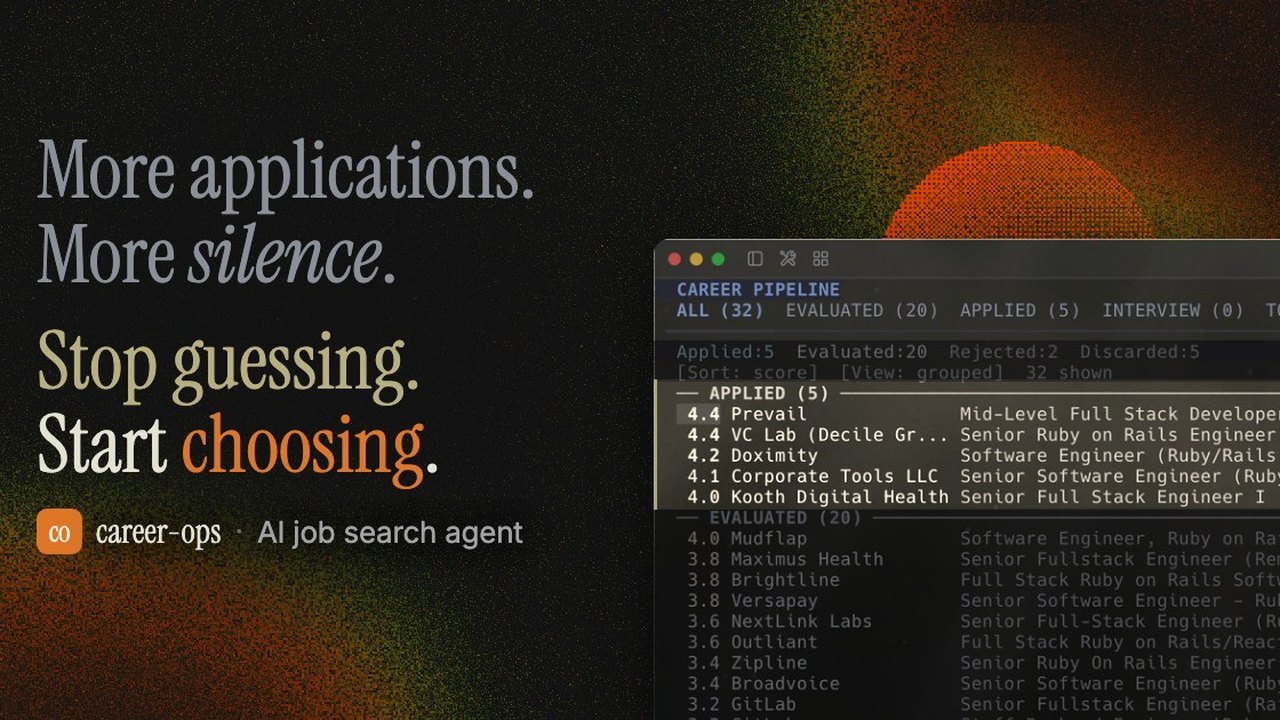 Open-Source AI Job Search Tool 'Career-Ops' Launches Locally via AI Coding CLIs
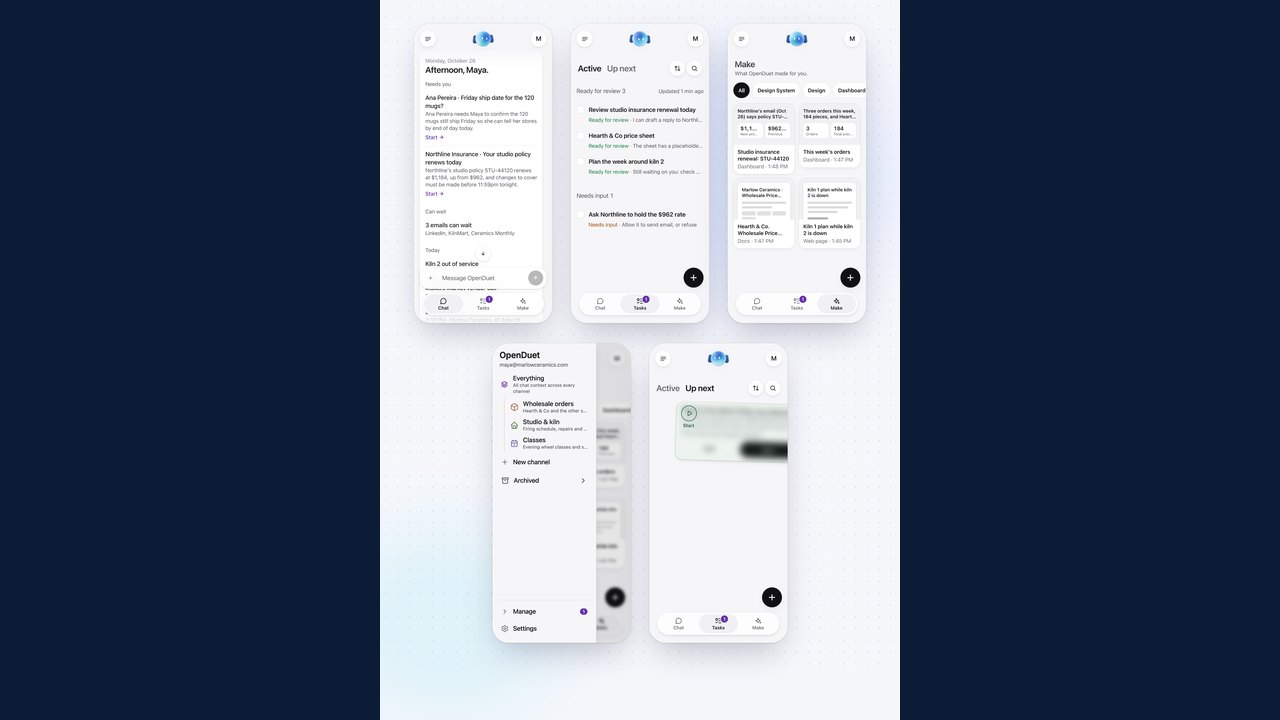 OpenDuet Launches as Open‑Source Proactive Agent to Automate Workflows
 PhotoCraft Launches as Open‑Source Photoshop‑Like Editor Built Entirely in Rust
Trending on GlobeWire Daily
Selected from recent coverage and related topics; not live search rankings.
 Harley-Davidson Pan America: Specifications & buying guide
 Ducati Mach 1: Specifications & buying guide
 Zeekr 001: Specifications, variants & buying guide
 Wuling Zhengtu: Specifications, variants & buying guide
 Samsung Galaxy Note 3: Specifications & buying guide
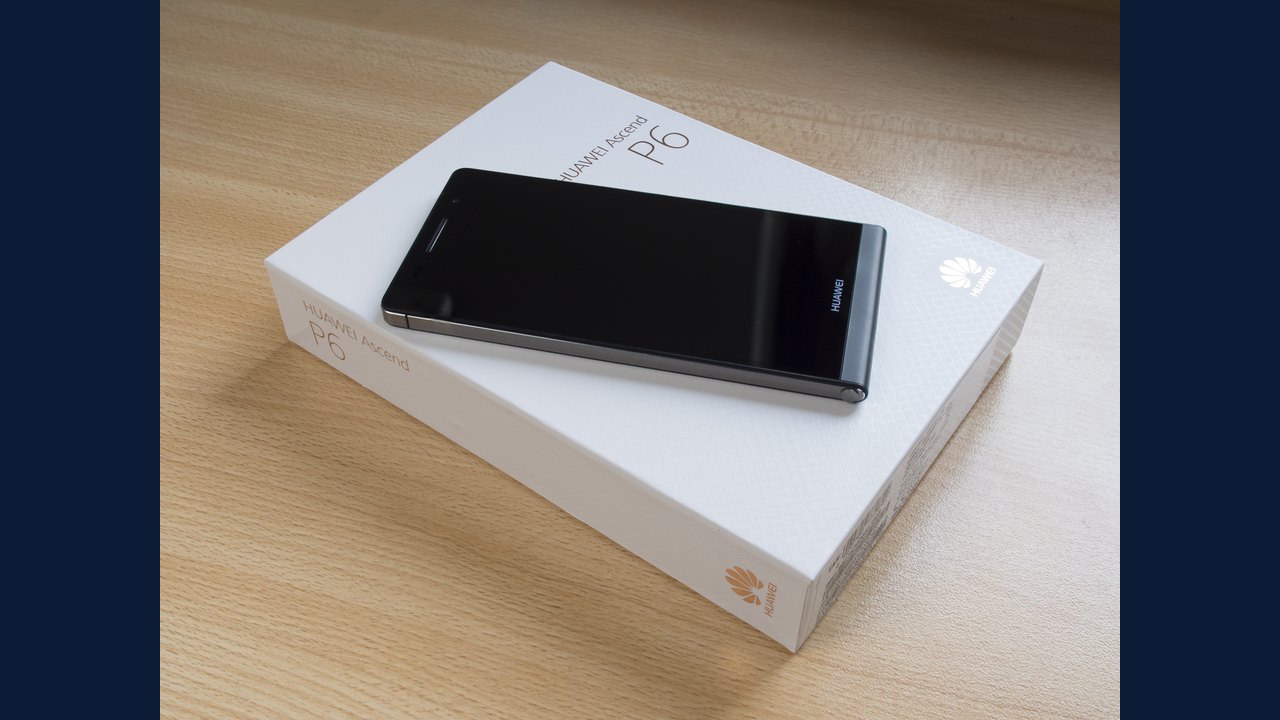 Huawei Ascend P6: Specifications & buying guide