PhotoCraft Launches as Open‑Source Photoshop‑Like Editor Built Entirely in Rust
· GlobeWire Daily Editorial Desk · Source: github.com
Image: GitHub · Photo source · Resized and letterboxed to 16:9; no AI generation
Overview
PhotoCraft is a brand‑new, open‑source image‑editing application that aims to provide a clean‑room, Photoshop‑compatible experience while being written from scratch in pure Rust. The project is hosted on GitHub (https://github.com/storytold/photocraft) and is distributed under a dual MIT/Apache‑2.0 license.
Core Features
- Layer‑based editing – supports layers, masks, adjustment layers, layer styles, vector shapes and brushes.
- Real‑time text and vector tools – live‑type editing, drop‑shadows, and full SVG‑style vector handling.
- Adjustment stack – includes Vibrance, Curves, Levels, and other common photo‑corrections.
- Command‑driven UI – every menu item, tool and dialog maps to one of more than 500 internal commands, making the UI scriptable and AI‑agent friendly.
- Cross‑platform – native builds for macOS, Windows, Linux, FreeBSD and a WebAssembly version that runs in browsers.
PSD Compatibility
PhotoCraft ships a dedicated `photocraft-psd` crate that implements Adobe’s public PSD specification. Independent testing shows:
- Round‑trip fidelity – opening and re‑saving 307 of 309 files from the psd‑tools test set reproduces the original visual result; 169 of 170 files in a mixed ag‑psd/psd‑tools corpus also pass.
- Preservation of unknown blocks – any PSD elements not yet modelled (raw blocks, descriptors, extras) are carried over unchanged.
- Pixel‑perfect oracle – a composite comparison against Adobe Photoshop confirms matching gradient interpolation, layer effects, shape strokes, clipping and fill opacity.
Performance & Architecture
- Two compositors – a CPU reference compositor and a GPU‑accelerated wgpu compositor are cross‑validated.
- Copy‑on‑write tiles – 256×256 sparse tiles keep undo memory cheap and large canvases lightweight.
- Engine‑first design – a pure‑data document model and command engine sit beneath a thin `egui` UI, allowing the same commands to be invoked via UI, CLI, JSON control channel or an external AI agent.
- Extensive test suite – >1,700 automated tests covering PSD round‑trips, synthetic generators, compositor oracles and multi‑depth checks.
Platform Support & Installation
| Platform | Installer Types | |----------|-----------------| | macOS | Signed DMG & CLI zip | | Windows | .exe installer | | Linux | AppImage, .deb, .rpm, tarball, Flatpak | | FreeBSD | Tarball for `/usr/local` | | Browser | WebAssembly bundle |
Installation notes:
- The Linux AppImage registers a desktop entry on first run; set `PHOTOCRAFT_NO_DESKTOP_INTEGRATION=1` to skip.
- Wayland drag‑and‑drop is not yet supported; use XWayland or the traditional File → Open dialog.
- The CLI (`photocraft --cli`) can drive the engine head‑less and expose a control protocol for automation.
Licensing & Community
PhotoCraft is dual‑licensed (MIT or Apache‑2.0) and the source code, fonts, icons and sample assets each retain their original open licenses. The project lives under the broader *ArtCraft* umbrella, a collection of Rust‑based creative tools. Community interaction happens on the official Discord server (discord.gg/artcraft) and via GitHub issues.
Current Status & Roadmap
The software is labeled early‑alpha. Most Photoshop UI elements are wired to commands, but several gaps remain:
- No AI‑generated features.
- About 15 tools are still missing (e.g., advanced selection, content‑aware fill).
- Typography depth and professional workflow integrations are incomplete.
- Plug‑in compatibility is not yet provided.
The developers publish a public roadmap and a parity checklist that detail which features are functional, which are wired but untested, and which are still planned.
How to Verify & Get Involved
- Download the latest release from the official page (https://getartcraft.com/photocraft) or the GitHub releases page.
- Run the built‑in PSD test: `cargo xtask test-corpus` (requires Rust toolchain) to reproduce the round‑trip numbers reported by the team.
- Compare renders: open a known PSD file, export the merged image, and visually compare it with Photoshop’s output.
- Report issues – include OS, document size, layer count and a screenshot on GitHub or Discord.
- Contribute – the repository contains `AGENTS.md` and `docs/` for building custom scripts or AI agents that drive PhotoCraft via the JSON control channel.
*PhotoCraft does not claim affiliation with Adobe; all trademarked names are used solely for compatibility description.*
AI-assisted reporting; source claims are attributed and have not been independently verified.
More to read
 How One Android Browser Replaced My VPN, VLC, and Download Manager
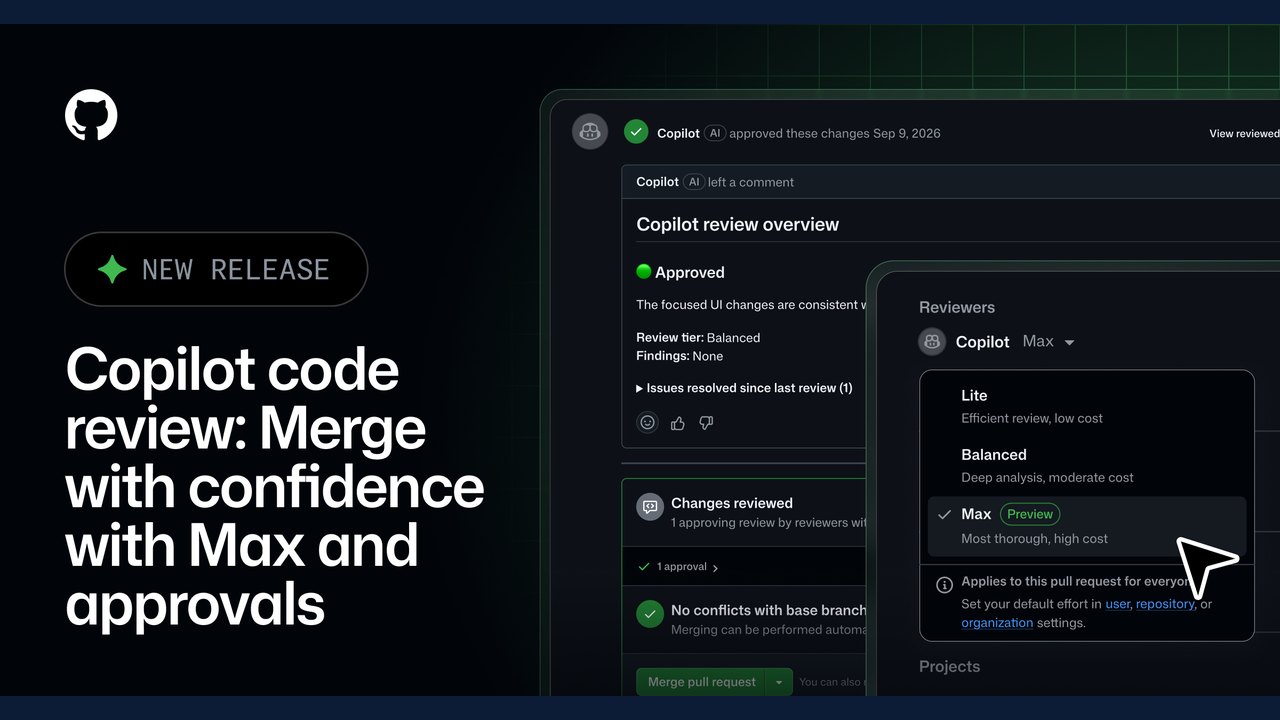 GitHub Expands Copilot Code Review with 'Max' Effort Level and Automated Approvals
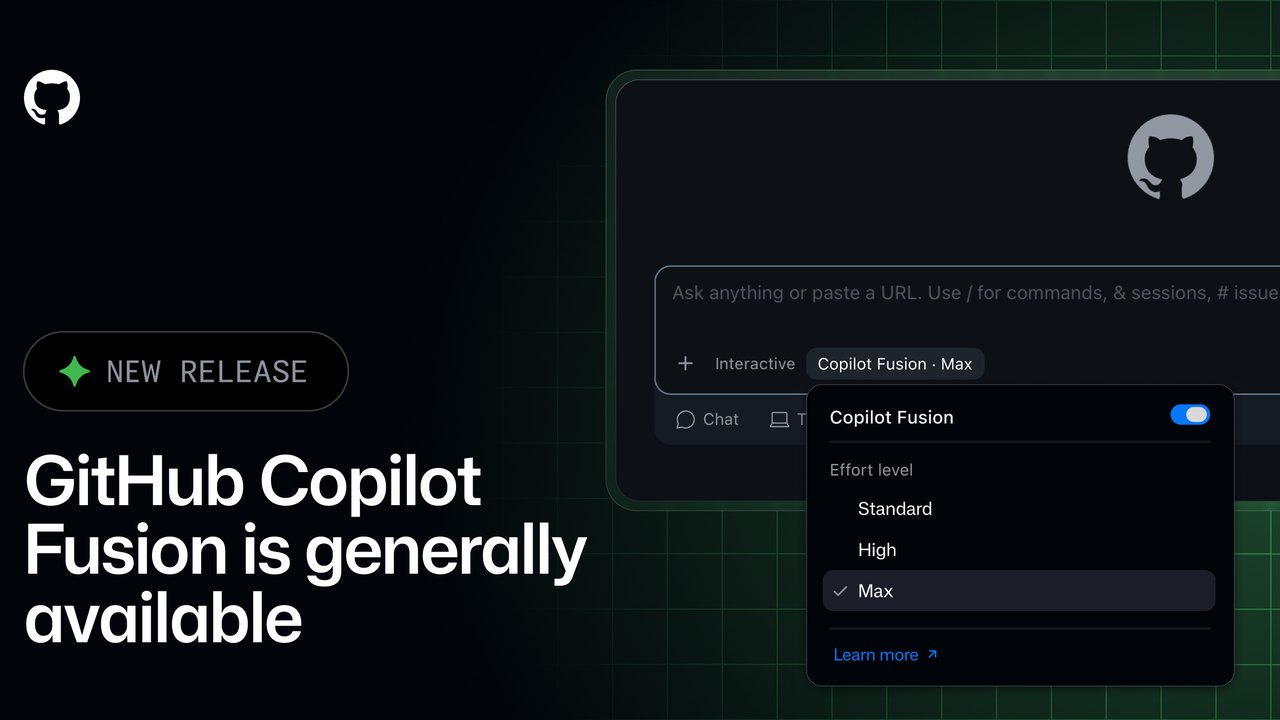 GitHub Copilot Fusion Goes GA: Intelligent Model Routing and Orchestration Now Available
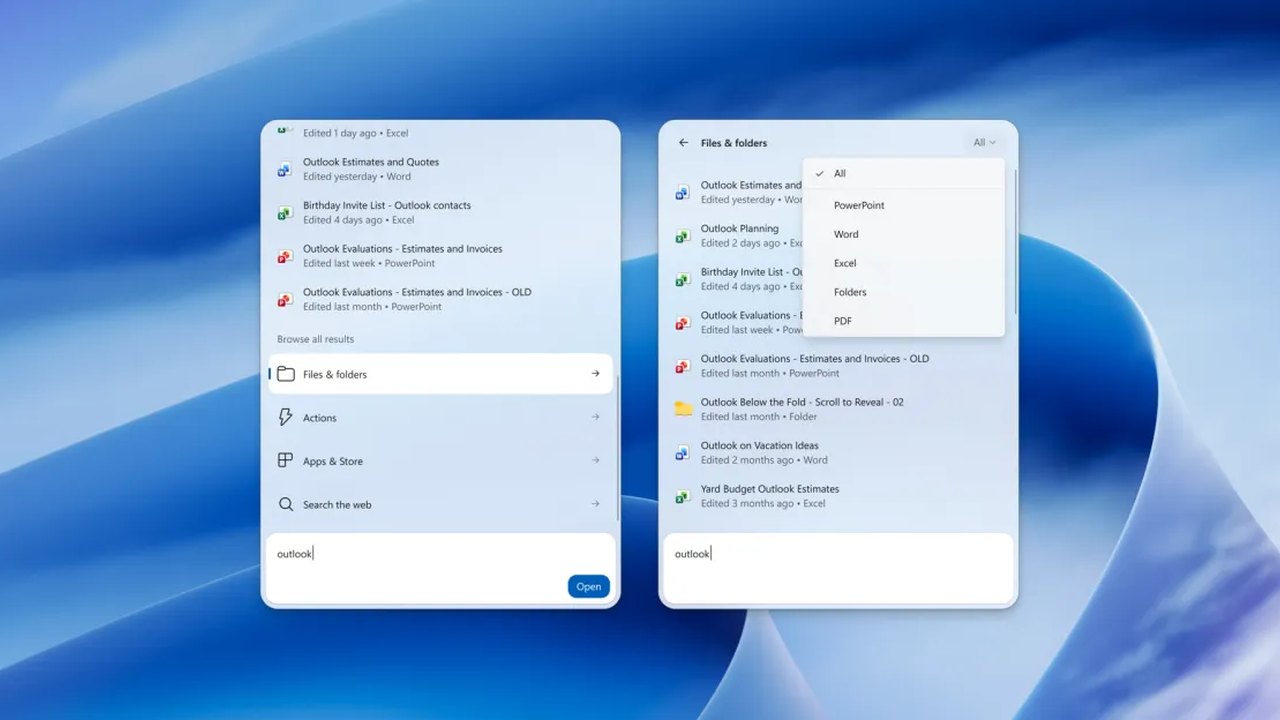 Windows 11 Insider Builds Introduce New Xbox Shortcuts and Enhanced Search Capabilities
Trending on GlobeWire Daily
Selected from recent coverage and related topics; not live search rankings.
 French School Protests Resume on Small Scale After Holiday Break
 Manchester United Crisis Deepens After Defeat and Martínez Red Card
 Tottenham Defeat Crystal Palace Following Early Red Card for Mateta
 Air Chief Marshal AP Singh Retires After 42-Year Career; Air Marshal Ashutosh Dixit to Take Charge
 Solar Mills Empower Women in Ayodhya Amid Power Cuts
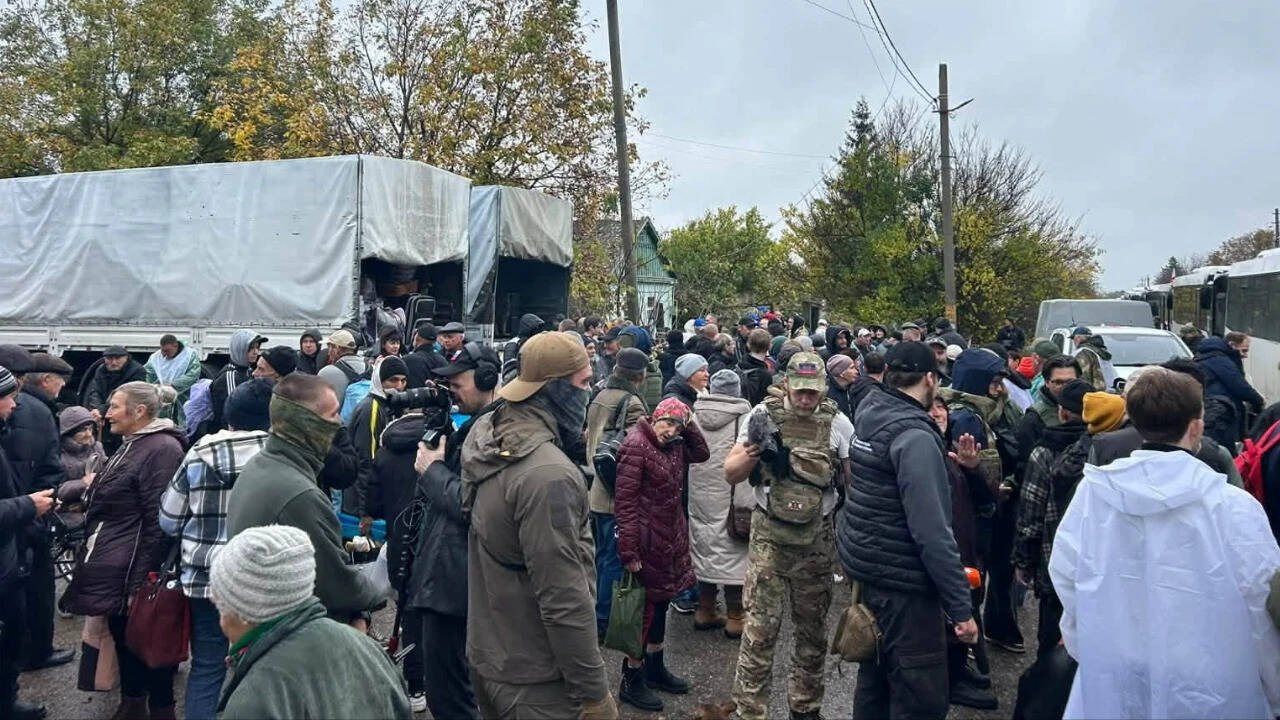 Hundreds Evacuated from Oleshky Amid Rare Russia‑Ukraine Ceasefire, Media Say