How One Android Browser Replaced My VPN, VLC, and Download Manager
· GlobeWire Daily Editorial Desk · Source: www.androidpolice.com

Image: Android Police · Photo source · Resized and letterboxed to 16:9; no AI generation
Streamlining Android Apps
Many Android users rely on multiple specialized applications for daily tasks, such as dedicated virtual private network (VPN) apps for secure browsing, media players like VLC for video playback, and advanced tools like 1DM for multithreaded downloads. A published user report discusses a workflow shift after switching from Google Chrome to the Aloha browser, suggesting that a single application can handle these combined functions.
Key Features Discussed
- Built-in VPN: The browser offers a native VPN service with multiple server locations. Unlike traditional VPN apps that consume system resources in the background, Aloha's implementation can reportedly be applied either device-wide or exclusively within the browser.
- Media Player and File Manager: The browser includes a media player supporting common formats, gesture controls, background playback, and VR content. This duplicates the core utility of standalone video players.
- Download Management: The application features single-tap media detection and supports parallel or multithreaded downloading for users subscribed to its premium tier, aiming to replace separate download managers.
Practical Implications and Verification
Consolidating multiple apps into a single browser may help save device storage, reduce RAM usage, and potentially improve battery life by minimizing background processes. However, users should note that certain advanced features, such as specific premium servers and multithreaded downloads, reportedly require a paid subscription.
To verify these claims and test the software safely:
- Check the official Google Play Store listing for up-to-date feature availability and pricing tiers.
- Review the developer's privacy policy regarding data handling, especially when utilizing the built-in VPN service.
- Test the free version of the browser first to evaluate performance and compatibility before committing to any paid subscriptions.
AI-assisted reporting; source claims are attributed and have not been independently verified.
More to read
 PhotoCraft Launches as Open‑Source Photoshop‑Like Editor Built Entirely in Rust
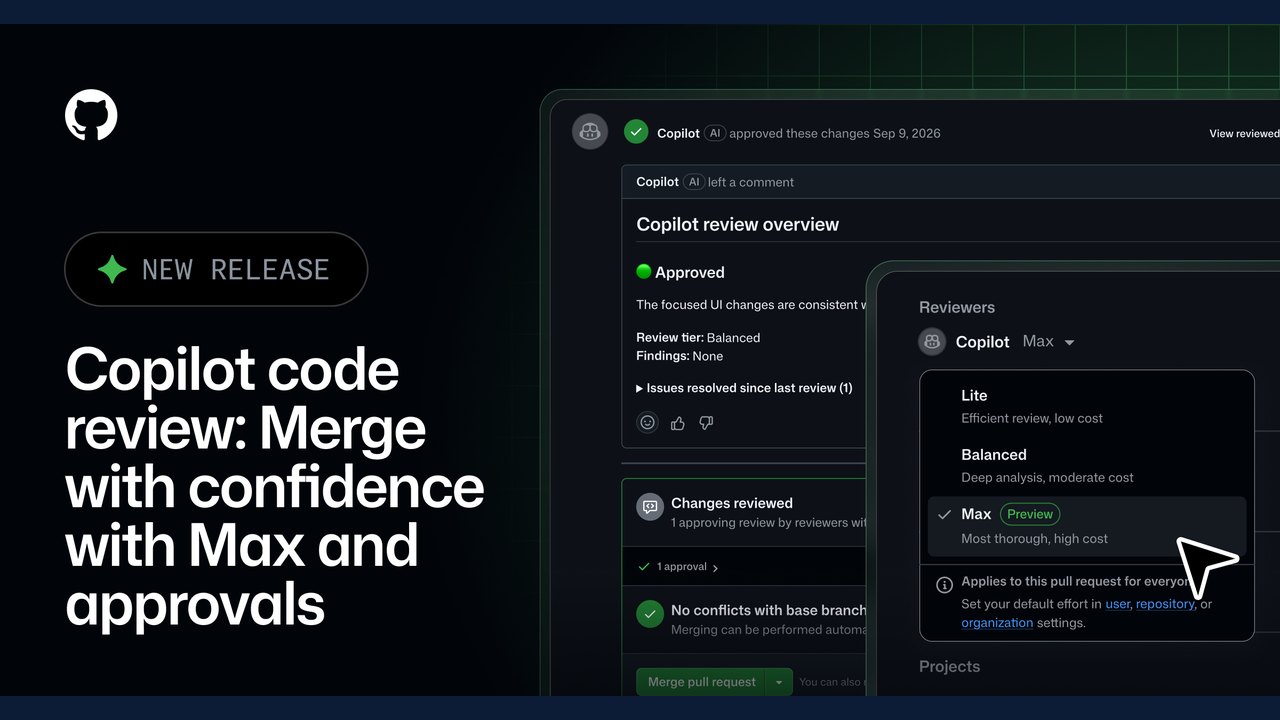 GitHub Expands Copilot Code Review with 'Max' Effort Level and Automated Approvals
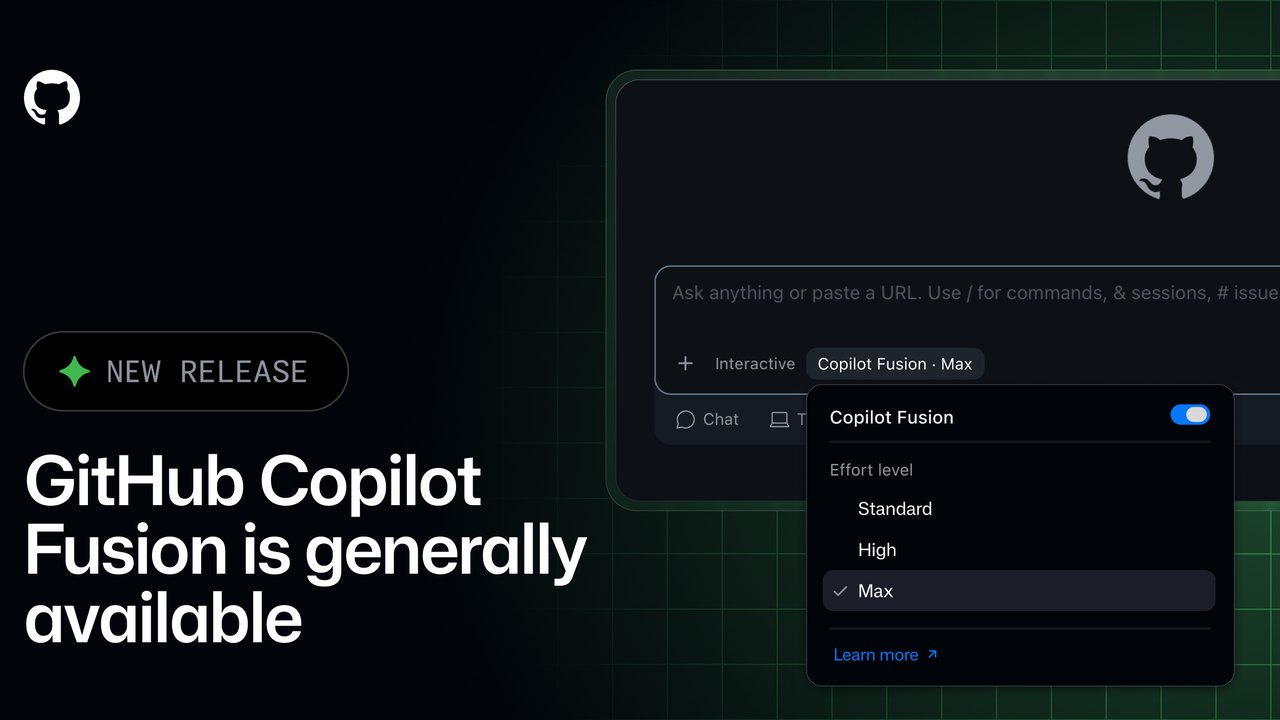 GitHub Copilot Fusion Goes GA: Intelligent Model Routing and Orchestration Now Available
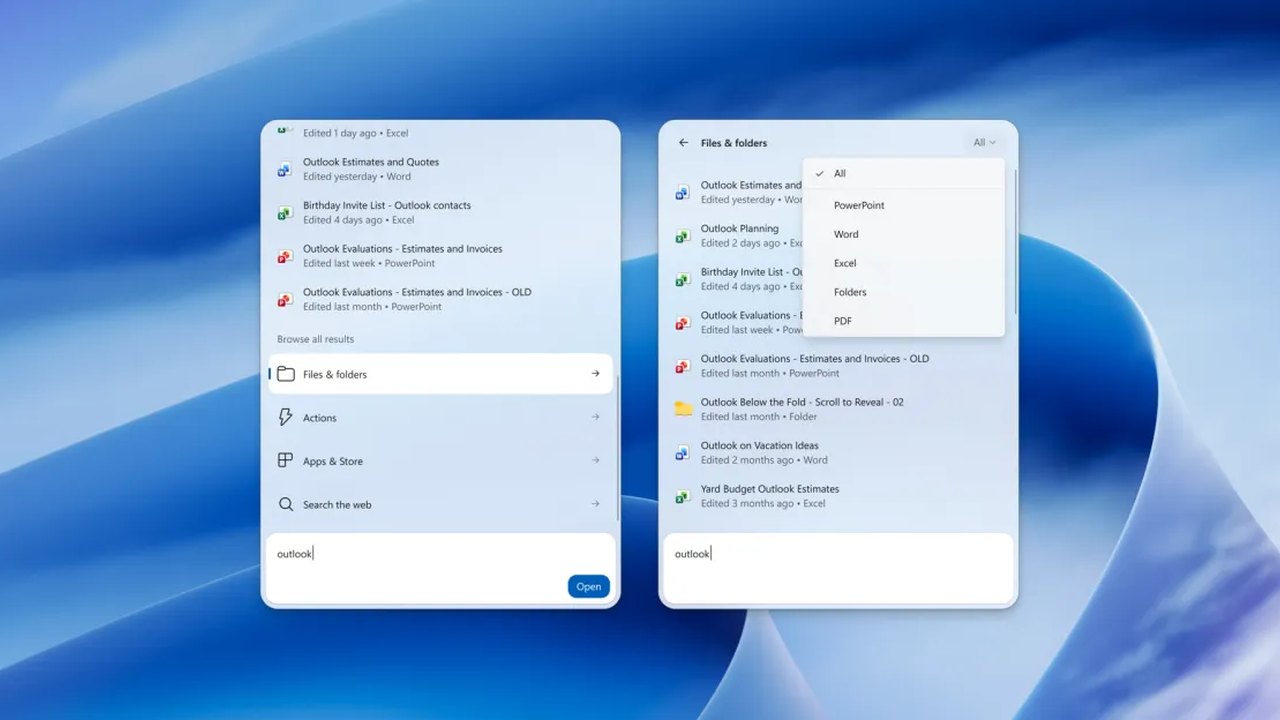 Windows 11 Insider Builds Introduce New Xbox Shortcuts and Enhanced Search Capabilities
Trending on GlobeWire Daily
Selected from recent coverage and related topics; not live search rankings.
 French School Protests Resume on Small Scale After Holiday Break
 Manchester United Crisis Deepens After Defeat and Martínez Red Card
 Tottenham Defeat Crystal Palace Following Early Red Card for Mateta
 Air Chief Marshal AP Singh Retires After 42-Year Career; Air Marshal Ashutosh Dixit to Take Charge
 Solar Mills Empower Women in Ayodhya Amid Power Cuts
 Hundreds Evacuated from Oleshky Amid Rare Russia‑Ukraine Ceasefire, Media Say