Paseo Open-Source Agentic Development Environment Announced on GitHub
· GlobeWire Daily Editorial Desk · Source: github.com
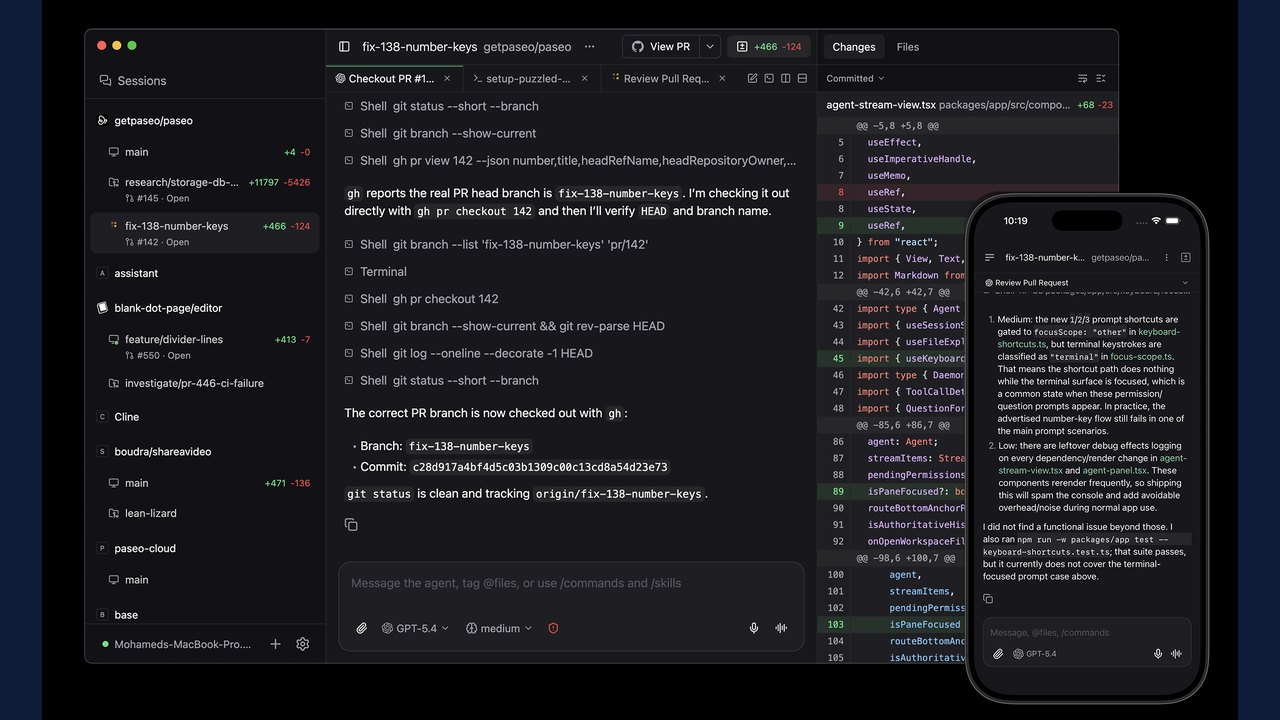
Image: GitHub · Photo source · Resized and letterboxed to 16:9; no AI generation
Paseo is an open-source agentic development environment designed to orchestrate multiple coding agents across desktop, mobile, web, and command-line interfaces. According to the project documentation available on GitHub, the software aims to provide a single interface for managing various coding agents such as Claude Code, Codex, Copilot, OpenCode, Pi, Antigravity, and Muse Code.
Project materials state that Paseo operates via a self-hosted model, running locally on a user's machine where the local server, known as a daemon, manages agent processes. Clients including desktop, mobile, web, and CLI applications connect to this daemon. Users must ensure they have at least one agent command-line interface installed and configured with their credentials.
Core Features and Architecture
- Parallel Agents and Worktrees: Run multiple agents simultaneously, with each agent operating in its own worktree on one or multiple machines.
- Built-in Orchestration: Agents can create worktrees, launch other agents, and communicate across different providers.
- Multi-Provider Support: Switch between supported coding agents within the same interface to select models based on specific tasks.
- Cross-Device Access: Native applications are available for iOS and Android, alongside desktop, web, and CLI options.
- Privacy-First Design: The documentation notes an absence of forced log-ins, telemetry, or tracking by default.
- Voice Control: Dictate tasks or discuss problems using a voice mode.
Setup and Verification
Developers can download Paseo from the official GitHub releases page or paseo.sh. For remote servers or virtual machines without the desktop app, the CLI can be installed to start the daemon. When starting, Paseo prompts users to enable an end-to-end encrypted relay for device pairing, though direct connections via TCP, Tailscale, or other VPNs are also supported.
Containerized deployments are supported via Docker, running a local server and web UI at localhost:6767, allowing users to extend base images with necessary agent CLIs and persistent volumes. To verify the software, users should consult the official GitHub repository, review the documentation at paseo.sh, and inspect the codebase directly before deployment.
AI-assisted reporting; source claims are attributed and have not been independently verified.
More to read
 Flipper Devices GitHub Hubs Open Source Firmware, Apps, and Hardware Development Tools
 Vorssaint Open-Source macOS Menu Bar Toolkit Gains Attention on GitHub
 Nashi: Independent Open-Source File Toolkit Released on GitHub
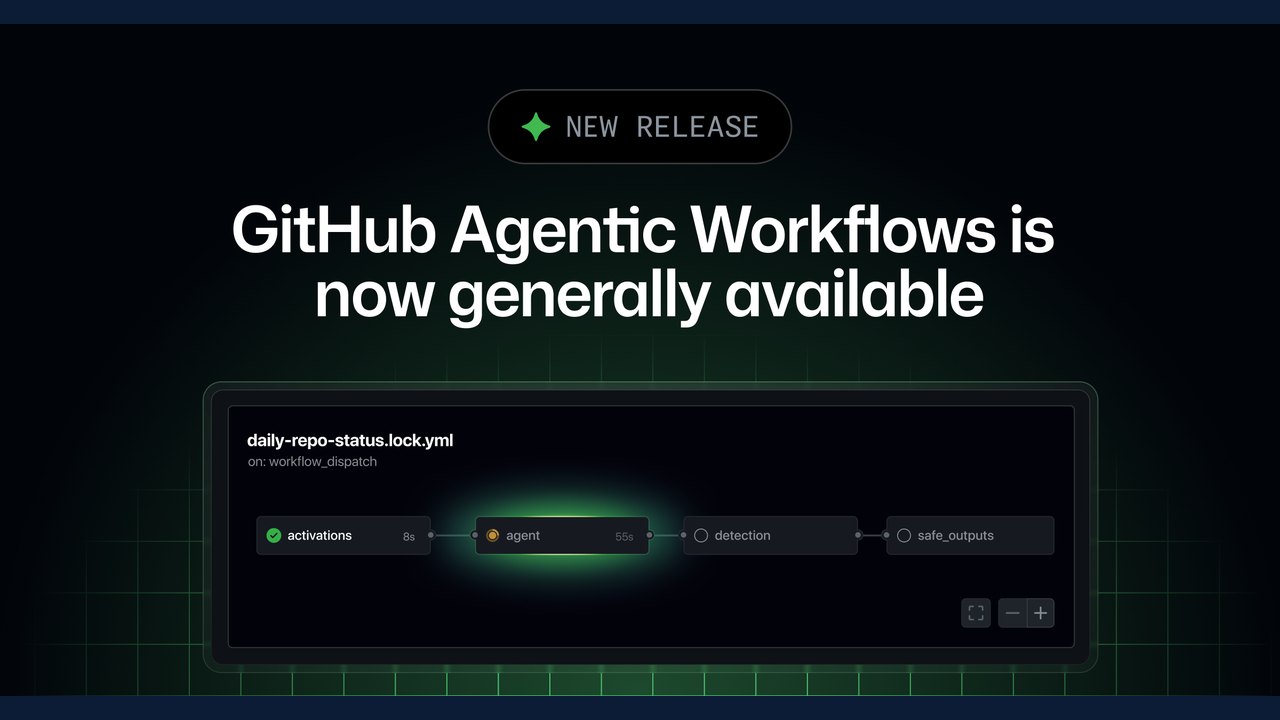 GitHub Agentic Workflows Reaches General Availability for Automated Development Tasks
Trending on GlobeWire Daily
Selected from recent coverage and related topics; not live search rankings.
 Madhya Pradesh Government Plans Revenue Generation from 117-Year-Old Edward Villa in Mumbai Through Leasing
 iPhone 18 Pro Named TechRadar Product of the Year 2026
 Google Project Suncatcher Runs Gemma 4 AI on Orbiting Satellite and Receives First Response
 Gender Disparities in Eye Care Access Across India Examined
 Satellite Images Show Cyclone Arnab Weakening Over India As New System Brews
 Expanding Green and Blue Spaces Crucial for India's Economic and Public Health, Reports Indicate