Popular Android Launchers Tested and Ranked: Features, Pros, and Cons
· GlobeWire Daily Editorial Desk · Source: www.androidauthority.com
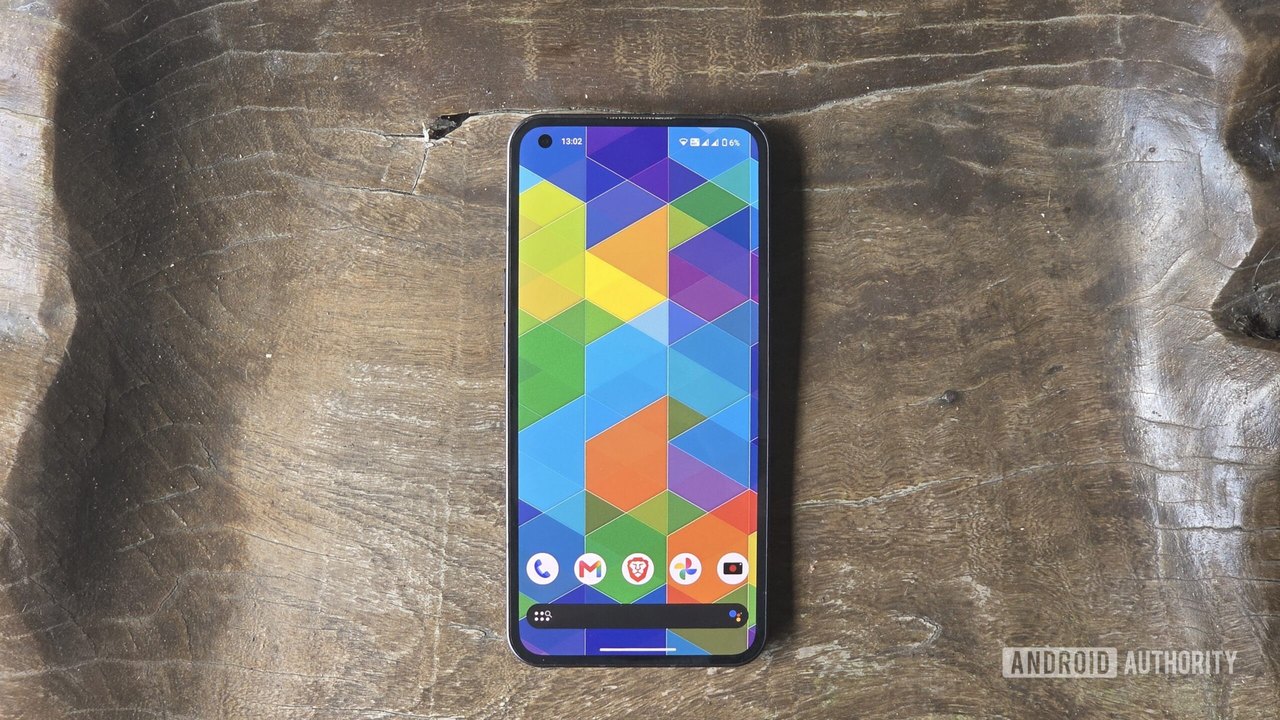
Image: Android Authority · Photo source · Resized and letterboxed to 16:9; no AI generation
Third-party Android launchers offer an alternative to default interfaces provided by manufacturers like Google, Samsung, and Motorola, which often restrict home screen customization and search bar placement. A personal review and ranking of seven popular third-party Android launchers from the Google Play Store examines their design, smoothness, features, and pricing structures.
Overview of Tested Launchers
- Nova Launcher: Once considered a gold standard with slick animations and extensive customization, Nova has seen a decline following a change in ownership. The free tier now features ads, trackers, and permission requests for Nova AI, while paid options include Nova Prime ($30 one-time fee) or Nova Plus subscriptions ($15 monthly or $100 annually).
- Action Launcher: Notable for features like Quickdrawer, Shutters, and Quicktheme, it faced criticism for an aggressive initial prompt to purchase its Plus tier. It exhibits slower transitions and potential accidental swipes, with a one-time Plus fee of $7.
- Lawnchair: An open-source, ad-free Pixel UI emulator that provides straightforward navigation and smooth performance. It includes features like Caddy for automatic app drawer grouping and a robust At a Glance widget. The most recent developer update arrived in April 2026.
- Hyperion Launcher: A speed-focused Pixel-style interface well-suited for older mid-range hardware. It offers free customization of colors, icons, and animations, with a $2 Hyperion Supreme upgrade for advanced gesture and hiding controls.
- Microsoft Launcher: Designed for users integrated into the Windows ecosystem, it features the Glance productivity hub (Calendar, To-do, Sticky Notes) and free access to app hiding, gestures, and daily wallpapers. However, it requires a Microsoft account login and consistently promotes Microsoft software.
- Smart Launcher: Automatically sorts apps into groups like Contacts, Internet, Games, Media, Utilities, and Settings, though categorization can occasionally group mismatched apps (such as placing ChatGPT under Contacts). It includes Your Feed and Page Manager, with a lifetime Pro fee of at least $20 depending on region and season.
- Niagara Launcher: A feature-packed minimalist launcher offering Integrated Notifications for direct home screen replies, custom icon shapes, font styles, and digital well-being tools. Despite being fast and ad-free, its lifetime license costs $75.
Practical Implications and Verification
When considering third-party launchers, users should evaluate potential subscription costs, tracking permissions, and ecosystem integration. To verify specific pricing, feature availability, and developer update schedules, check the official Google Play Store listings or the developers' official websites.
AI-assisted reporting; source claims are attributed and have not been independently verified.
More to read
 Samsung’s One UI Packs Unique Features That Other Android Skins Lack
 Android SMS of Death Vulnerability Discovered: What We Know About the Crash Bug and Coming Fixes
 Elo Adds Zebra DataWedge Support to Streamline Enterprise Data Capture on Android Devices
 Use Android Circle to Search to Check Suspicious Text Messages
Trending on GlobeWire Daily
Selected from recent coverage and related topics; not live search rankings.
 Madhya Pradesh Government Plans Revenue Generation from 117-Year-Old Edward Villa in Mumbai Through Leasing
 iPhone 18 Pro Named TechRadar Product of the Year 2026
 Google Project Suncatcher Runs Gemma 4 AI on Orbiting Satellite and Receives First Response
 Gender Disparities in Eye Care Access Across India Examined
 Satellite Images Show Cyclone Arnab Weakening Over India As New System Brews
 Expanding Green and Blue Spaces Crucial for India's Economic and Public Health, Reports Indicate