Turning an Old Android Phone Into a Budget Smart Home Display
· GlobeWire Daily Editorial Desk · Source: www.androidpolice.com
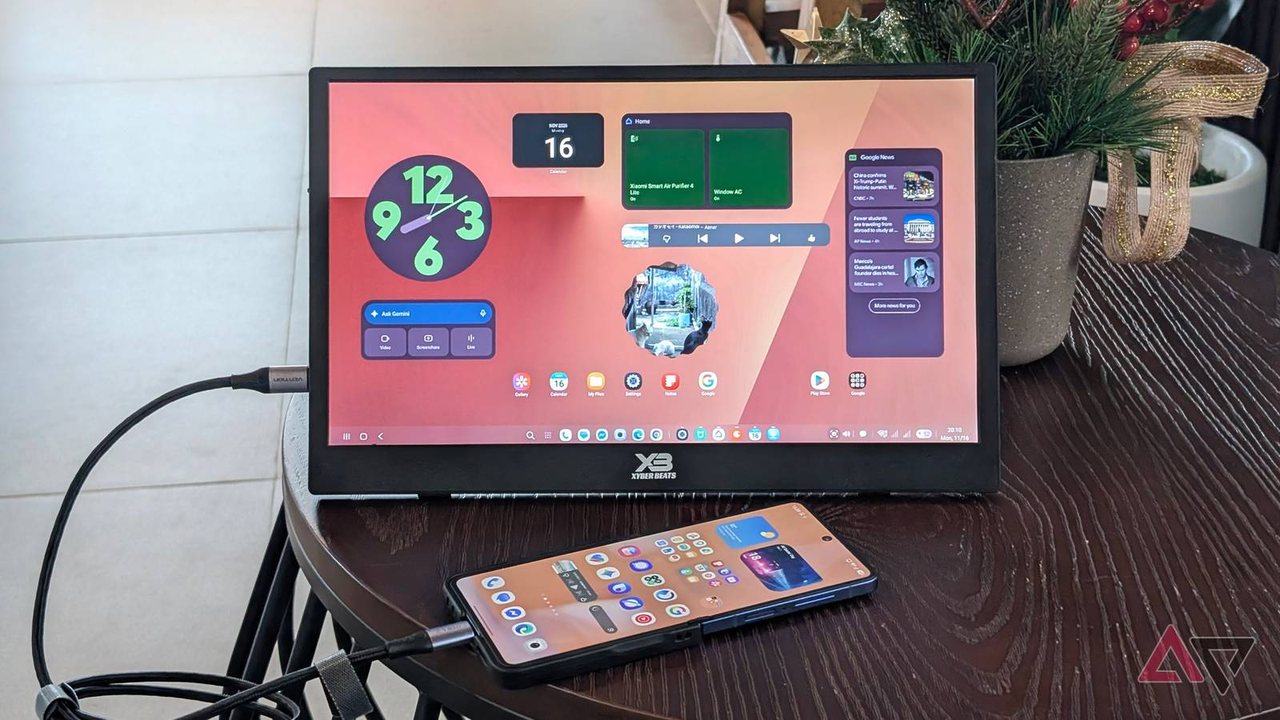
According to a reported experiment, users can repurpose an older Android phone into a smart home display by connecting it to an external monitor using desktop interfaces like Samsung DeX or Android Desktop Mode. This approach offers an alternative to purchasing dedicated standalone smart displays.
Setup Requirements and Hardware
- Compatible Phones: Devices that support DisplayPort Alt mode or desktop environments, such as select Samsung Galaxy models (like the S21 FE or S20 Ultra) or newer Android versions supporting video output.
- Display Options: A portable monitor, spare display, or TV. Touchscreen monitors eliminate the need for a separate mouse, though basic non-touch monitors can be paired with a phone acting as a touchpad or a budget wired/wireless mouse.
- Cables: A USB-C to HDMI or Type-C to Type-C cable, alongside a USB hub for power delivery if the monitor lacks direct USB-C charging support.
Managing Screen Timeout
Native Android and desktop environments typically limit screen timeout settings to a maximum of 60 minutes. To keep a DIY smart display active indefinitely, users have reported utilizing workarounds such as the 'Stay awake' setting found within Android Developer Options, or utilizing front-facing camera features like 'Keep screen on while viewing' where available.
Interface and Smart Home Customization
Desktop environments allow users to organize apps across multiple workspaces. For instance, smart home applications like Google Home, SmartThings, and Xiaomi Home can be arranged alongside streaming services or security camera feeds. Widgets for weather, calendars, and clocks can also be placed on the home screen to emulate the feel of commercial smart displays.
Practical Implications and Verification
This setup provides a way to utilize aging hardware for home automation access without buying a new tablet. Readers interested in trying this configuration should verify that their specific phone model supports video output over USB-C and consult official device documentation for desktop mode capabilities.
More to read
 Google's Noto 3D Emoji Require Android 17 and Beefy Specs, Excluding Samsung Devices
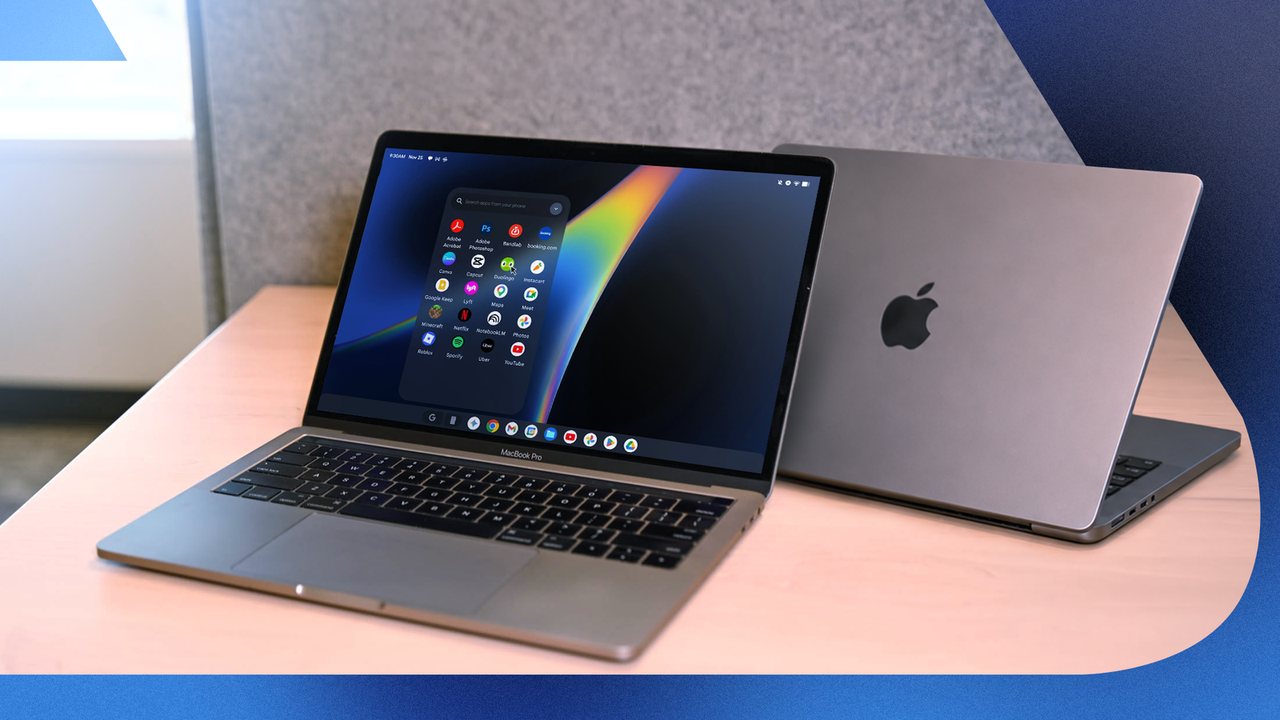 Testing PocketBar to Run Android Apps from a Mac Menu Bar
 Four Persistent Software Challenges Facing the Android Platform
 Android 17 QPR3 Beta 4 Shows Battery Life Gains for Pixel Phones, Final Release Expected Early 2027