How to Repurpose Your Old GoPro Camera as a Dash Cam or Webcam
· GlobeWire Daily Editorial Desk · Source: www.engadget.com
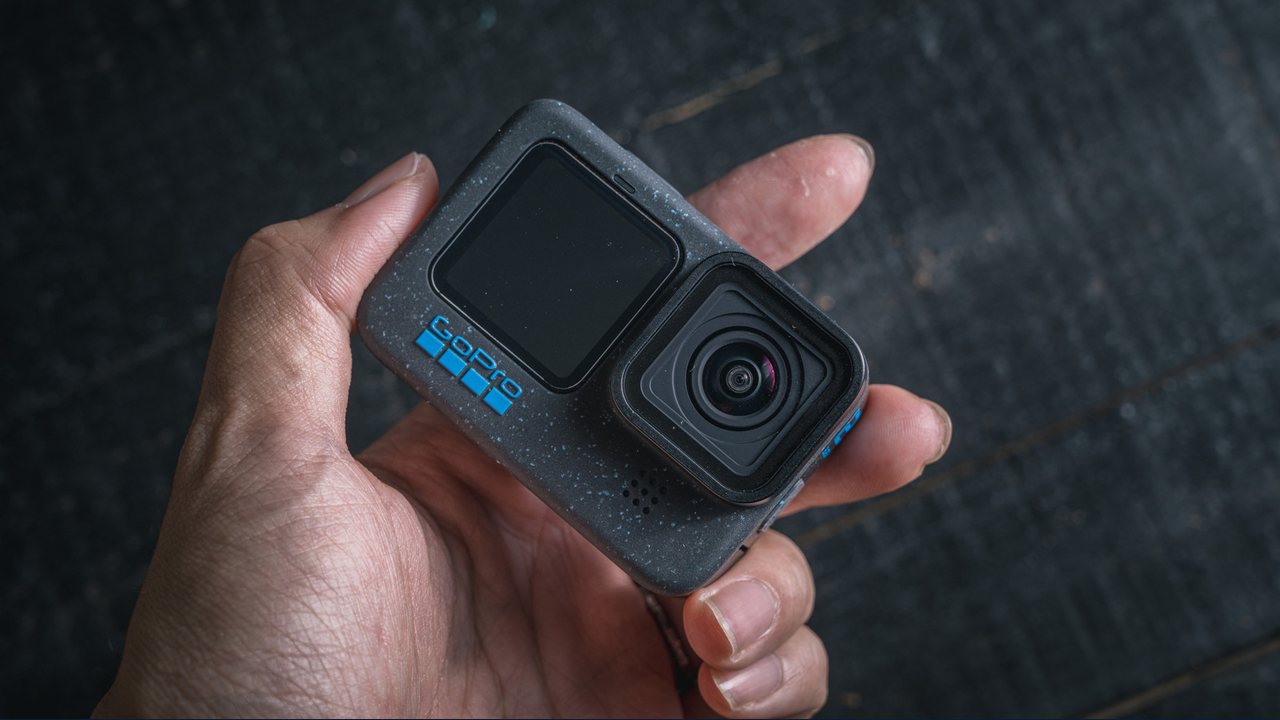
Older GoPro action cameras that are no longer used for primary recording can be repurposed into functional dash cams or webcams, according to a recent report by Engadget. Because used action cameras with worn-out batteries often yield low resale value, utilizing their remaining capabilities offers a practical alternative to leaving them in a drawer.
While specific steps vary by model, the hardware features high-definition sensors that remain suitable for capturing road conditions or improving video conferencing quality. Users can verify compatibility and feature sets by checking their specific camera model against official GoPro documentation or the experimental GoPro Labs platform.
Using an Old GoPro as a Dash Cam
Older GoPros can function effectively as vehicle dash cams since they remain plugged in, mitigating concerns about degraded battery life.
- Mounting: Attach the camera using a suction-cup mount on the windshield or dashboard, and connect it to a USB power source.
- Resolution: Configure settings to at least 1080p at 30 fps or higher for clear footage.
- Loop Recording: Enable loop recording cycles (such as 20, 60, or 120 minutes) to automatically manage storage space.
- Automation: Models from the Hero 7 Black onward can utilize an experimental GoPro Labs feature to automatically power on and begin recording when receiving USB power.
Using an Old GoPro as a Webcam
Many laptop webcams offer low resolution and poor performance in low-light conditions, making an older GoPro a potential upgrade for video calls.
- Hero 8 Black and Newer: These models feature built-in webcam modes. Users can download the GoPro Webcam app, connect via USB, and select the camera within conferencing applications like Zoom or FaceTime.
- Hero 4 through 7 Black: These models require a micro-HDMI port connection to a USB capture device (such as an Elgato Cam Link 4K) to interface with a computer, and may require a separate power supply if the battery is degraded.
- Audio and Support: Mount the camera on a mini tripod and use a separate dedicated microphone for improved audio quality during calls.