How to Cancel Your Nintendo Switch Online Subscription
· GlobeWire Daily Editorial Desk · Source: www.engadget.com
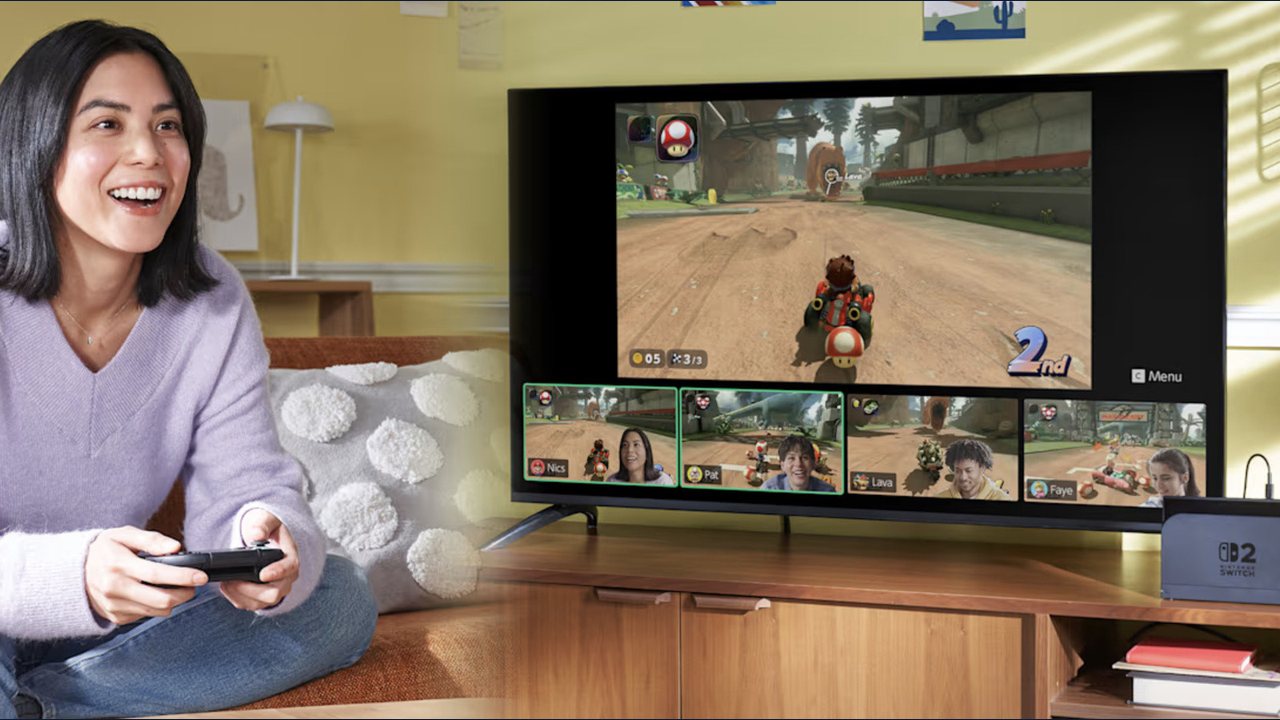
Canceling your Nintendo Switch Online subscription requires turning off auto-renewal, which prevents Nintendo from charging your payment method when your current membership term expires. Reports indicate that users can manage this process directly through their console, computer, or phone.
Understanding the Cancellation Process
Nintendo Switch Online provides access to features such as online multiplayer for supported games, classic titles from older consoles, cloud saves, and exclusive content. However, if you decide the service is no longer worth the cost or wish to reduce your active subscriptions, you can end your membership by disabling auto-renewal.
- No Refunds for Unused Time: Published details note that you cannot receive a refund for remaining days if you cancel in the middle of a subscription term.
- Timing Requirement: You must turn off auto-renewal at least 48 hours before your membership period is set to end. Turning it off early does not immediately cut off access; you can continue using paid features until your current term expires.
- Family Memberships: For family plans, disabling auto-renewal affects all members of the group.
- Irreversible Setting: Once auto-renewal is turned off, it cannot be turned back on. To continue later, you must purchase a new subscription pass.
How to Turn Off Auto-Renewal
Depending on your preference, you can update your settings using a Nintendo Switch console, a computer, or a smartphone.
- On a Nintendo Switch: Open the eShop, select the account that pays for the membership, click the upper-right corner icon for Account Information, select the Nintendo Switch Online section on the left menu, and click the button to cancel your subscription by turning off automatic renewal.
- On a Computer or Phone: Visit the Nintendo accounts portal, sign in to the purchasing account, select Nintendo Switch Online, find the option to cancel your pass in the Active Plan section, and choose confirm.
Additionally, Nintendo announced plans to end Google and Apple account sign-ins in early 2027, making it advisable to check login settings while managing your account.
How to Verify and Practical Implications
To verify your subscription status, check your account information page where a notice will display the exact date your pass expires and confirm that auto-renewal is disabled. Always verify instructions directly through official Nintendo support channels before making account changes.