Automobiles
How to Safely Pack Your PlayStation 5 for Air Travel
· GlobeWire Daily Editorial Desk · Source: www.engadget.com
Quick Summary
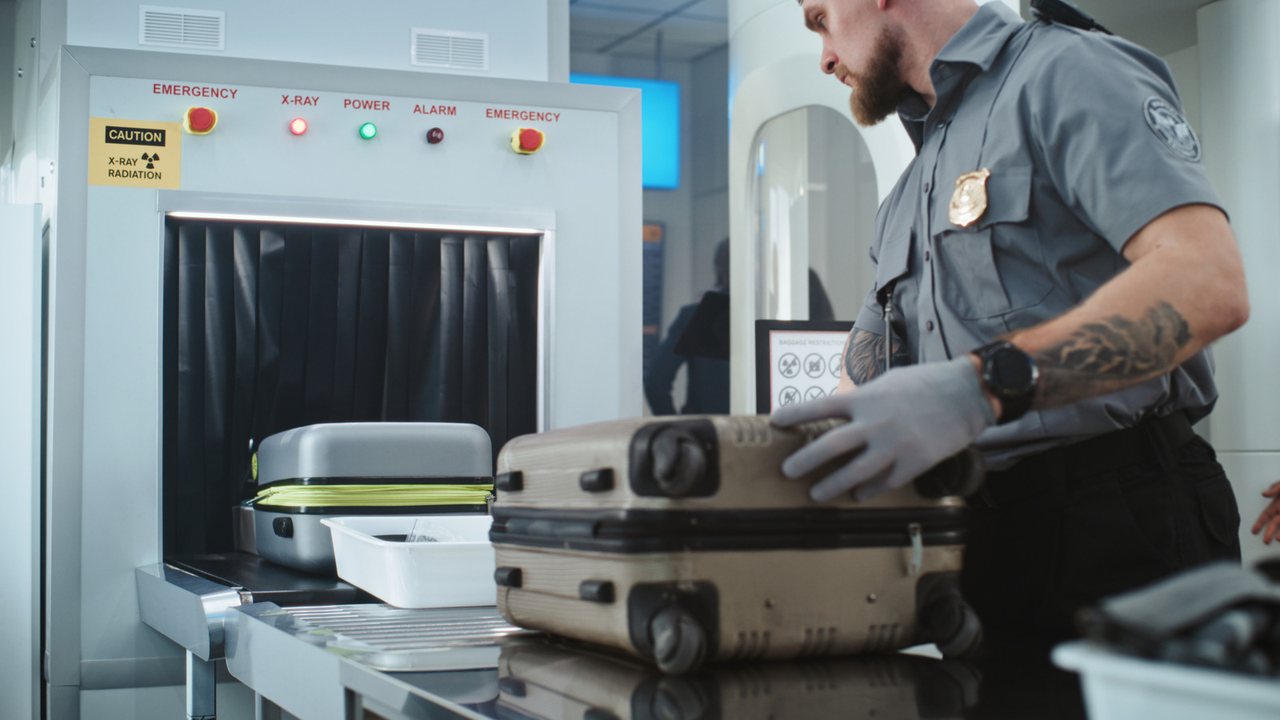
Travelers can bring a PlayStation 5 on a plane, but the console and DualSense controller need proper packing to meet TSA and FAA guidelines.
Carry‑on vs. Checked Bag
- Carry‑on – Keeps the PS5 in sight, reduces risk of mishandling, but takes up space in the overhead bin or under the seat.
- Checked bag – Frees cabin space; however, the console may be jostled or lost. Use a hard‑shell case or place the console in the centre of the luggage surrounded by soft clothing.
Packing the Console
- Verify airline size/weight limits against the PS5 dimensions (≈390 mm × 104 mm × 260 mm).
- Power down the console completely and unplug all cables.
- Wrap the console in a sweater, padded sleeve, or its original box.
- Pack power and HDMI cables together, wrapped in cloth.
- Position the padded console in the middle of the suitcase, surrounded by clothes or a hard‑shell case.
Handling the DualSense Controller
- Battery: 3.65 V, 1,560 mAh (≈5.7 Wh), well under the FAA 100 Wh limit.
- FAA recommends lithium‑ion devices stay in the cabin.
- If you must check the controller, turn it off, remove any charge, and place it in a padded pouch.
- Best practice: keep the controller in a carry‑on, preferably in an official DualSense carry case.
Remote Play Alternatives
- Remote Play: Stream games from your home PS5 to a phone, tablet, or laptop over a 5 Mbps (minimum) internet connection; 15 Mbps is recommended for smoother video.
- PlayStation Portal: A handheld that connects to your PS5 via Wi‑Fi; works on public networks after initial home‑network setup.
- PlayStation Plus Premium: Allows cloud streaming of select titles without a home console.
Practical Tips for the Trip
- Back up saved games and install pending updates before departure.
- Ensure the hotel TV has an available HDMI port.
- Keep the controller turned off and protected during the flight.
- If using Remote Play, set the PS5 to Rest Mode with “Stay Connected to the Internet” and “Enable Turning on PS5 from Network” enabled (Settings → System → Power Saving).
How to Verify the Guidance
- Check the latest TSA / FAA publications for lithium‑ion battery limits.
- Review your airline’s carry‑on size and weight restrictions on its official website.
- Consult Sony’s support pages for Remote Play and PlayStation Portal setup instructions.
--- *All recommendations are based on publicly available travel and manufacturer guidelines; no proprietary or unpublished information is used.*
Share this article
Read the original source What is the best way to secure your PlayStation 5 for a flight?