Automobiles
Why Your Monitor Flickers When Turned On and How to Troubleshoot It
· GlobeWire Daily Editorial Desk · Source: www.engadget.com
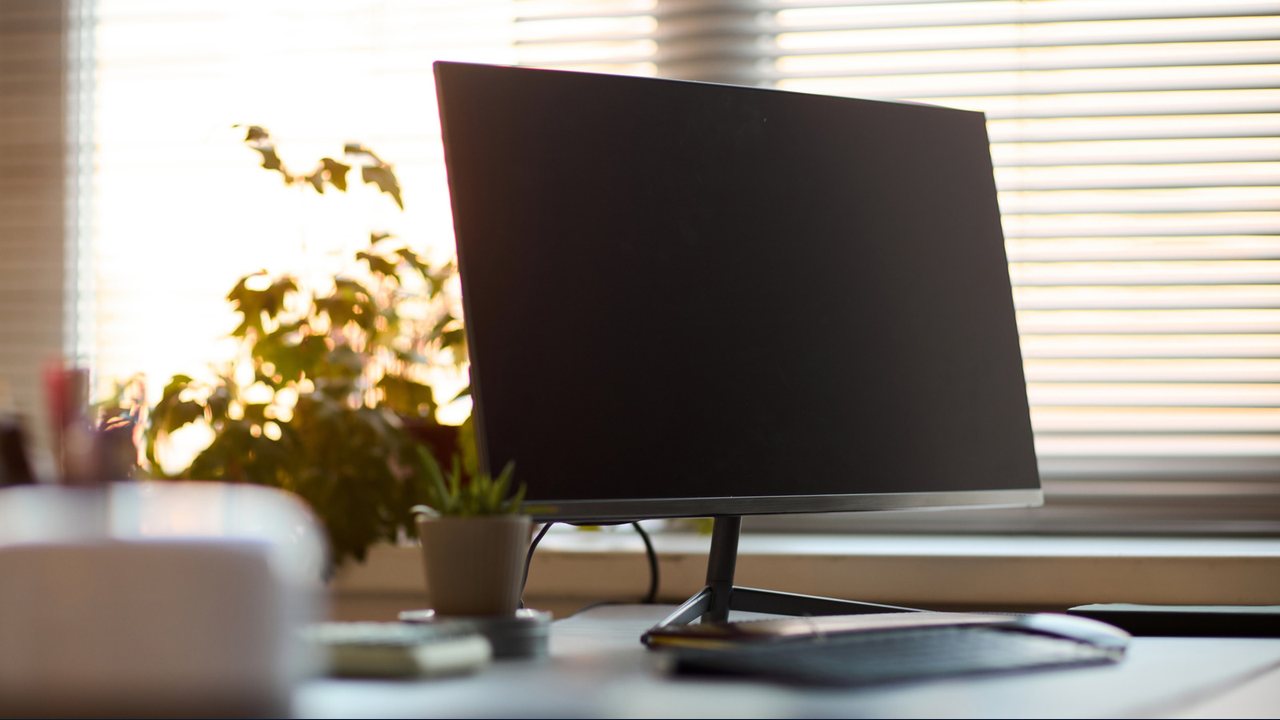
Computer monitors can occasionally exhibit issues like flickering upon startup, which may stem from various hardware or software causes. Basic troubleshooting steps can help determine whether the problem is easily fixable or indicates a deeper hardware failure.
Common Causes and Quick Fixes
- Display Cables: A loose, frayed, or faulty HDMI, DisplayPort, or VGA cable is a frequent culprit. Reinserting the cable or swapping it for a new one can often resolve the issue.
- Ports and Hardware: A defective port on the monitor or PC may cause flickering. Testing alternative ports or connecting the monitor to a known working computer can help isolate the problem.
- Graphics Drivers: Out-of-date graphics drivers frequently cause display issues. Updating the drivers or rolling back to a previous version if a recent update caused problems may help.
- Refresh Rate Mismatch: Discrepancies between the monitor's native refresh rate and the operating system's settings (such as Windows 11) can cause display instability. Users can check and adjust display settings under Advanced Display options to match the monitor's specifications.
Signs of Permanent Failure
If basic troubleshooting fails, certain symptoms may indicate that the monitor is failing:
- Consistent shuttering or flickering that cannot be resolved at the hardware or software level.
- Sudden blackouts or hard cuts to black before returning to normal.
- Faded, dim colors or vertical lines moving across the screen.
When a display cannot be repaired through standard troubleshooting, users generally weigh the costs of professional repair against purchasing a new screen, noting that prices for modern displays have become more accessible over time.
Share this article
Read the original source Why your monitor flickers when you turn it on and can it be fixed?