How to Enable USB Port Charging on Your PC Even When It's Turned Off
· GlobeWire Daily Editorial Desk · Source: www.engadget.com
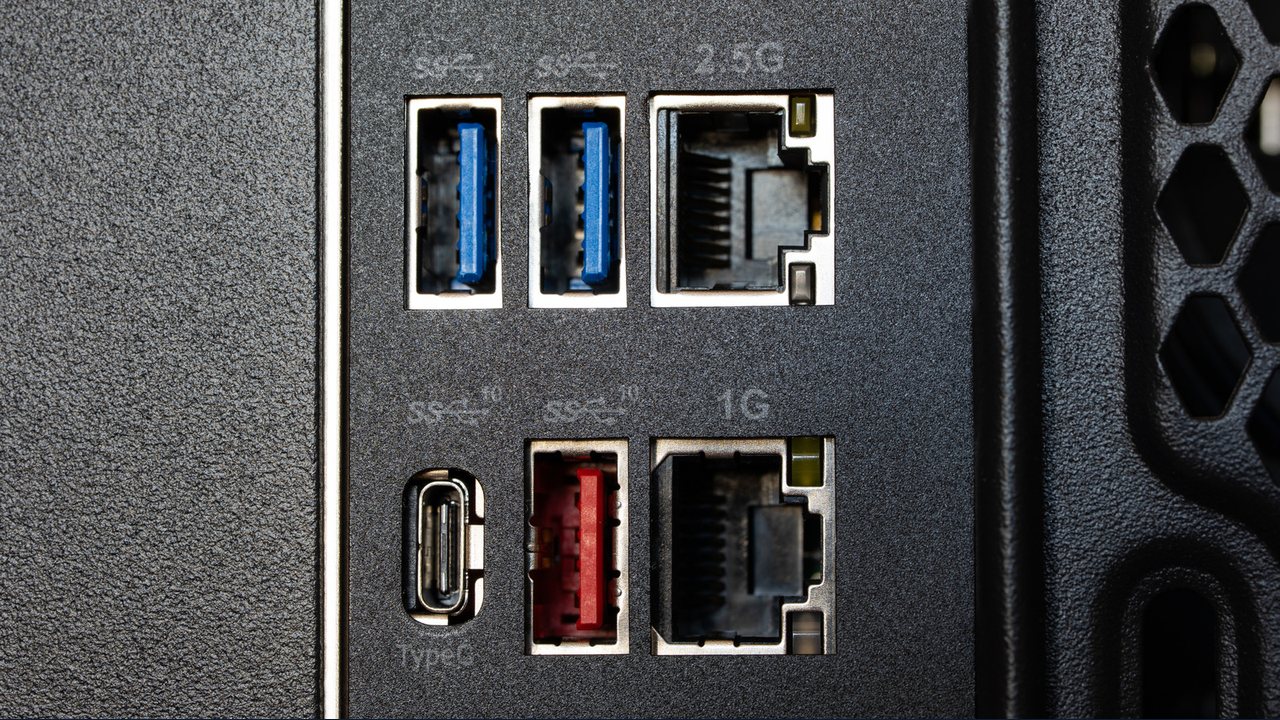
Many personal computers feature USB ports that can supply power to charge your phone or other devices even after the computer is shut down. However, this functionality depends entirely on your system's hardware capabilities, motherboard firmware settings, and energy-saving configurations.
Reports indicate that manufacturers use various terms and indicators for this capability. For instance, Lenovo refers to it as an "Always On" port, while Dell utilizes the term PowerShare. Other systems might use specific icon labels, such as a battery symbol or a lightning bolt next to the port.
How to Test and Enable the Feature
- Test the port: Plug your phone into the USB port while the computer is turned on, then shut down the PC to observe whether the device continues charging.
- Consult documentation: Check your desktop, motherboard, or laptop manual to confirm if your specific hardware supports post-shutdown USB power delivery.
- Access BIOS or UEFI: Restart your Windows PC and press the designated startup key (commonly F2, Del, or F10).
- Adjust firmware settings: Navigate to menus labeled Advanced, Power, or Chipset to locate and enable USB power delivery or Always On charging options.
- Check energy restrictions: Ensure that settings like ErP (Energy-related Products) or Deep Sleep are disabled, as these often cut power to USB ports to reduce energy consumption.
Important Considerations and Limitations
- Hardware dependency: Changing firmware settings will not add post-shutdown charging capabilities if the system motherboard never supported the feature initially.
- Laptop battery thresholds: Laptops often enforce battery reserve limitations, meaning USB charging may halt once the laptop battery drops below a certain threshold.
- Power vs. Data: A port supplying electrical current while the PC is off does not enable data transfers, meaning you cannot move files or photos between the phone and the powered-down computer.
- Terminology variations: Different brands implement standby power differently, and the feature might remain active during sleep or hibernation modes rather than strictly after a complete shutdown.
To verify these options safely, users should consult official manufacturer documentation and review their specific device manuals before altering firmware configurations.