How to Factory Reset Your Fitbit: When and How to Wipe Your Wearable
· GlobeWire Daily Editorial Desk · Source: www.engadget.com
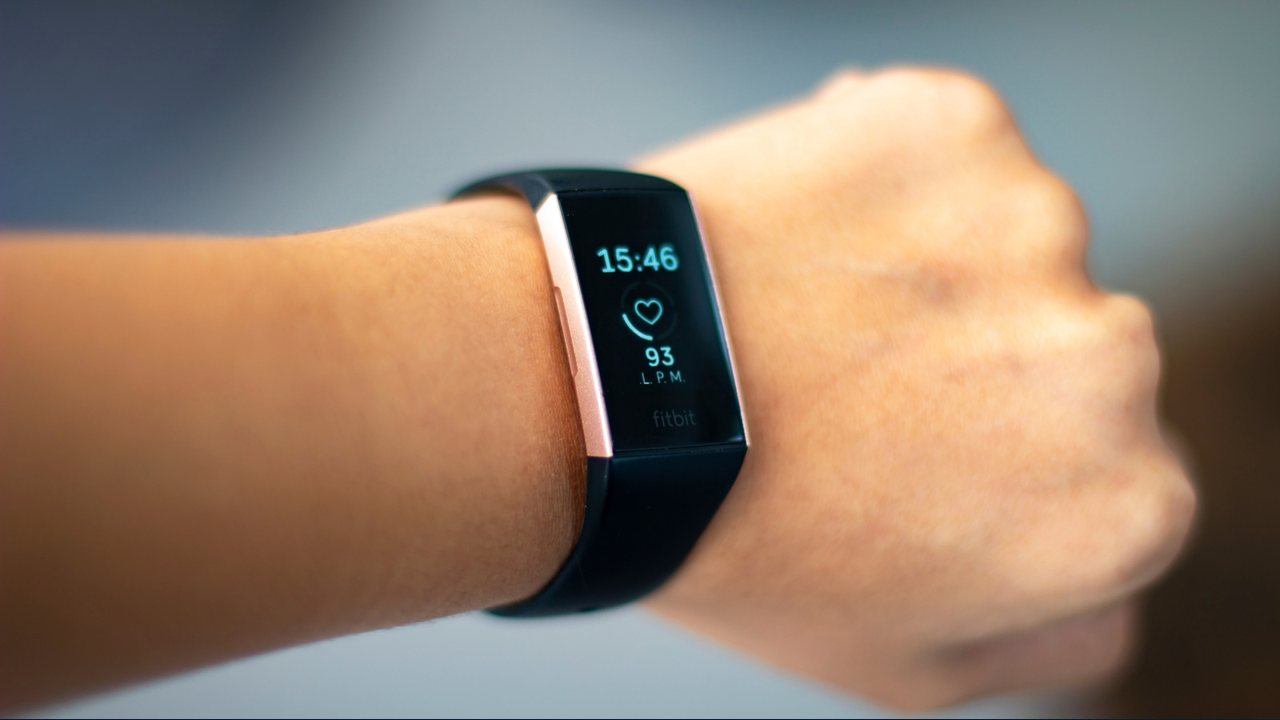
A factory reset can help resolve major issues or prepare your Fitbit wearable for a new owner by wiping all locally stored data and settings. According to published guidance, a standard restart differs from a factory reset, which restores the device to its original out-of-the-box state.
When to Consider a Factory Reset
- Transferring Ownership: Recommended when selling or giving the device to someone else to protect your data privacy.
- Disposal and Recycling: Useful before dropping off a non-functioning device for safe recycling.
- Troubleshooting Last Resort: Considered after a standard restart fails to fix persistent software or syncing issues.
General Reset Procedures
- For Most Screen-Equipped Models: Navigate to Settings > About > Device Info > Clear User Data or Factory Reset. Confirmation may require holding a button until a vibration occurs and the logo appears.
- Newer Models (e.g., Fitbit Edge): Swipe down from the top of the screen and select Settings > Clear User Data.
- Older Trackers: Devices like the Fitbit Flex require connecting the sensor to its charger, plugging it into a USB port, and using a paperclip in the reset hole for a set duration.
Practical Implications and Data Privacy
Data already synced to the Google Health app remains safe and accessible after a reset. However, local data—such as alarms, unsynced activities, and personal goals—will be permanently erased from the wearable itself. Users handing off certain screenless models, like the Fitbit Air, should also manually unpair the device through the companion app and remove it from their phone's Bluetooth settings.
To verify specific instructions for discontinued or unique models, consult official supporting documentation online or check the Help menu within the Google Health app.