How to Set Up the Apple HomeView Smart Display With Your iPhone
· GlobeWire Daily Editorial Desk · Source: www.engadget.com
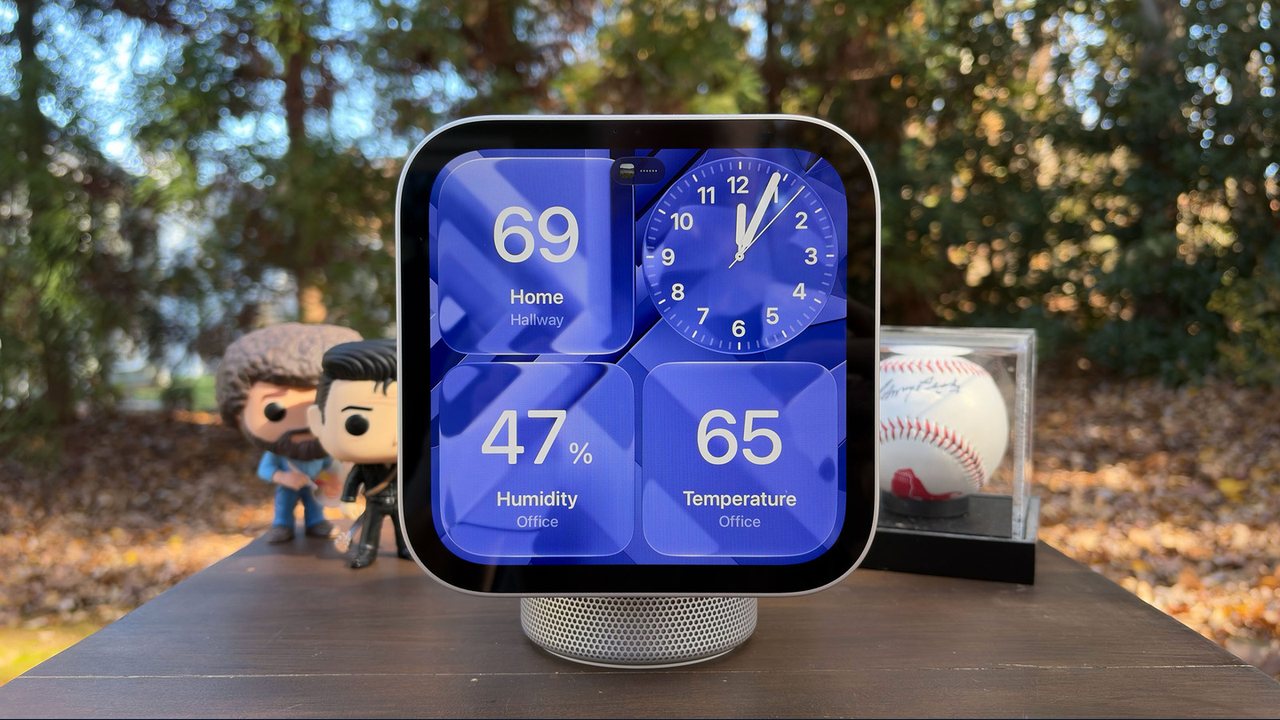
Apple has launched the HomeView smart display, a device designed to mirror compatible apps from an iPhone or iPad rather than running apps independently. Setting up the display involves pairing it with an eligible device running iOS 27.2 or iPadOS 27.2.
Core Features and Privacy
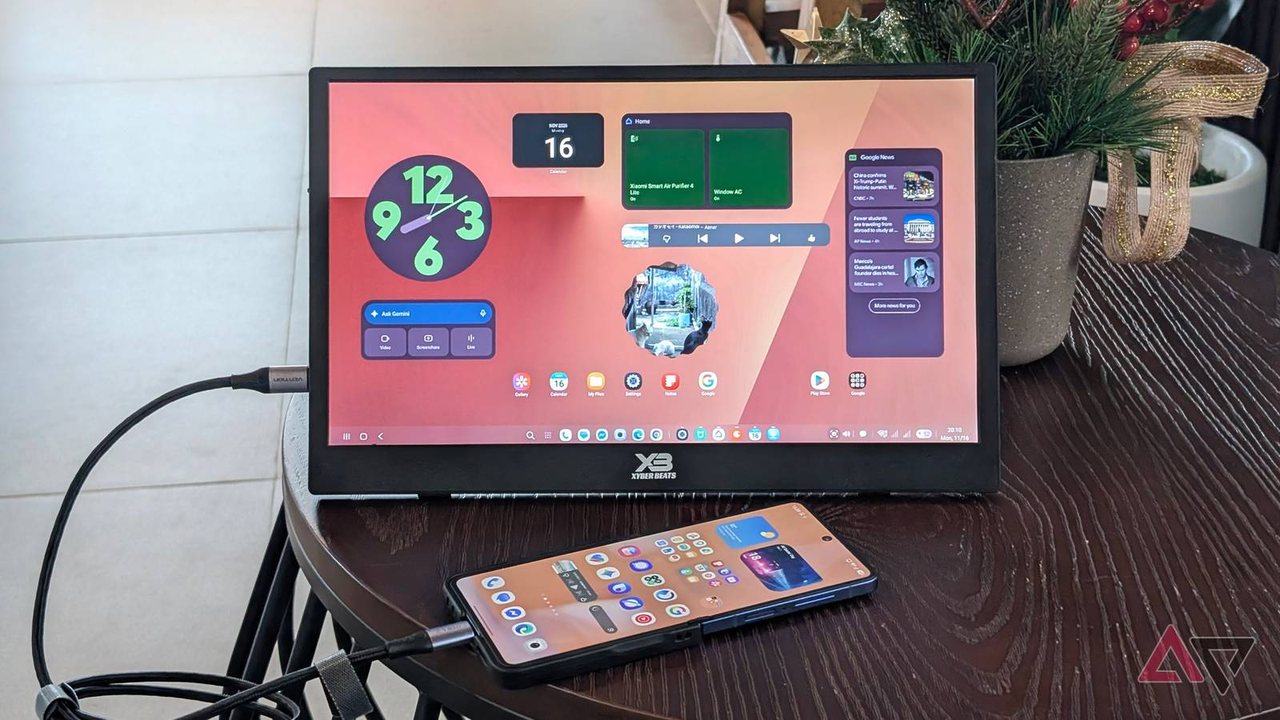
- App Mirroring: Similar to CarPlay, HomeView mirrors phone apps like Calendar, Messages, Reminders, and Weather.
- Privacy Protections: The display does not store personal data locally; it shows messages and reminders only when user identity is verified through face recognition and a paired device is nearby.
- Siri AI: The device uses next-generation Siri AI powered by Apple Intelligence for conversational responses.
Setup Methods
Users can connect the HomeView using automated proximity pairing or a manual method through the Home and Find My apps.
- Hold an unlocked, updated iPhone or iPad near the powered-on HomeView to trigger an automatic setup card.
- Alternatively, open the Home app, select or create a new Home, verify Find My settings, and bring the device near the display.
- Center the HomeView in the iPhone camera frame or enter a manual passcode to begin the pairing process.
- Assign the device to a specific room and follow prompts to configure settings and software updates.
Personalization and Multiple Users
Once connected, users can configure Voice and Facial Recognition by following on-screen instructions similar to Face ID setup. HomeView supports up to six users on a single device. The primary owner can add other household members through the Home app by selecting 'Add People' and assigning them the Resident role. Each additional user must accept an invitation, bring their paired device near the display, and complete their own facial and voice verification.
Verification and Practical Implications
To verify original details, users should consult official Apple support channels and software release notes for iOS 27.2 and iPadOS 27.2 compatibility requirements.