Mobiles & Gadgets
Why Your iPhone May Randomly Power Off – Common Causes and Fixes
· GlobeWire Daily Editorial Desk · Source: www.engadget.com
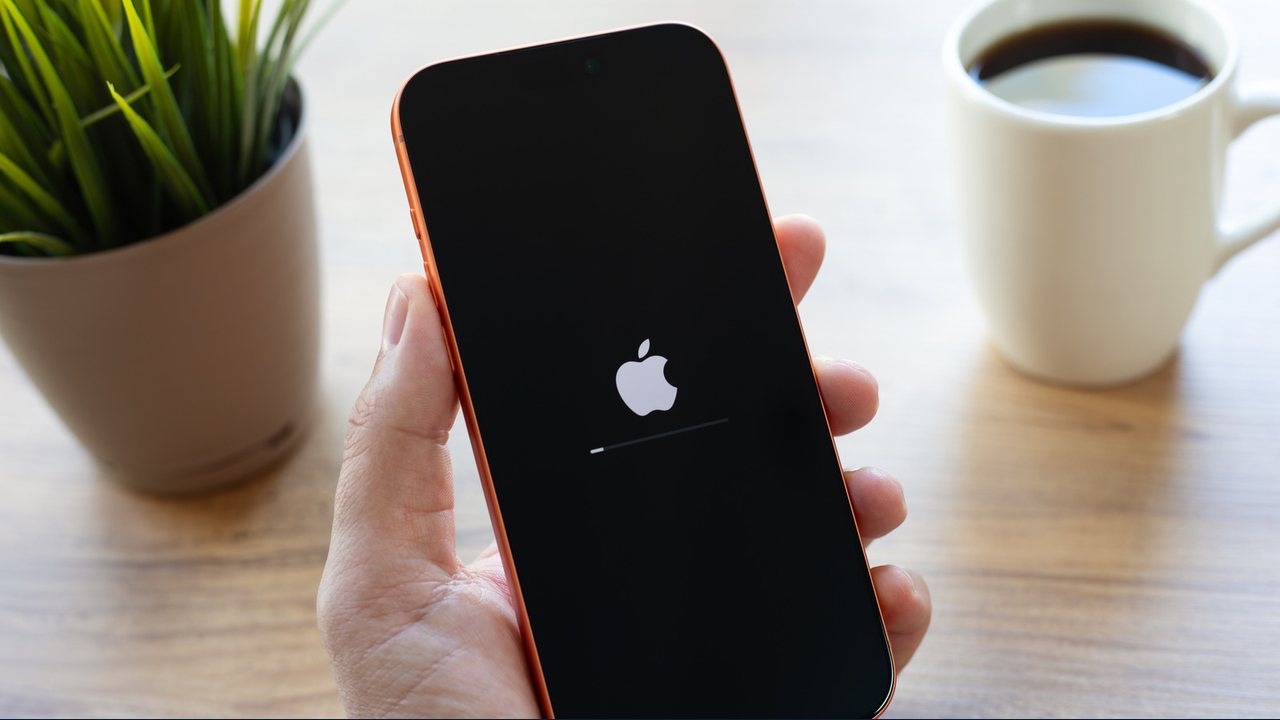
Random shutdowns on an iPhone are frustrating, but they usually have identifiable reasons. Below is a concise overview of the most frequent triggers and practical steps you can take.
Common Triggers
- Software glitches – Severe bugs or memory‑access errors can force iOS to reboot. Keeping iOS and apps updated reduces the chance of such crashes.
- Temperature extremes – When internal heat rises past an undocumented threshold, the device will shut down to protect components. Apple first throttles performance and may display a “Too Hot” warning. Extreme cold can also cause shutdowns, though reports are rare.
- Battery health decline – A battery that can no longer sustain voltage under load may trigger a shutdown, a condition often called *voltage sag*. Apple’s Settings > Battery > Battery Health shows the maximum capacity; values below 80 % increase the risk.
- Hardware sensor failures – The iPhone runs self‑checks every three minutes. If a sensor (e.g., proximity, ambient light) fails, the system may reboot as a defensive measure.
- Low storage – Operating with only a few gigabytes of free space can impair performance and lead to unexpected restarts.
- Physical damage – Recent drops or water exposure can damage internal components, resulting in power‑off events.
How to Diagnose and Mitigate
- Update software – Settings > General > Software Update; App Store > Profile > App Updates.
- Monitor temperature – Avoid prolonged sun exposure, especially in a car window, and limit intensive tasks (4K video, high‑end gaming) for long periods.
- Check battery health – Settings > Battery > Battery Health. If capacity is under 80 % or the phone won’t turn on without charging, schedule a battery replacement.
- Free up storage – Settings > General > iPhone Storage; delete unused apps, media, or offload to iCloud.
- Inspect for damage – Look for dents, screen cracks, or moisture indicators. If present, book an Apple Store or authorized service appointment.
- Contact Apple support – When software updates and basic checks don’t resolve the issue, professional diagnostics are required. Apple’s self‑service repair program may help for certain components, but many hardware failures need technician evaluation.
Practical Implications
- Reliability – Understanding the root cause helps you decide whether a simple software update or a battery replacement will restore stability.
- Verification – You can confirm the device’s status by checking the Battery Health percentage and free‑space metrics directly in Settings.
- Safety – Ignoring temperature‑related shutdowns can lead to permanent component damage; keep the phone in a temperate environment.
*The information above reflects the guidance provided by Engadget’s article on common iPhone shutdown reasons and does not introduce new data or unverified claims.*
Share this article
Read the original source Common reasons why your iPhone keeps randomly turning off
More to read
 Galaxy S27 Pro Chipset for Asia and Europe May Have Leaked via Benchmark Database
 Black Friday Week Day 2: Moto Tag 2 at $19, Pixel Watch $100 off, Galaxy Watch from $200 and TCL NXTPAPER tablets from $190
 Shokz OpenFit Air 2 Earbuds Drop to $89.95 – 31% Off on Amazon
 Google explains why Samsung Galaxy devices lack Noto 3D emoji support