How to Secure Your Home Network and Block Unknown Wi-Fi Devices
· GlobeWire Daily Editorial Desk · Source: www.engadget.com
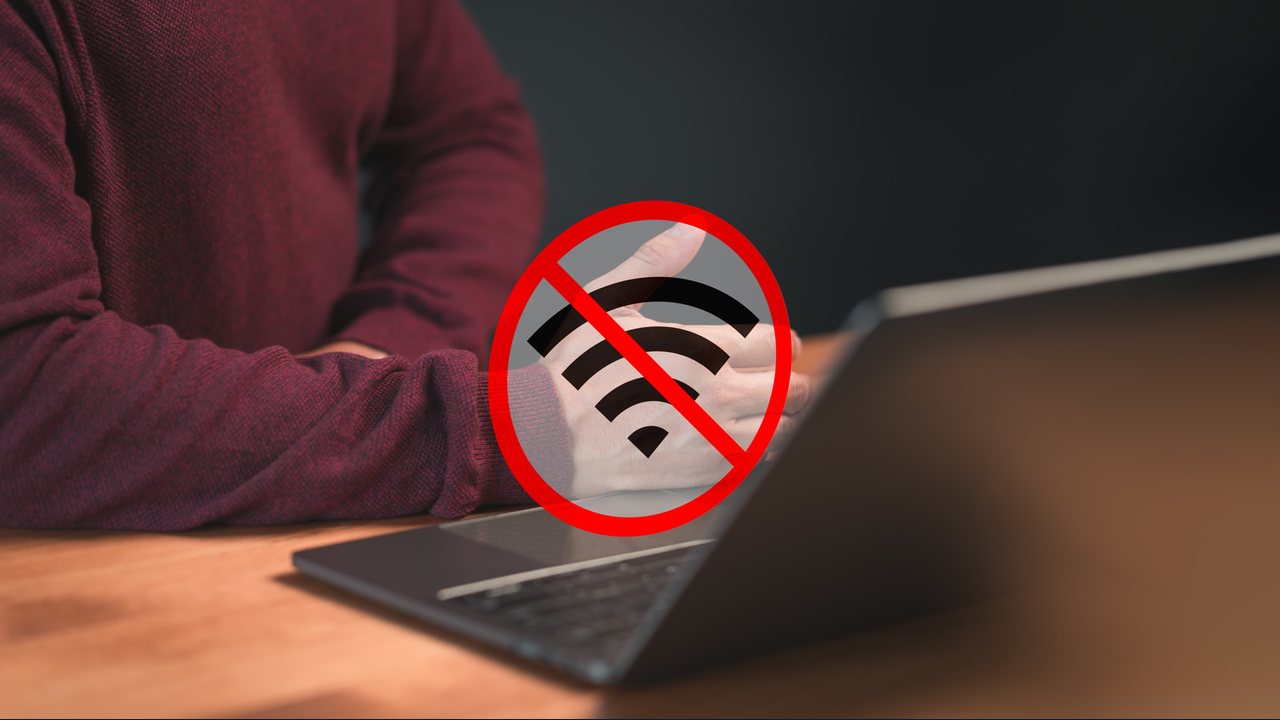
Managing a home network involves identifying connected hardware, tracking MAC addresses, and adjusting router settings to restrict unauthorized access.
Seeing an unfamiliar device connect to a home Wi-Fi network can be concerning. Gateway and router companion apps often send alerts for new connections, but modern privacy and safety features on smartphones and computers can cause devices to appear as a string of letters and numbers or simply as "unknown."
Identifying Connected Devices
To figure out what is connected to your network, you can take several practical steps:
- Check your router app: Look for sections labeled "connected devices" or "attached devices" to view active and recently connected hardware.
- Use a browser: Access your router or gateway administrative dashboard via a web browser using your administrator login.
- Verify MAC addresses: Compare the MAC address listed in the router app with the actual MAC address of devices in your home. On an iPhone, check Settings > Wi-Fi Network > Wi-Fi Address. On most Android devices, navigate to Settings > About Device > Status Information or Hardware Information.
Blocking Unwanted Devices and Updating Passwords
If you find an unrecognized device, you can typically block it through your router's access controls or MAC filtering settings. However, simply blocking an unauthorized user may not be enough if they already know your Wi-Fi password, as they could reconnect using a different device.
- Change your Wi-Fi password promptly to a unique combination.
- Avoid writing passwords down in plain sight, such as taping them to a computer screen or router.
- Update your router's administrator password separately from your Wi-Fi password.
Additional Security Measures
- Use modern encryption: Enable WPA3 Personal or WPA2 Personal security settings if supported by your equipment, avoiding outdated standards like WEP and WPA.
- Keep firmware updated: Ensure your router's firmware is current and automatic updates are enabled.
- Set up a guest network: Create a separate network with a unique password for visitors to protect your primary credentials.
- Monitor activity: Periodically review connected devices and rename them within your router app for easier tracking.
To verify official setup procedures for your specific hardware, consult your router or modem manufacturer's manual and your internet service provider's documentation.