How to Set Up Apple CarPlay for the First Time: Wired and Wireless Methods Explained
· GlobeWire Daily Auto Desk · Source: www.engadget.com
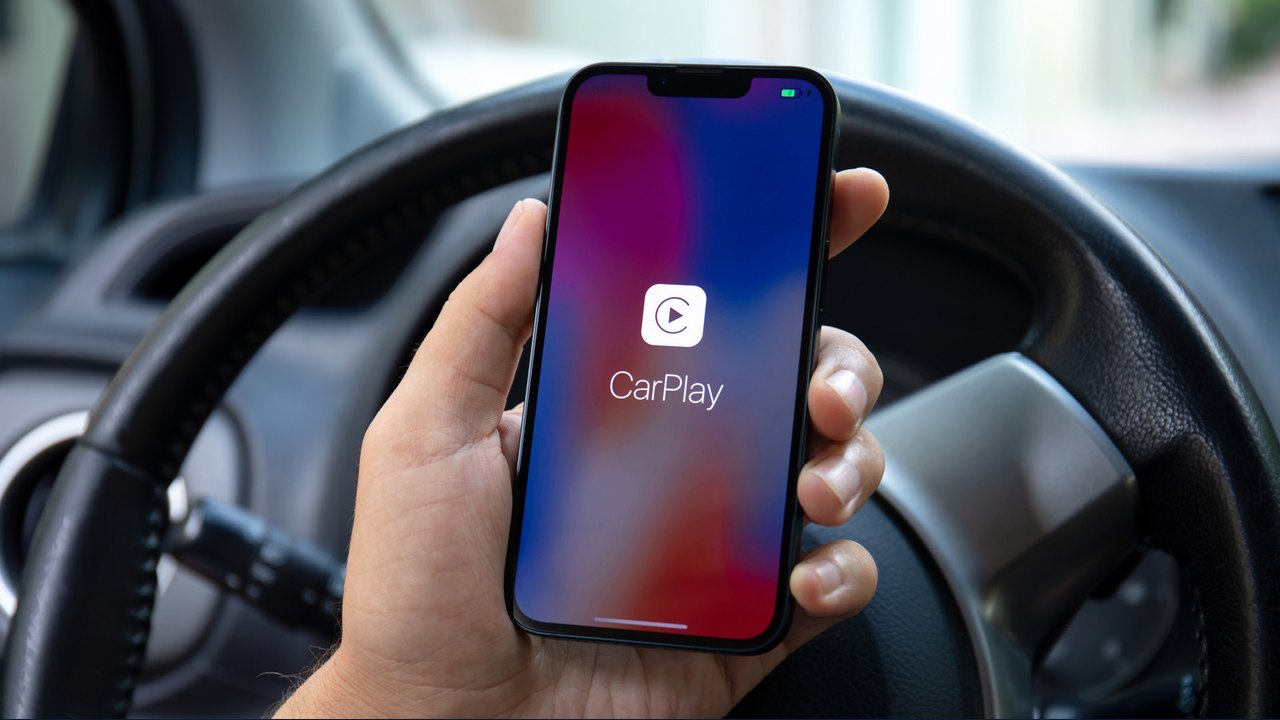
Image: Engadget · Photo source · Resized and letterboxed to 16:9; no AI generation
Setting up Apple CarPlay for the first time involves pairing an iPhone with a compatible vehicle either via a USB cable or wirelessly, according to reported guidance. With over 800 vehicle models reported to support CarPlay, the initial setup process is designed to take only a minute, though specific steps can vary depending on whether the car supports wired connections, wireless connections, or both.
Wired vs. Wireless Setup
- Wired CarPlay: Generally considered the simplest method, users start the car and plug their iPhone into the vehicle's USB port using a cable. The iPhone will prompt for permission to use CarPlay, and tapping connect brings up the interface on the dashboard.
- Wireless CarPlay: For vehicles supporting wireless connectivity, initial steps may require turning on Bluetooth, holding the vehicle's voice command button, and connecting to the CarPlay network via the iPhone's Wi-Fi settings before finalizing the pairing under General > CarPlay settings.
Customizing Your Experience
By default, the CarPlay dashboard displays compatible apps from the connected iPhone. Users can customize their layout by navigating to Settings > General > CarPlay, selecting their vehicle, and choosing the Customize option to add, remove, or rearrange applications. Additional settings such as Driving Focus and widgets can also be adjusted.
Troubleshooting Common Connection Issues
If connection problems arise during setup, reported troubleshooting steps include:
- Swapping the USB cable or trying a different USB port.
- Ensuring both Wi-Fi and Bluetooth are enabled on the iPhone for wireless connections.
- Checking Screen Time restrictions under Content & Privacy Restrictions to ensure CarPlay is not blocked.
- Restarting the iPhone and the car's infotainment system, or re-pairing the device by selecting "Forget This Car" in the CarPlay settings.
Users should verify vehicle compatibility using official Apple resources or the car's manual, as some automakers have begun phasing out the feature or require specific adapters.
AI-assisted reporting; source claims are attributed and have not been independently verified.
More to read
 DiPlay Public Preview Brings Wired and Wireless CarPlay to Compatible Android Head Units
 The Apple Maps CarPlay Feature That Shares Your ETA Automatically
 Apple TV Unveils 'Presumed Innocent' Season 2 First Look Teaser Starring Rachel Brosnahan and Matthew Rhys
 Low Enrollment of First-Time Voters in Kushinagar: Over 91% Eligible Youth Missing from Electoral Rolls