Optimizing Your Xbox Series X: Are You Using the Right HDMI Port?
· GlobeWire Daily Auto Desk · Source: www.engadget.com
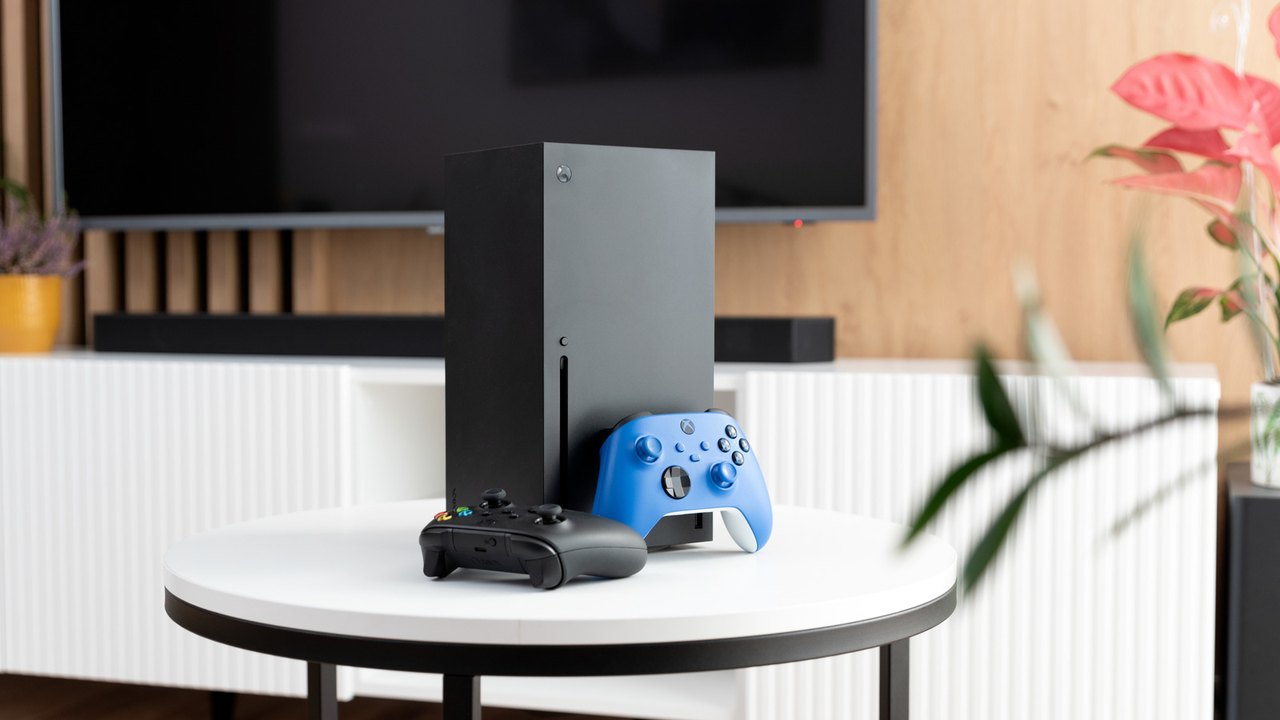
Image: Engadget · Photo source · Resized and letterboxed to 16:9; no AI generation
To ensure your Xbox Series X delivers its full visual potential, it is critical to verify that your television is configured correctly. While many modern TVs support HDMI 2.1—the standard required for 4K resolution at 120 fps and Variable Refresh Rate (VRR)—not every HDMI input on a display may offer this capability.
Understanding HDMI 2.1 Compatibility
Even if a TV is advertised as HDMI 2.1 compliant, manufacturers often limit these high-speed features to specific ports. Users with mid-range or slightly older models should inspect their hardware:
- Check the labels: Look at the back of your TV for port specifications.
- Consult the manual: Your TV's online manual is the most reliable source for identifying which ports support the full 48Gbps bandwidth.
- Brand variations: Different manufacturers handle port assignments differently; for example, some older Sony Bravia models reserve 2.1 functionality for only two specific inputs.
HDMI Cables and Performance
There is generally no need to replace the Ultra High Speed HDMI cable provided with your Xbox Series X. It is fully certified for HDMI 2.1 standards.
- When to upgrade: An upgrade is only necessary if you require a longer cable for your room layout or an ultra-thin connector for flush wall-mounted TVs.
- Avoid marketing traps: Do not be persuaded to purchase expensive "premium" or "audiophile" cables, as they provide no measurable performance benefits over the included standard cable.
Performance Trade-offs
While the console supports 120 fps, achieving this often involves dynamic resolution scaling. Many titles may drop from 4K to 1080p or 1440p to maintain higher framerates. Always verify the specific settings of both your television and your console's video output menu to ensure you are not bottlenecking your gaming experience.
AI-assisted reporting; source claims are attributed and have not been independently verified.
More to read
 Using a Keyboard and Mouse with Xbox Series X and S: What to Know
 Why You Should Stop Using Your Laptop on Soft Surfaces
 Finding the Best Xbox Series X and S Controller for Your Setup in 2026
 Choosing the Right Shade for Your Mahindra Scorpio-N: A Guide to the 2026 Colour Palette