Why You Should Stop Using Your Laptop on Soft Surfaces
· GlobeWire Daily Editorial Desk · Source: www.engadget.com

Image: Engadget · Photo source · Resized and letterboxed to 16:9; no AI generation
While laptop portability is convenient, using your device on beds, pillows, or cushions can lead to significant hardware issues. Proper airflow is essential for maintaining optimal temperatures, and soft surfaces often interfere with this process.
The Risks of Plush Surfaces
Most modern laptops feature ventilation slots on the bottom of the chassis. These are designed to work when the laptop sits on a hard, flat surface, supported by rubber feet that create a small gap for air circulation. When you place a laptop on a soft surface:
- Airflow Blockage: The device sinks into the fabric, effectively sealing the vents and preventing the cooling system from functioning.
- Heat Insulation: Fabrics trap heat rather than dissipating it, causing the CPU temperature to spike.
- Debris Accumulation: Soft surfaces often contain dust and fibers, which can be sucked directly into the fans, further obstructing the air path.
Long-Term Damage
Consistently operating a laptop in these conditions forces the cooling fans to run at maximum speed, which consumes more power and strains the internal components. Critically, excessive heat can cause permanent degradation to lithium-ion batteries, potentially leading to reduced capacity or total failure over time.
Recommended Solutions
To protect your hardware, prioritize placing your laptop on a stable desk or table. If you prefer working from a bed or couch, consider these alternatives:
- Cooling Pads: Use a laptop cooling pad or stand, which provides a rigid surface and active airflow beneath the machine.
- Regular Maintenance: If you suspect vents are blocked, power down the device and use electronics-safe compressed air to clear away dust buildup.
Verify your laptop's specific manual for air intake locations to ensure your habits aren't compromising your device's longevity.
AI-assisted reporting; source claims are attributed and have not been independently verified.
More to read
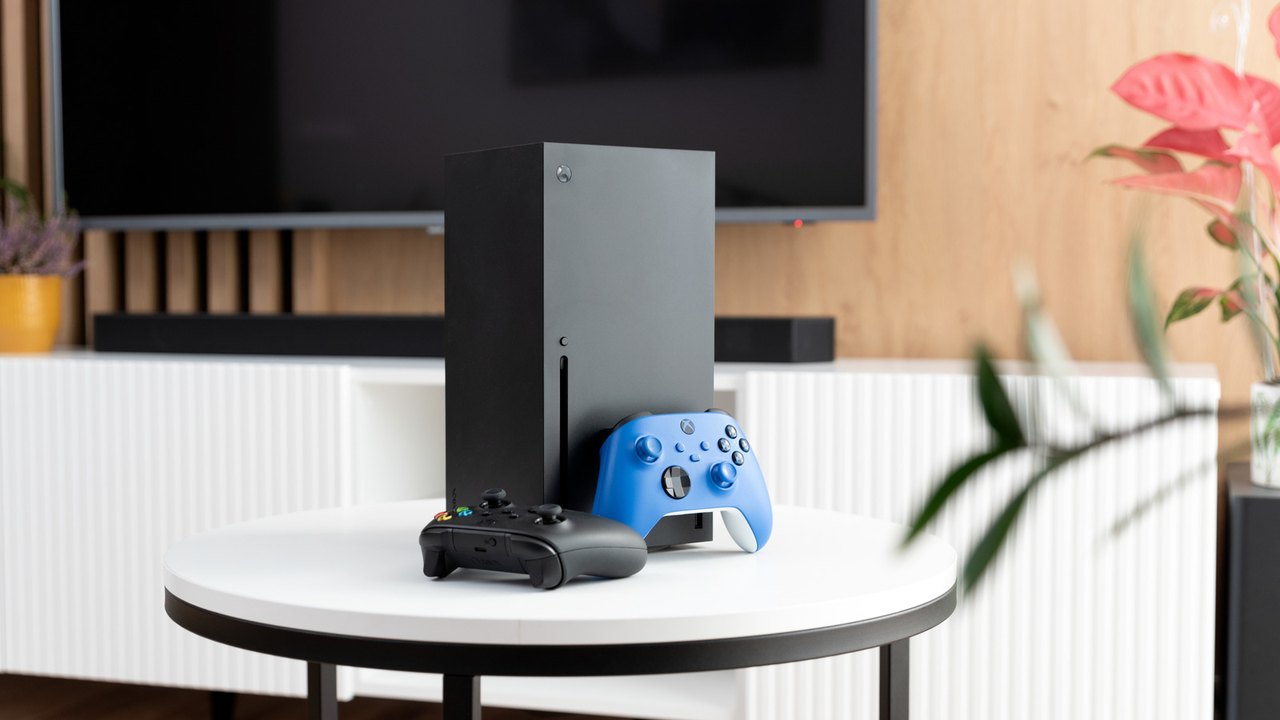 Optimizing Your Xbox Series X: Are You Using the Right HDMI Port?
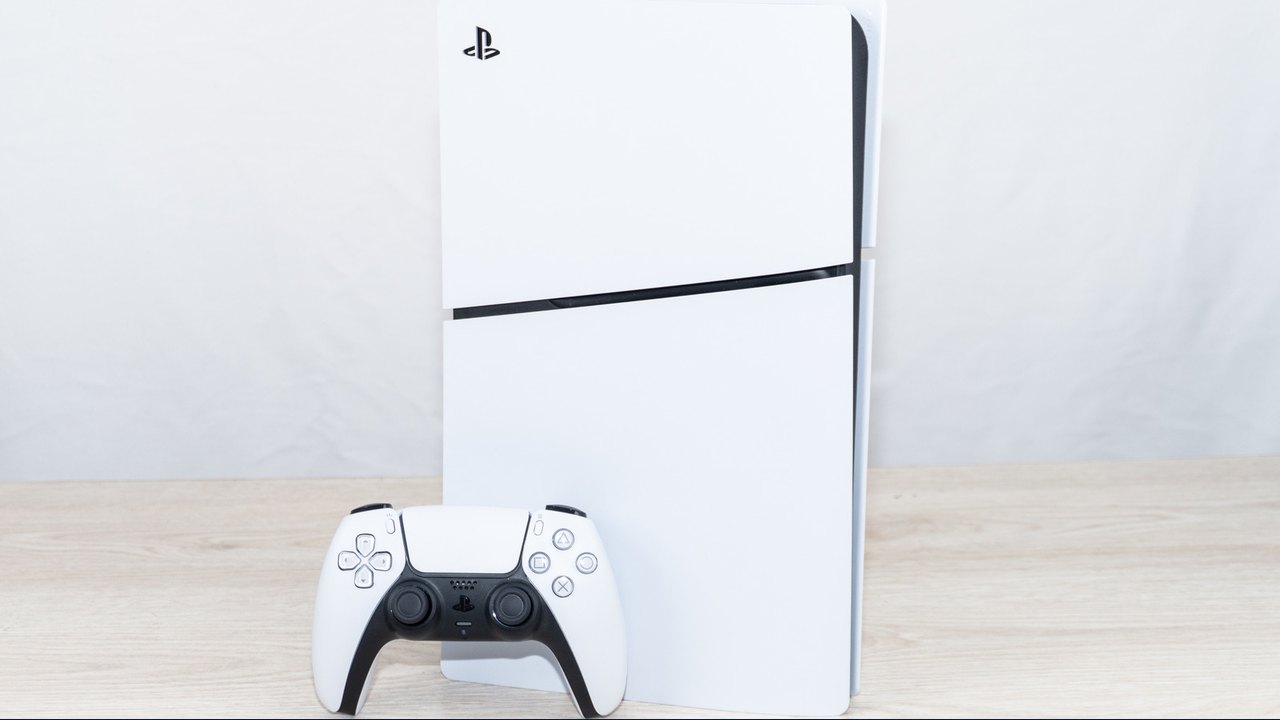 Why You Should Keep Your PlayStation 5 Off the Carpet
 Why You Should Keep the Pre-Installed Film on Your Nintendo Switch 2
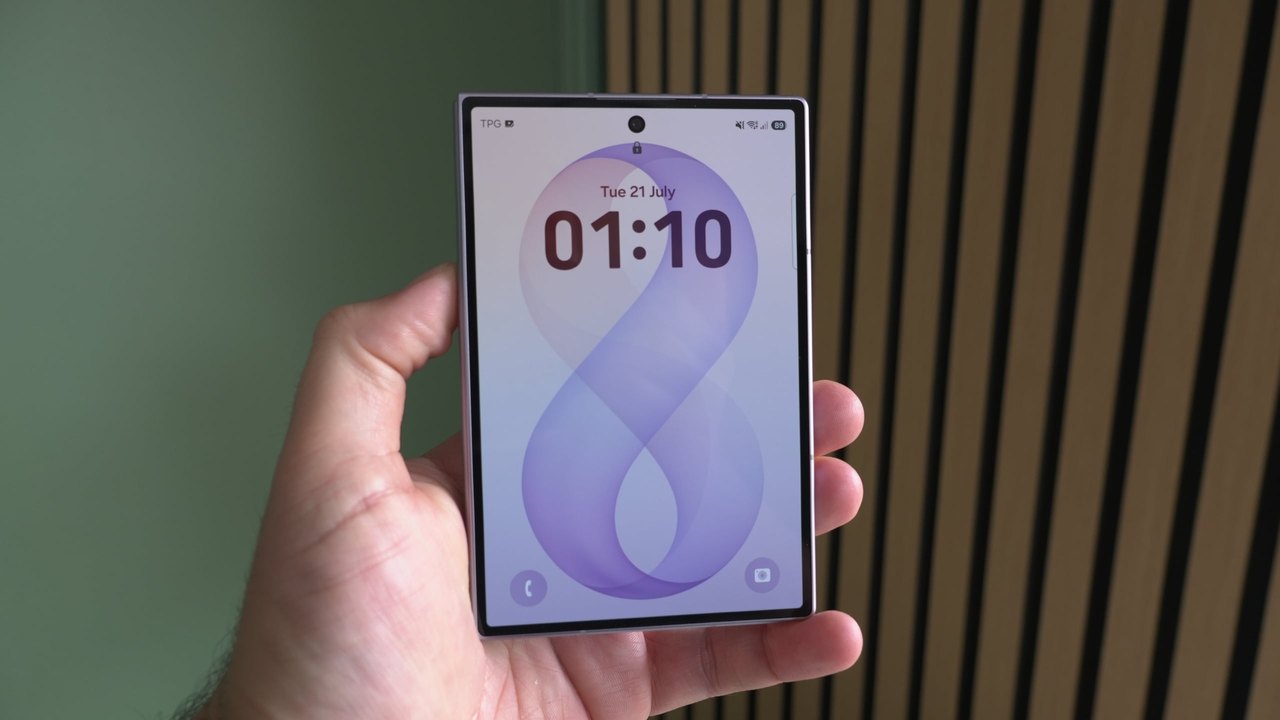 Customize Your Samsung Galaxy Lock Screen Padlock Using Good Lock