What Does the Blue Snowflake Icon Mean for Your Tesla Battery?
· GlobeWire Daily Editorial Desk · Source: www.engadget.com
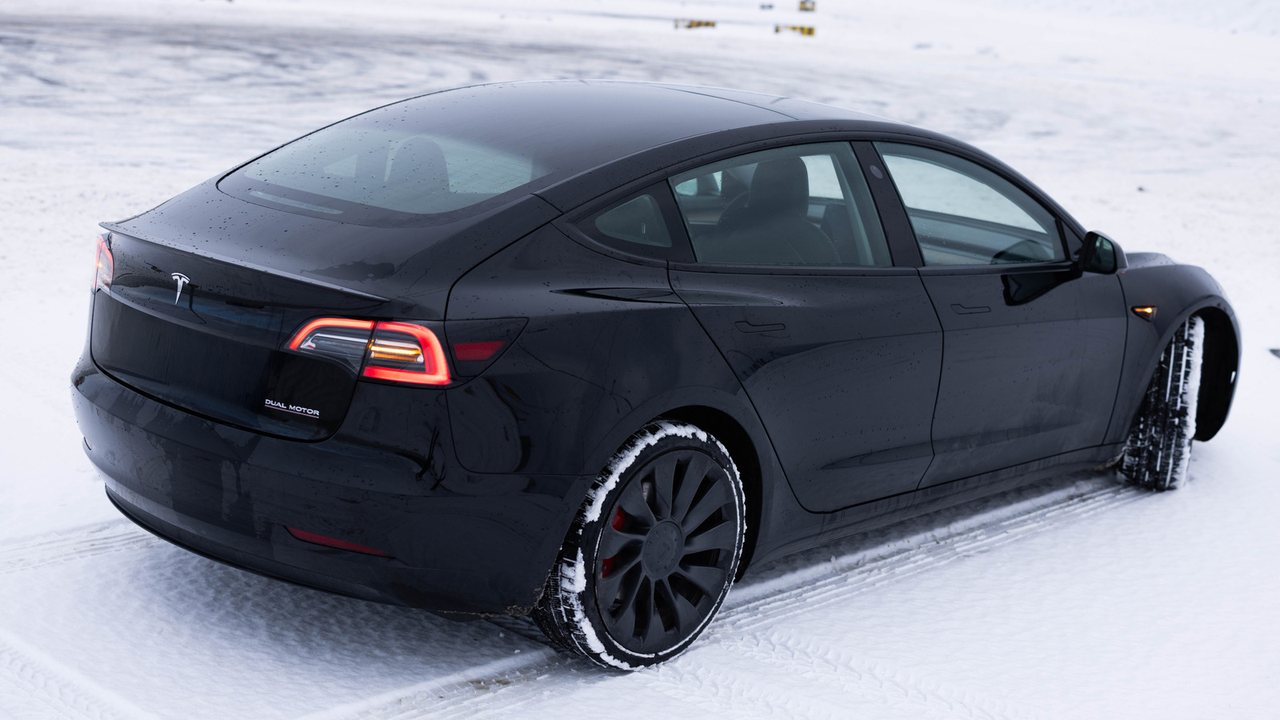
A blue snowflake icon appearing next to a Tesla battery indicator signals that the battery is cold, which temporarily restricts a portion of its stored energy. According to reported details, this cold temperature affects driving range, charging speed, and regenerative braking performance.
Understanding the Blue Snowflake Icon
When temperatures drop, the blue snowflake indicator turns on to show that the battery is experiencing cold conditions. Drivers do not need to guess how much energy is affected, as Tesla displays the temporarily unavailable portion in blue directly on the battery meter. This energy is not permanently lost and becomes accessible again once the battery warms up during driving. However, cold weather generally reduces overall driving range due to cabin heating demands and driving conditions.
Effects on Braking and Charging
A cold battery also alters how the vehicle operates, particularly regarding regenerative braking. Normally, lifting off the accelerator sends energy back to the battery, but a cold battery cannot absorb energy in the same way. As a result, regenerative braking may feel weaker.
- Regenerative Braking Limitation: Some Model 3 variants may include a setting under *Controls > Dynamics* labeled *Apply Brakes When Regenerative Braking Is Limited*, which uses mechanical brakes to mimic full regeneration depending on the software version and model variant.
- Separate Indicator: A separate icon resembling a broken green brake disc with an electricity symbol may appear when regenerative braking is restricted.
- Charging Speeds: Charging may take longer when the battery is cold.
How to Warm Up Your Tesla Battery
Drivers cannot manually turn off the snowflake icon; it disappears only when the battery warms up through driving, charging, or preconditioning.
- Preconditioning: Owners can set up preconditioning via *Controls > Schedule* on the touchscreen or the Tesla app to warm the cabin and high-voltage battery before driving.
- Power Source: It is recommended to keep the EV plugged in during preconditioning so the battery draws continuous power instead of depleting the starting charge.
- Supercharging: Setting a Tesla Supercharger as the navigation destination helps warm the battery in preparation for faster charging.
Tesla has not specified the exact temperature threshold that triggers the snowflake icon or a fixed timeframe for its disappearance, but the company recommends activating climate settings 30 to 45 minutes before departure.
Practical Implications and Verification
Drivers should anticipate reduced initial range and altered braking behavior in cold weather, requiring more active use of the mechanical brakes. Vehicle owners can verify official operational guidelines, software settings, and maintenance recommendations directly through the Tesla touchscreen controls, the official Tesla mobile application, or Tesla's official support resources.