What to Do With Your Old Xbox Instead of Throwing It Away
· GlobeWire Daily Editorial Desk · Source: www.engadget.com
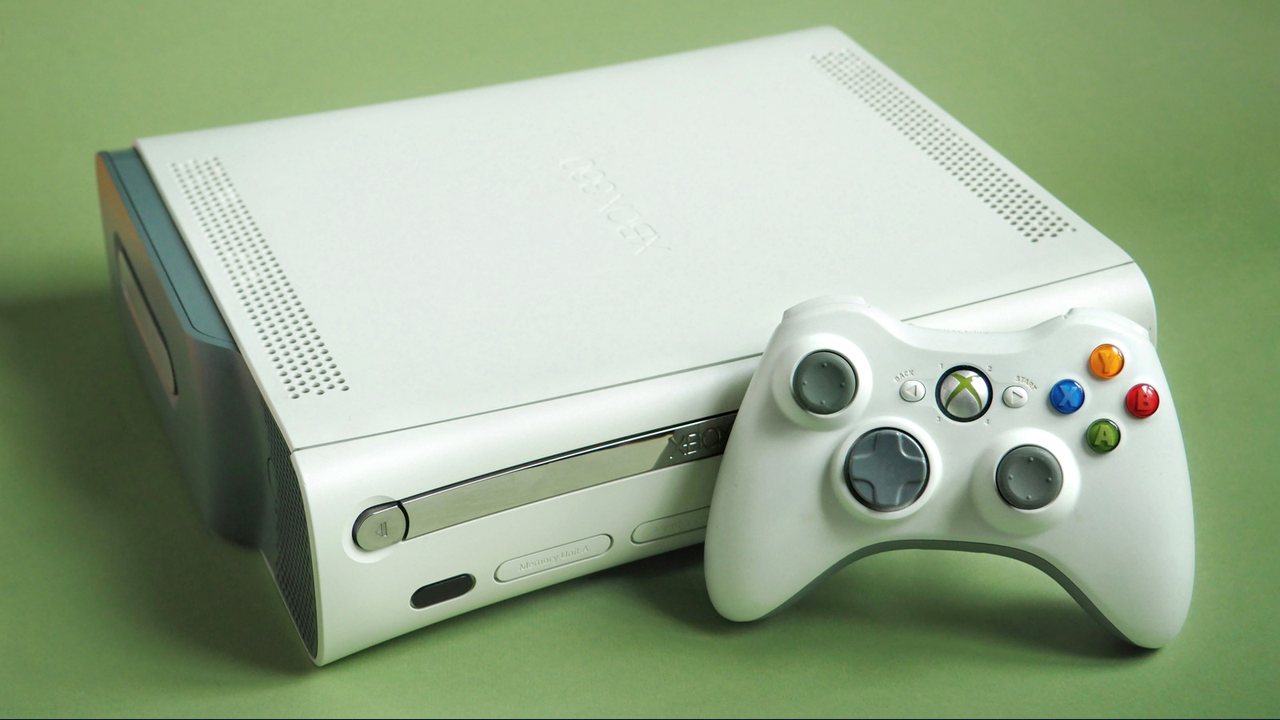
Instead of discarding a working older Xbox console such as the Xbox 360 or Xbox One, owners have several options for repurposing, donating, or selling the hardware. Rather than treating legacy tech as waste, these consoles can find new life as media players, retro gaming machines, or sources of extra income.
Repurposing Your Legacy Console
- Bedroom Streaming Hub: The Xbox One supports popular streaming applications like Netflix, Disney+, Amazon Prime Video, Hulu, and Paramount+, making it a practical secondary streaming device.
- Physical Media Player: The Xbox 360 plays DVDs directly out of the box, while the Xbox One and Xbox One X can play DVDs and Blu-rays, with 4K Blu-ray playback requiring a free app download from the Microsoft Store.
- Retro Gaming: Microsoft's backward compatibility features allow the Xbox One family to play a wide library of Xbox 360 titles, while the Xbox 360 can handle hundreds of original Xbox games with a compatible hard drive.
- PC Controllers: Wired Xbox 360 and Xbox One controllers can be connected to Windows PCs via USB, Bluetooth, or wireless adapters for gaming.
Selling or Donating Your Console
If you prefer to clear space, you can donate the console to a charity, thrift store, or children's hospital. Alternatively, online buy-back platforms and auction sites like eBay or Swappa offer potential resale value, though older models like the Xbox 360 generally command very low trade-in payouts on specialized buy-back sites.
Essential Security Steps Before Sale
If you decide to sell or give away your console, safety and privacy measures are required:
- Back Up Saves: Ensure your Xbox One is connected to the internet to sync game saves to the cloud. For the Xbox 360, use a configured USB drive to copy desired game data.
- Factory Reset: Perform a factory reset through the system settings to erase all personal data, local saves, and applications.
- Unlink Devices: Log into your Microsoft account online and remove the console from your registered devices list.
*Practical implication: Always verify current trade-in values directly on resale platforms, as buy-back offers fluctuate over time. Do not reuse publisher images without securing proper rights.*