Why Household Vacuums Pose Risks to Your PC's Internal Components
· GlobeWire Daily Editorial Desk · Source: www.engadget.com
Using a household vacuum cleaner to remove dust from inside a computer can cause significant damage due to electrostatic discharge and physical hazards. While dust buildup in vents and heatsink fins can obstruct cooling, relying on a standard household vacuum is strongly discouraged.
The Risks of Static Electricity and Physical Damage
Household vacuums can generate static electricity as dust and particles travel through hoses and plastic parts. Bringing a vacuum nozzle close to sensitive internal components can transfer this charge, potentially causing immediate failure or latent damage that may not be immediately noticeable. Additionally, standard vacuums are bulky tools that can easily dislodge connectors, strike circuit boards, bend heatsink fins, or suck up loose screws.
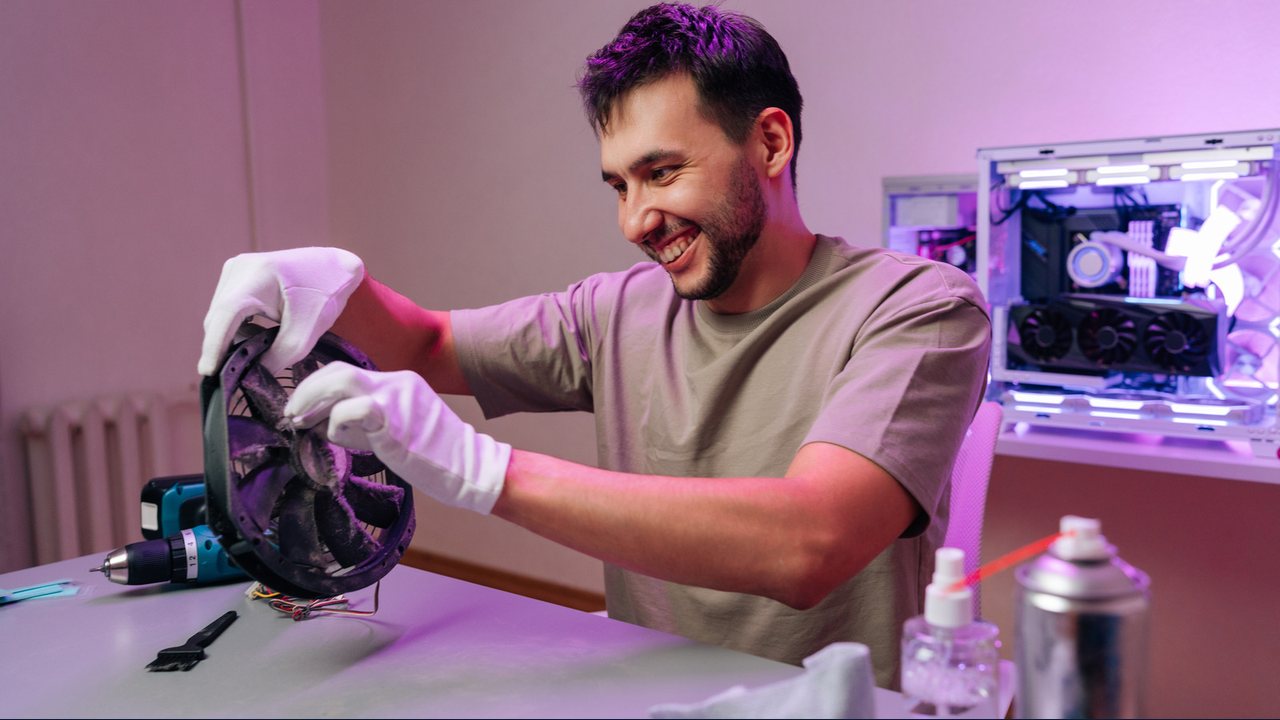
Fans also face specific hazards. The suction from a vacuum can force fan blades to spin rapidly, putting unnecessary stress on bearings. Laptops present similar challenges, as limited internal space and unseen components make vacuuming vents risky without holding fans still.
Safe Alternatives and Cleaning Practices
Specialist anti-static vacuums exist, featuring materials designed to dissipate static charge safely, unlike standard household models. However, safer and more practical alternatives are widely available.
- Compressed Air and Electric Dusters: Using a can of compressed air or an electronics-safe electric air duster allows users to blow dust out safely without static risks.
- Preparation: Always switch off the PC, disconnect all power cables, and move the unit to a well-ventilated area before cleaning.
- Filter Maintenance: Clean removable dust filters separately using a damp cloth, ensuring they dry completely before reinstallation.
Users should avoid opening power supplies, as internal components can retain dangerous electrical charges, though external fan grills can be wiped. To verify original maintenance guidelines, consult hardware manufacturer documentation regarding safe cleaning procedures.