Capri: An Open-Source, Cyberpunk-Inspired Desktop Companion Powered by Local AI
· GlobeWire Daily Editorial Desk · Source: github.com
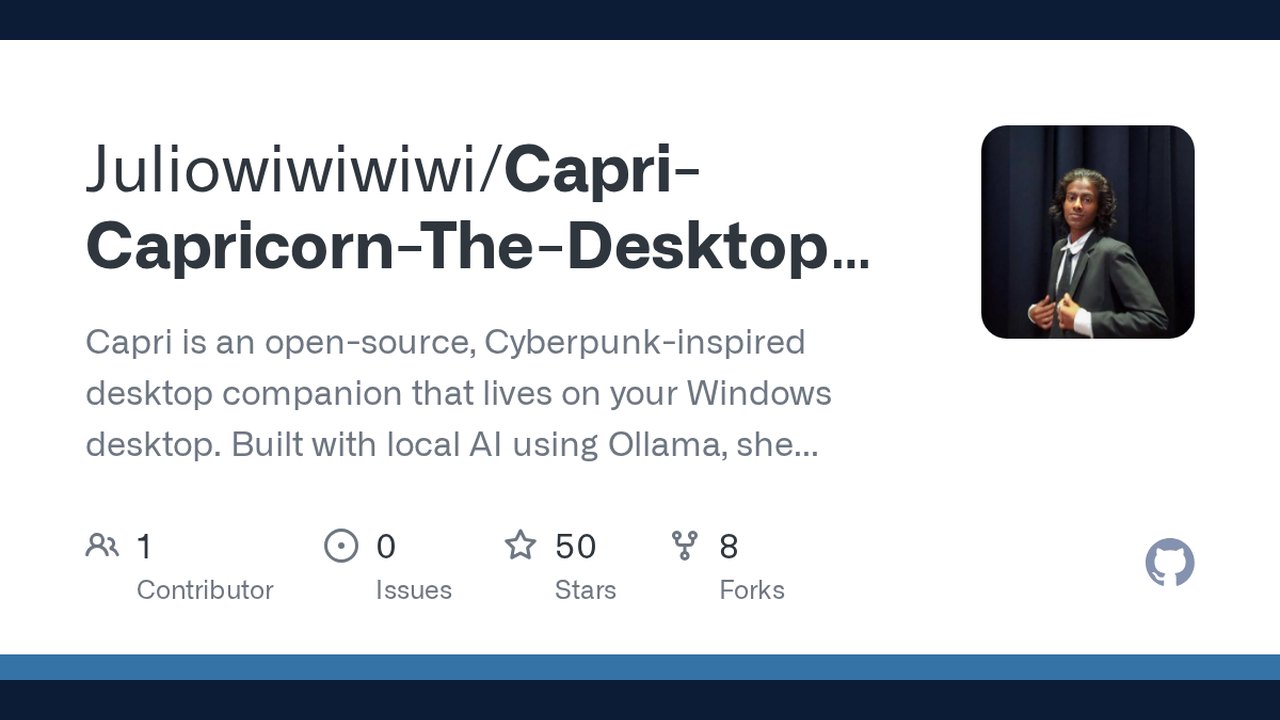
Image: GitHub · Photo source · Resized and letterboxed to 16:9; no AI generation
Introduction to Capri
Capri is an open-source, cyberpunk-inspired desktop companion designed for Windows environments. Inspired by the visual atmosphere of *Cyberpunk 2077*, the project functions as a lightweight desktop pet featuring an animated character and a compact, terminal-style chat interface. According to the project repository, the goal is to provide a casual companion experience rather than a heavy assistant dashboard.
Core Architecture and Features
The application relies on local artificial intelligence models to maintain privacy and offline functionality. Key technical components include:
- Animated Desktop Character: Stays on the Windows desktop with idle behaviors such as blinking, sleeping, and waking.
- Terminal-Style Chat Window: A compact, cyberpunk-themed interface for text communication.
- Local AI Integration: Responses are generated locally via Ollama using a custom `capri:latest` model, which uses Gemma 3 4B as its base model.
- Streaming Responses: Text appears progressively as the model generates it.
- Externalized Personality: Capri's persona is configured directly within the Ollama Modelfile rather than being duplicated inside the Python user interface code.
Planned Features and Privacy Considerations
The current implementation focuses primarily on local text chat without external API dependencies. However, developers have outlined several features in progress:
- Voice input and spoken replies using local speech-to-text and text-to-speech tools such as `faster-whisper` and `Piper`.
- More expressive character reactions tied directly to the chat state.
Security and Verification
When deploying AI-driven tools involving local audio or text models, users should independently verify that microphone inputs, transcripts, and generated outputs remain on their local machine and are not inadvertently transmitted to external servers. To inspect the source code, verify setup instructions, or review bug reports, users can visit the official GitHub repository at `https://github.com/Juliowiwiwiwi/Capri-Capricorn-The-Desktop-Construct`
AI-assisted reporting; source claims are attributed and have not been independently verified.
More to read
 DeskcommCRM Launches as a Free Open‑Source AI‑Powered Sales OS for WhatsApp‑Based Businesses
 GenOffice Launches as an Open-Source AI Office Suite with Local Editing and CLI Support
 Hob Offers Free, Open-Source Local AI Tool as Alternative to Cloud Services
 Open Genjutsu Launches Local-First Workflow for AI-Powered Video Recasting
Trending on GlobeWire Daily
Selected from recent coverage and related topics; not live search rankings.