10 Useful Features Hidden in Your iPhone's Notes App
· GlobeWire Daily Editorial Desk · Source: www.engadget.com
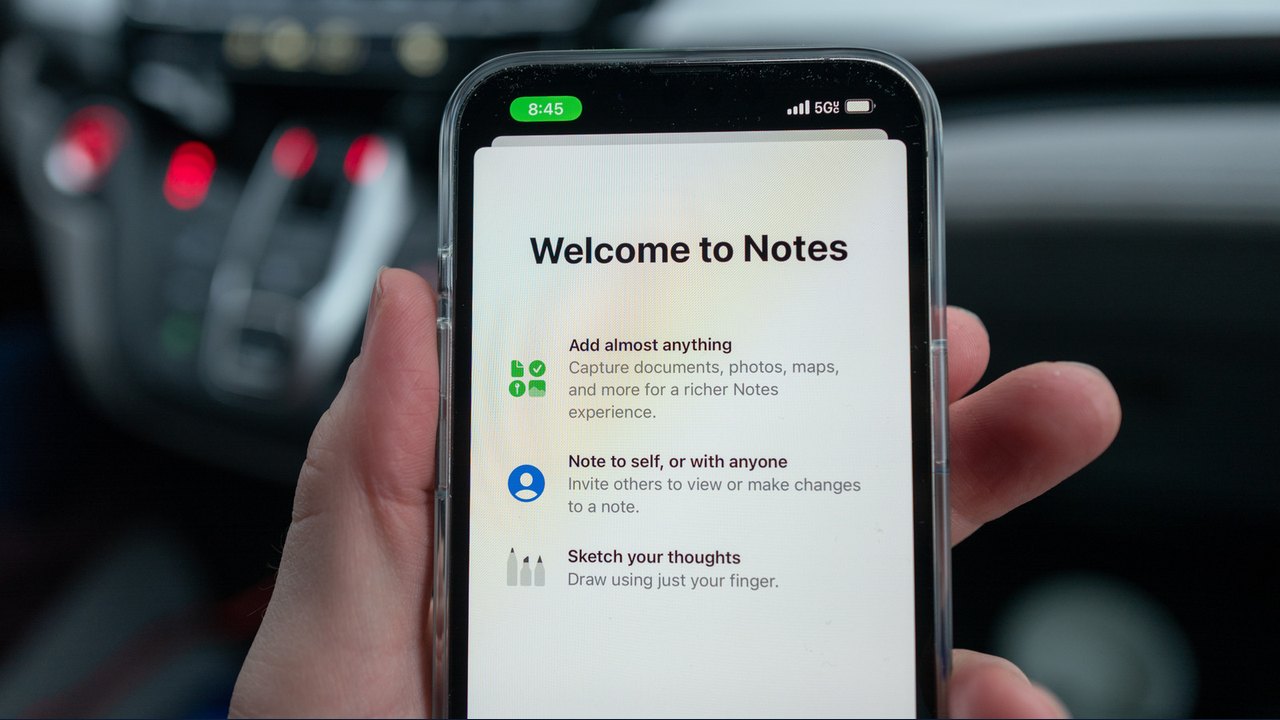
Image: Engadget · Photo source · Resized and letterboxed to 16:9; no AI generation
For many users, the iPhone's Notes app serves as a basic repository for grocery lists and stray thoughts. However, recent software updates have introduced advanced capabilities that extend far beyond standard text entry. Users can now solve complex equations, scan and sign physical documents, and record and transcribe audio.
Here is an overview of practical features available in the Notes app, depending on your iOS version and device hardware:
- Math Notes and Graphing: Typing an equation with an equals sign allows the app to calculate answers automatically. Users can also insert graphs that update dynamically if variables change.
- Document Scanning and Signatures: The built-in scanner captures, crops, and straightens pages automatically, saving them as PDFs that can be signed using Markup.
- Audio Recording and Transcription: Notes can record audio sessions and generate searchable transcripts, with summarization options available on supported Apple Intelligence devices.
- Image Wand: Rough sketches can be transformed into polished graphics or illustrations using descriptive text prompts.
- Shared Collaboration: Notes and folders can be shared with others for real-time editing, making it easier to manage group lists.
- Writing Tools: Apple Intelligence features can proofread text, adjust tones, or convert paragraphs into bulleted lists and tables.
- Document Formatting: Users can collapse headings, highlight text, insert divider lines, and use section links to organize longer notes.
- Calligraphy Tools: The reed pen tool in Markup provides variable stroke widths based on drawing direction for a traditional calligraphy effect.
- Advanced Search: The search function can scan handwritten text, objects within images, and text inside scanned documents or receipts.
- Siri Integration: Siri can generate content from the web or organize lists before saving them directly into Notes, depending on language and device support.
Certain advanced functions rely on Apple Intelligence and newer hardware, such as the iPhone 15 Pro, iPhone 15 Pro Max, and iPhone 16 models or later, along with specific iOS versions. Users can verify compatibility by checking their device settings and software update menus.
AI-assisted reporting; source claims are attributed and have not been independently verified.
More to read
 5 Netflix Tips and Hidden Features to Improve Your Streaming Experience
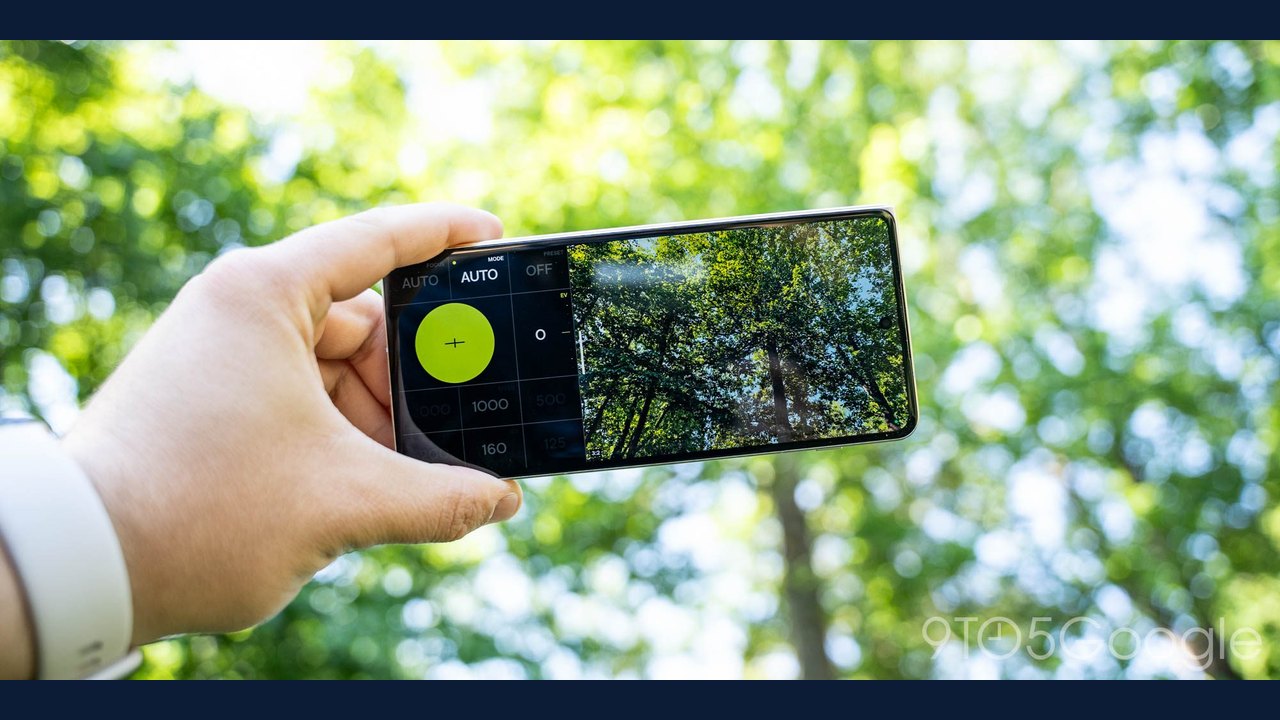 VWFNDR + MBL Camera App Releases Version 2.0 with New Color Grades and iPhone Expansion
 How to Tell if Someone Blocked Your Number on iPhone
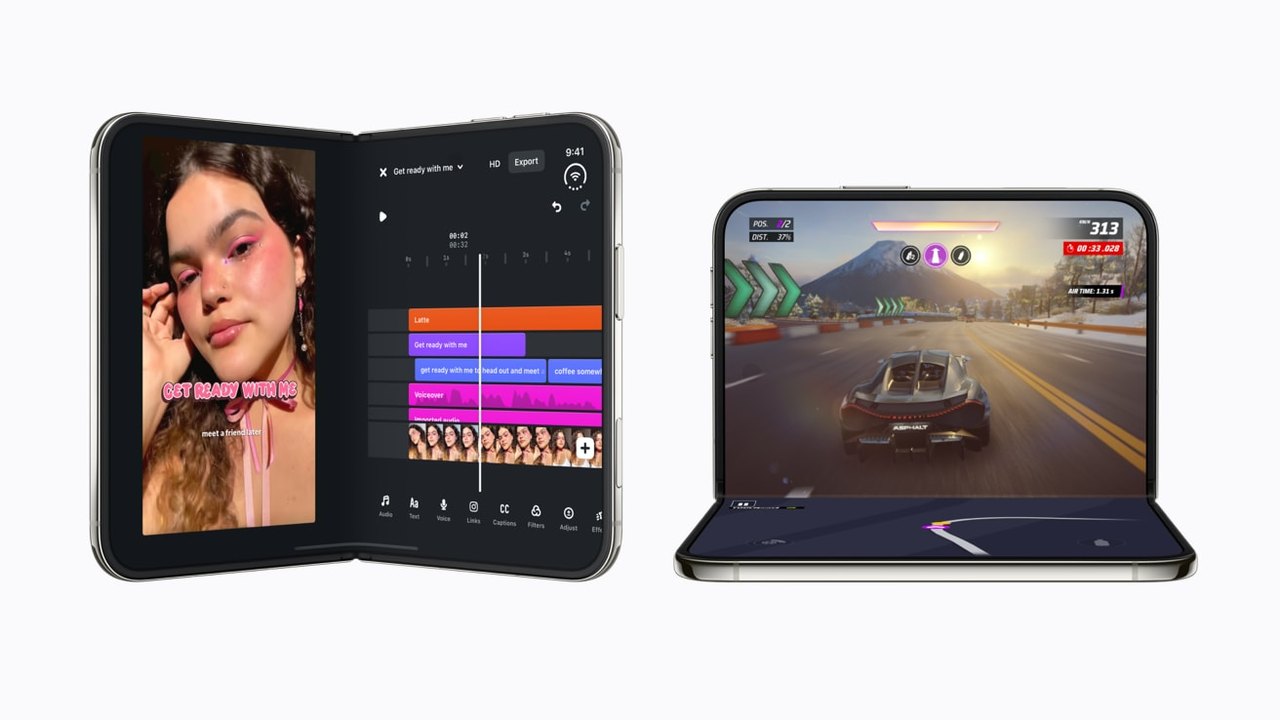 Developers Bring New App Experiences to iPhone Duo