Mobiles & Gadgets
Google Photos forces Samsung Galaxy users on One UI 9 to save every minor edit as a copy
· GlobeWire Daily Editorial Desk
What’s happening?
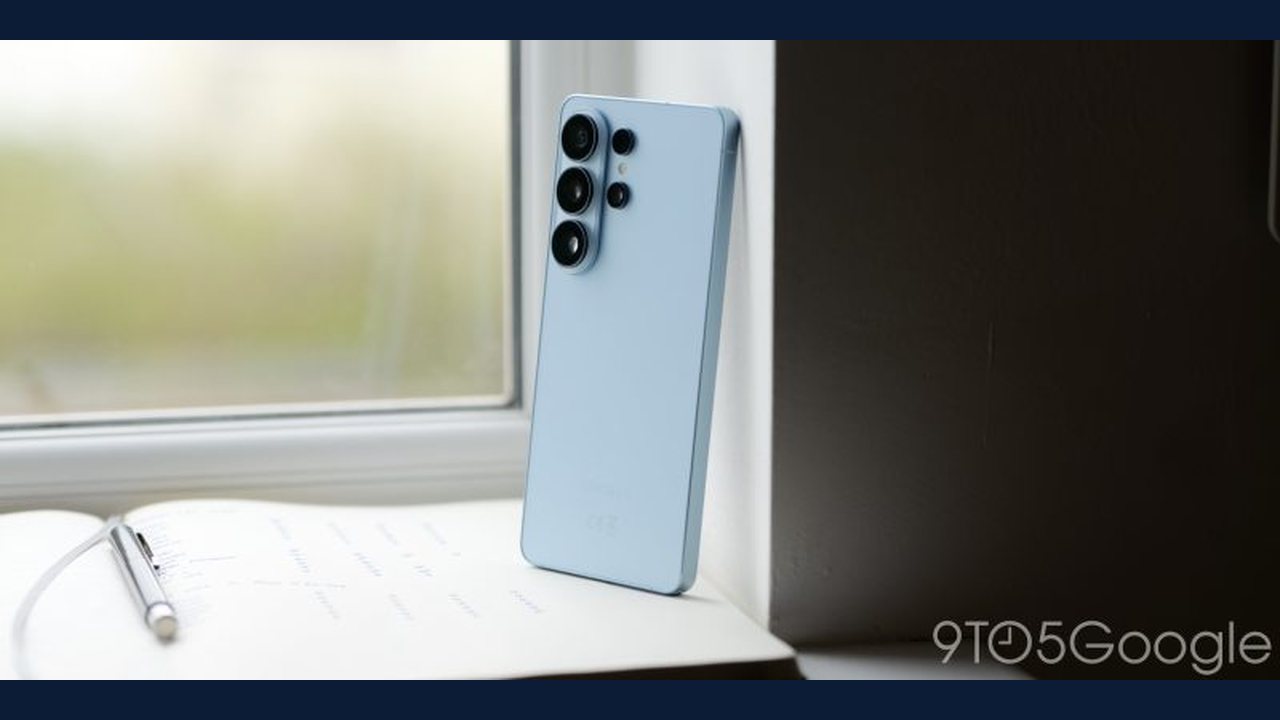
Google Photos is no longer offering the usual Save button for basic edits on certain Samsung Galaxy phones running One UI 9. Instead, the app only provides Save as copy, creating a duplicate each time a user crops, rotates or makes any other small change.
Who is affected?
- Samsung Galaxy S23 FE, A35, Z Fold 8 Ultra, S26 and other models reported on Reddit and Google Support.
- The issue appears on photos taken with the phone’s camera, screenshots and images saved from the web.
Confirmed facts
- Android Authority staff verified the missing Save option on a Galaxy S23 FE.
- Samsung has escalated the problem to its engineering team, but no official statement on whether it is a bug or a deliberate change.
- Google Photos still allows overwriting originals for advanced edits (Magic Eraser, UltraHDR, etc.), making the disappearance of the basic Save button unexpected.
Reported claims
- Users say the problem started surfacing in September 2023 and spiked in early October 2024.
- All reported cases involve devices on One UI 9; no reports from other Android skins have surfaced.
Practical impact
- Every minor edit creates an extra file, cluttering Google Photos libraries and consuming additional storage.
- Users must manually delete the unwanted copies or revert to a different photo‑editing app.
How to verify
- Open Google Photos on a Samsung Galaxy device running One UI 9.
- Make a simple edit (e.g., crop a photo).
- Check the bottom‑right options – if only Save as copy appears, the issue is present.
- Report the problem via the Google Photos app or Samsung’s support portal.
Next steps
- Samsung says the issue is under investigation; no timeline for a fix has been given.
- Google has not commented publicly.
- Users can watch for updates on Samsung’s community forums or the Google Photos help center.
--- *This article follows GlobeWire editorial standards, presenting verified facts first and clearly separating confirmed information from user‑reported claims.*
Share this article