Mobiles & Gadgets
Samsung One UI 9.5 Beta Starts Rolling Out for Galaxy S26 Series: How to Install and What's New
· GlobeWire Daily Editorial Desk · Source: 9to5google.com
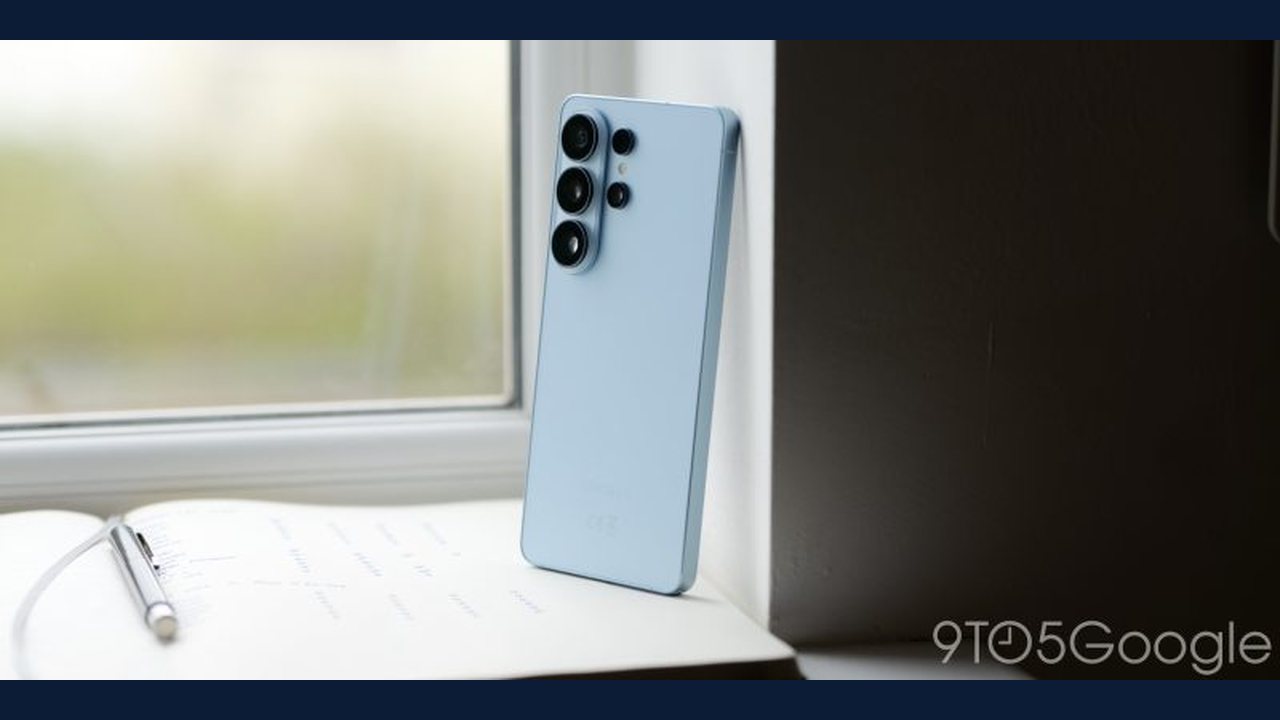
Samsung has officially started rolling out the One UI 9.5 beta program for select Galaxy devices. According to reports, this early access software introduces a range of new features, interface updates, and productivity tools, serving as a transitional half-step update ahead of future flagship hardware releases.
Availability and Eligible Devices
The beta update is currently limited in scope:
- Eligible Devices: Galaxy S26, Galaxy S26 Plus, and Galaxy S26 Ultra.
- Excluded Devices: Models like the Galaxy Z Fold 8 and Fold 8 Ultra are not included in this initial beta phase.
- Regional Limitations: The program is restricted to users in Germany, India, Korea, Poland, the UK, and the US.
Key Features and Changes in One UI 9.5 Beta
Samsung has detailed several functional and visual enhancements included in the changelog:
- Camera and Quick Controls: Quick controls are laid out on a single screen without scrolling, and the bottom shutter area features an updated layout with manual slider refinements and focal length indicators.
- Lock Screen Customization: Users can add depth effects to wallpapers, adjust clock-with-seconds timeout settings, and apply sports animation effects in the Now bar.
- Privacy and Security: Features include a "Pause before app launch" option, individual app locking with biometric authentication, and a Privacy display for secure features (exclusive to the Ultra model).
- Multitasking and File Management: Windows can now be snapped to all four corners, and My Files supports direct opening of PPTX and DOCX documents.
- Health and Wellness: Introduces a meal nutrition estimation tool from a single photo, streamlined sleep coaching requiring only 3 days of data, and a globally available Medications tracker.
How to Install the Beta Update
Users with an eligible device in a supported region can check for the update through official channels:
- Open the Samsung Members app on your Galaxy phone.
- Locate and tap the banner in the Beta program section.
- Follow the registration prompts, then check for software updates via your device settings.
*Note: Because this is early beta software, users may encounter stability issues, though reverting is possible.*
Share this article
Read the original source One UI 9.5 Beta is out now for these Galaxy devices – how to install it