Hands-On With the iPhone Duo: Early Impressions of Apple’s Foldable Phone
· GlobeWire Daily Editorial Desk · Source: www.cnet.com
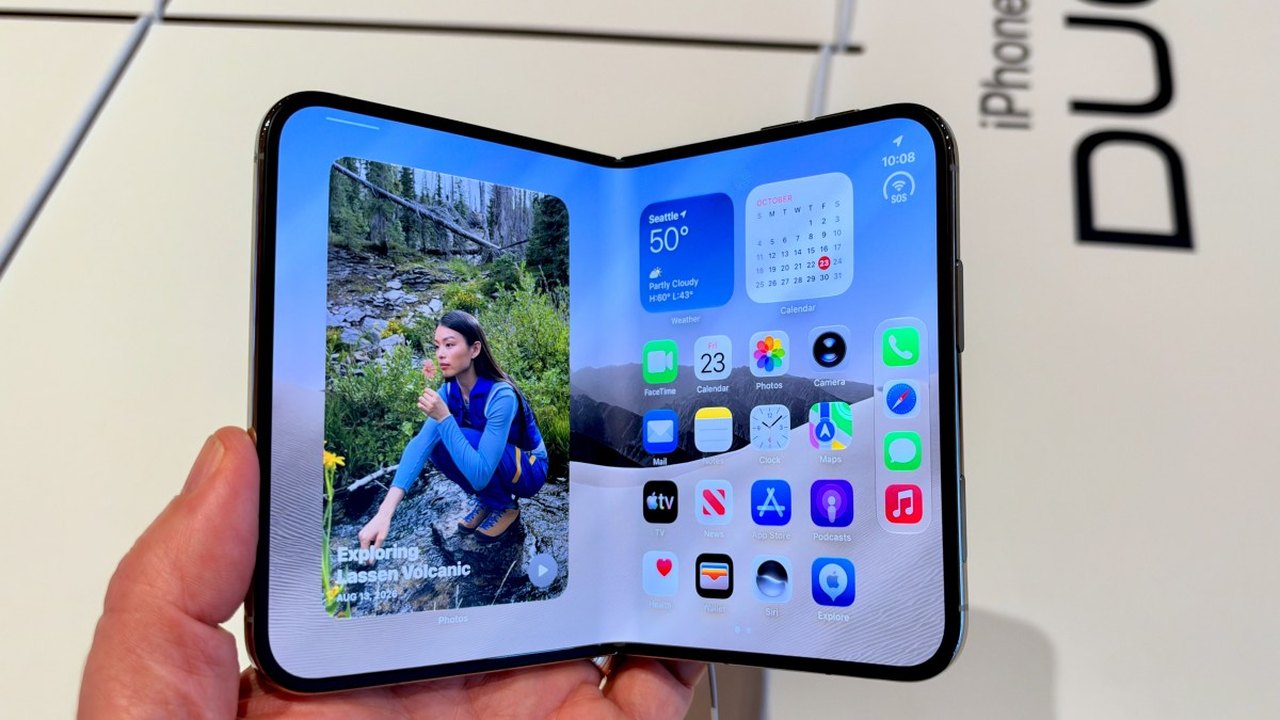
Image: CNET · Photo source · Resized and letterboxed to 16:9; no AI generation
Initial Impressions and Design
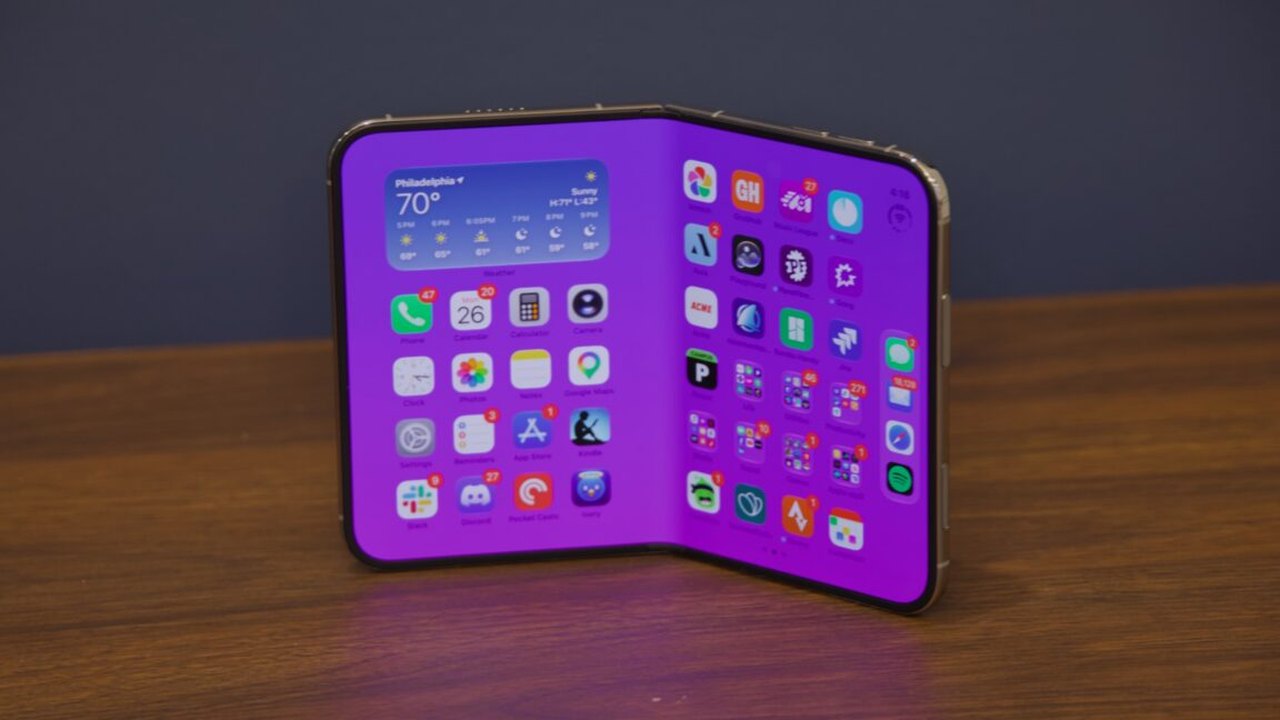
A recent hands-on session with a model of the iPhone Duo at an Apple retail location offers a closer look at the device's physical design and software behavior. The foldable device features a 7.6-inch main interior screen and a front display. While online videos showcase features like translucent window animations and tent mode alerts, direct interaction reveals how the hardware operates in practice.
Observers note that the device's opening animation and polished transitions are characteristic of Apple's design approach, though such cosmetic elements are not strictly necessary for basic smartphone functionality.
Software and Multitasking Features
Using the iPhone Duo introduces specific interface adjustments:
- Multitasking Gesture: Opening the main screen allows users to run separate apps on each half. Activating this requires a half-swipe followed by dragging a finger toward the left or right side of the display.
- App Layout: On the inner screen, applications align to the right side while leaving space on the left, preventing sudden disorientation when navigating home screens.
- Camera Controls: The device includes four cameras, with options for dual-screen preview modes. A "Slide to Open" mechanism on the front screen helps prevent accidental activation when utilizing the camera app.
Hardware States and Usability
The accelerometer tracks various physical positions, which Apple refers to as "poses." The device can shift between vertical, horizontal, and folded angles, such as a 90-degree laptop-like configuration. During short testing periods, the interface occasionally adjusts orientation dynamically as the physical angle of the phone changes.
*Note: Long-term durability and hardware reliability require extended testing beyond brief in-store demonstrations.*
AI-assisted reporting; source claims are attributed and have not been independently verified.
More to read
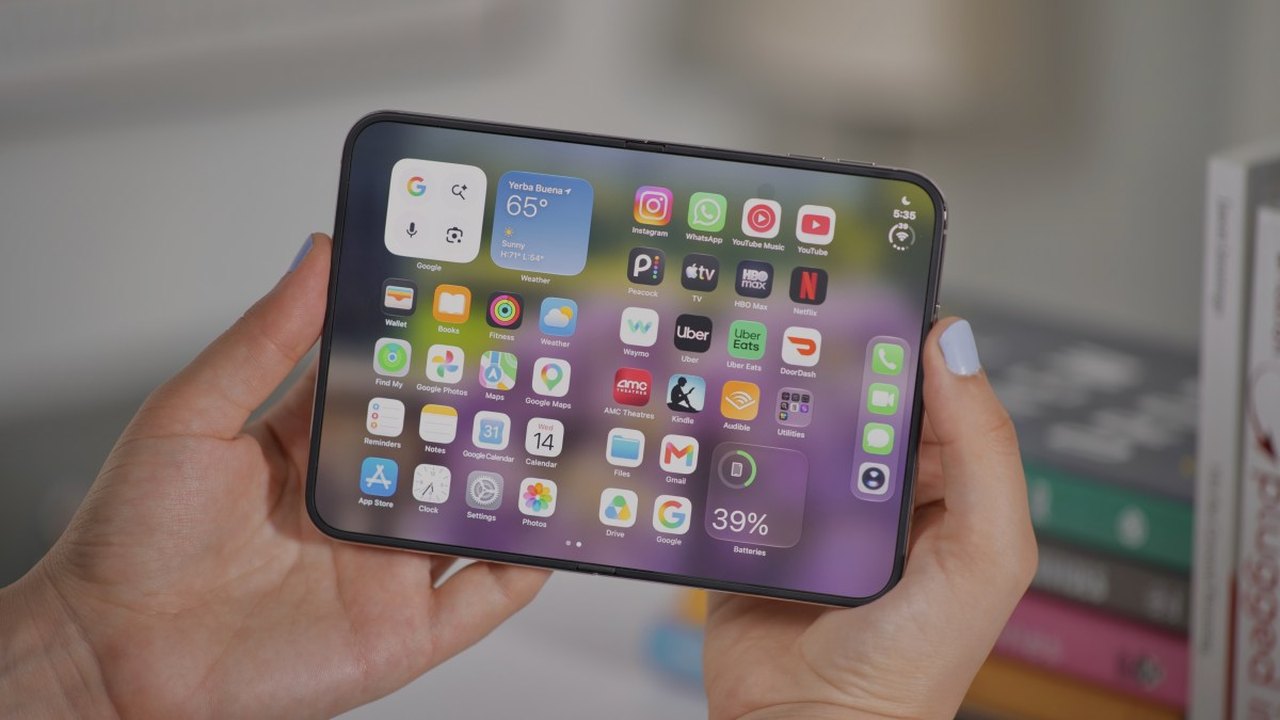 Apple iPhone Duo Features: What to Know About Apple's Foldable Phone
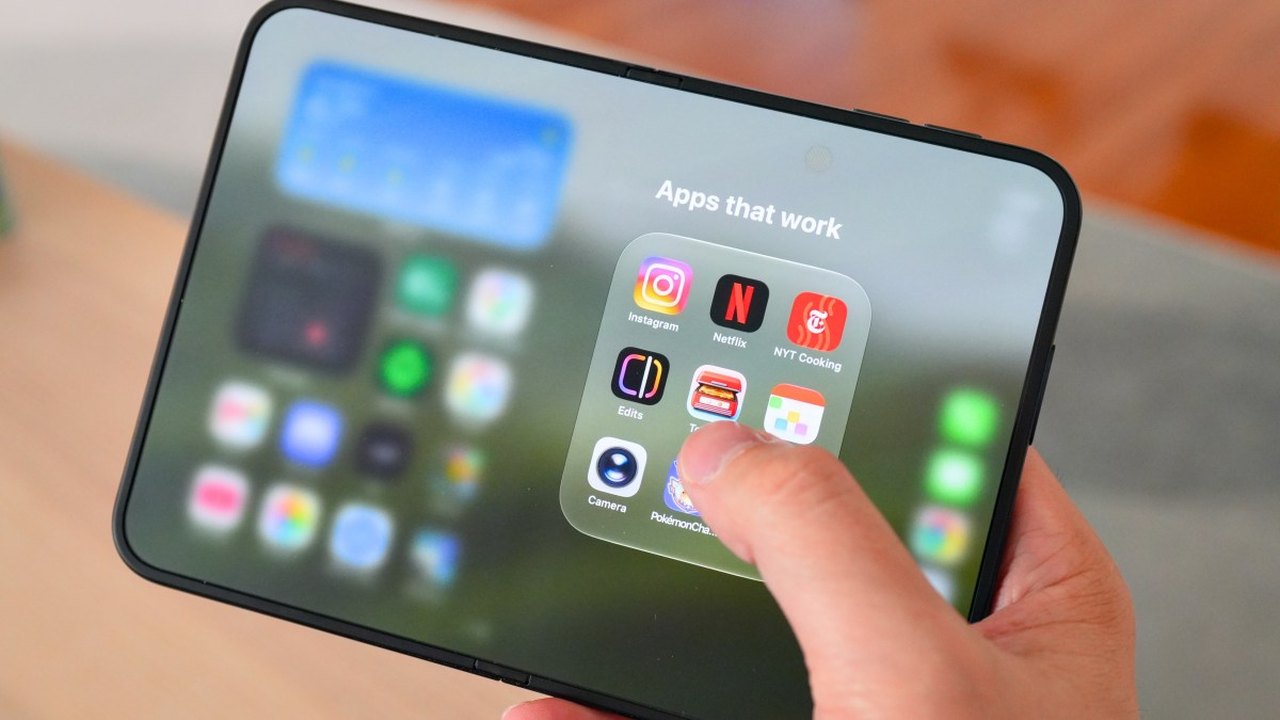 Exploring 7 Apps Optimized for the New iPhone Duo Foldable Phone
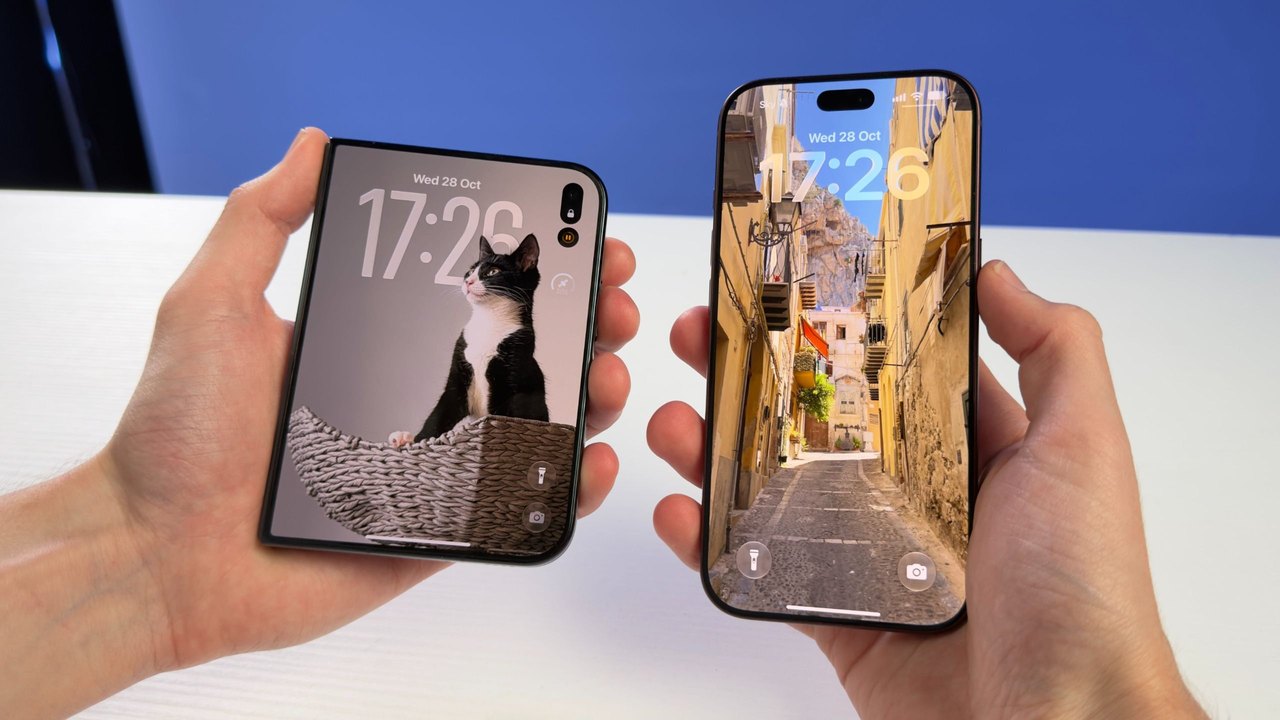 Apple's iPhone Duo vs. iPhone 18 Pro: How the First Foldable Compares to the Latest Flagship
 Apple’s iPhone Duo: A Technical Marvel That Struggles to Be a Phone
Trending on GlobeWire Daily
Selected from recent coverage and related topics; not live search rankings.
 Madhya Pradesh Government Plans Revenue Generation from 117-Year-Old Edward Villa in Mumbai Through Leasing
 iPhone 18 Pro Named TechRadar Product of the Year 2026
 Google Project Suncatcher Runs Gemma 4 AI on Orbiting Satellite and Receives First Response
 Gender Disparities in Eye Care Access Across India Examined
 Satellite Images Show Cyclone Arnab Weakening Over India As New System Brews
 Expanding Green and Blue Spaces Crucial for India's Economic and Public Health, Reports Indicate