OpenDisplay lets you turn an iPhone, iPad or spare Mac into a true second monitor – free, open‑source and no‑account required
· GlobeWire Daily Editorial Desk · Source: github.com
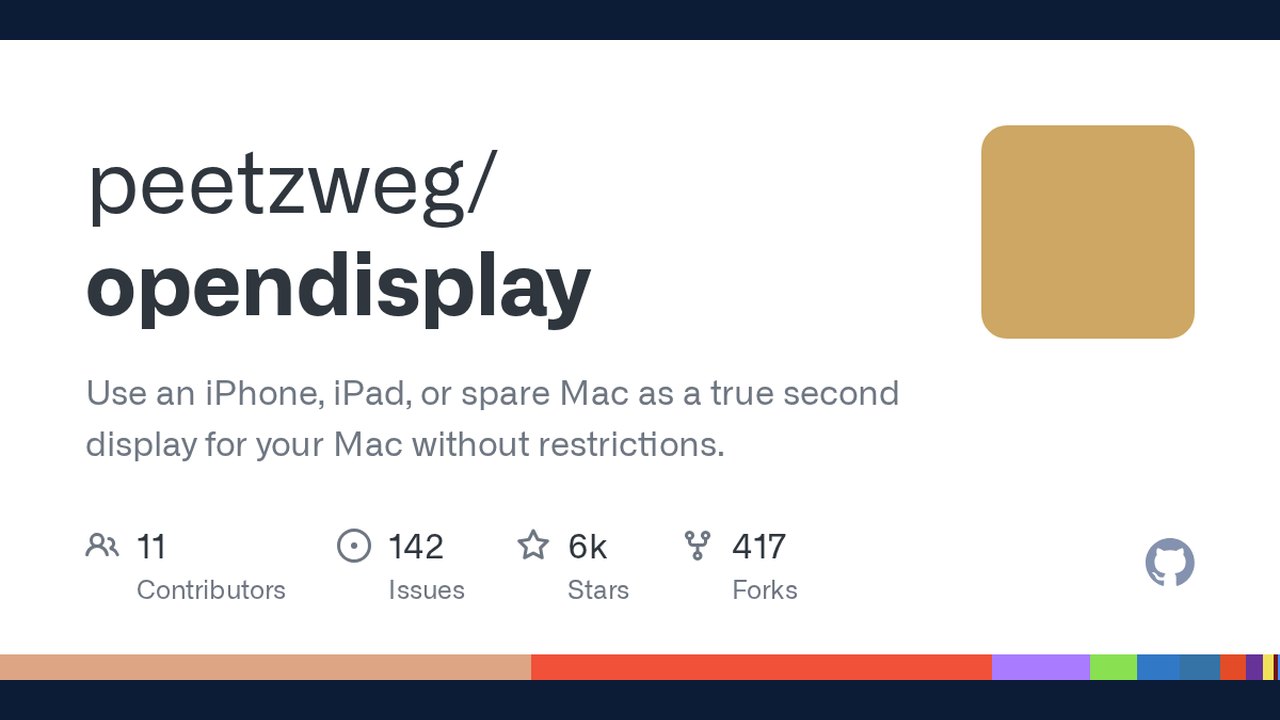
Image: GitHub · Photo source · Resized and letterboxed to 16:9; no AI generation
What is OpenDisplay?
OpenDisplay is a community‑maintained project on GitHub that turns any iOS device (iPhone, iPad) or a spare Mac into a real extended display for a macOS computer. The software is released under the GPL‑3.0 licence, so you can audit the code, fork it, or even sell a commercial variant as long as you keep the source open.
How it works
The system consists of two tiny apps:
- OpenDisplay (sender) – runs on the Mac you want to extend. It captures the screen, encodes the video with hardware H.264/HEVC, and streams it over a TCP connection.
- OpenDisplay Receiver – runs on the iPhone, iPad, or another Mac. It decodes the stream and presents it as a virtual display using macOS’s private `CGVirtualDisplay` API.
The connection can be made via USB‑C/Lightning cable (lowest latency) or over Wi‑Fi using Bonjour discovery. No external servers, no cloud accounts, and no dongles are involved.
Key features
- True extended desktop – macOS treats the device as a separate monitor; you can drag windows, change arrangement, or use mirroring mode.
- Retina‑sharp output – the virtual display matches the device’s native pixel density (‑@2x scaling).
- Touch input – tap‑to‑click, drag, and two‑finger scroll work out of the box. Apple Pencil support is on the roadmap.
- Portrait & landscape – rotate the device and the display re‑configures automatically.
- Low‑latency pipeline – hardware‑accelerated encoding, TCP _NODELAY, and back‑pressure handling keep lag under 30 ms on a wired connection.
- Cross‑platform – a Linux sender and receiver are in beta, and Android support is also in early testing.
Comparison with existing solutions
| Feature | Apple Sidecar | Duet Display | Luna Display | OpenDisplay |
|---|---|---|---|---|
| Cost | Free (Apple ID required) | Subscription | $79 hardware dongle | Free, open‑source |
| iPhone support | No | Yes (paid) | Yes (hardware) | Yes |
| No‑account needed | No | No | No | Yes |
| USB‑only mode | No (Wi‑Fi only) | Yes | Yes (via dongle) | Yes |
| Open source | No | No | No | Yes |
Getting started
- Download the apps – Grab `OpenDisplay.dmg` (Mac sender) and `OpenDisplayReceiver.dmg` (Mac receiver) or the iOS app from the TestFlight beta link listed on the project page.
- Install – Drag the apps to `/Applications`. Both are notarized by Apple, so Gatekeeper will not block them.
- Grant permissions – macOS will ask for Screen Recording (to capture) and Accessibility (to inject touch). Accept both.
- Connect – Plug the iPhone into the Mac with a data‑capable cable for the lowest latency, or select the device from the Wi‑Fi dropdown after both sides have Local Network permission.
- Arrange – Open System Settings → Displays and position the new monitor as you like.
Limitations & unknowns
- The virtual‑display API (`CGVirtualDisplay`) is private; a future macOS update could break the functionality.
- Wi‑Fi mode may show occasional hiccups on congested networks; the project recommends a 5 GHz or 6 GHz band for smoother video.
- Android and Linux clients are still in beta and lack the polished UI of the iOS/macOS apps.
- No end‑to‑end encryption is built in; the TCP stream is unencrypted, so use a trusted local network.
How to verify the announcement
All details come from the official GitHub repository <https://github.com/peetzweg/opendisplay>. The README, FAQ, and protocol documentation list the supported devices, codec choices, and privacy model. For the latest stable release, check the “Releases” tab and compare the version number with the one referenced in the article.
Practical implications
- Cost‑saving – Users with an old iPhone or a retired Mac can repurpose hardware they already own instead of buying a $79 dongle.
- Privacy‑first – Because the video never leaves the local network, the setup is suitable for confidential work.
- Developer friendliness – The GPL licence encourages contributions; anyone can add features like encrypted Wi‑Fi transport or Apple Pencil pressure support.
- Potential fragility – Enterprises that rely on a guaranteed second monitor may still prefer a commercial product with a formal support contract.
--- *The article is based solely on publicly available information from the OpenDisplay GitHub project. No original reporting or unpublished data were used.*
AI-assisted reporting; source claims are attributed and have not been independently verified.
More to read
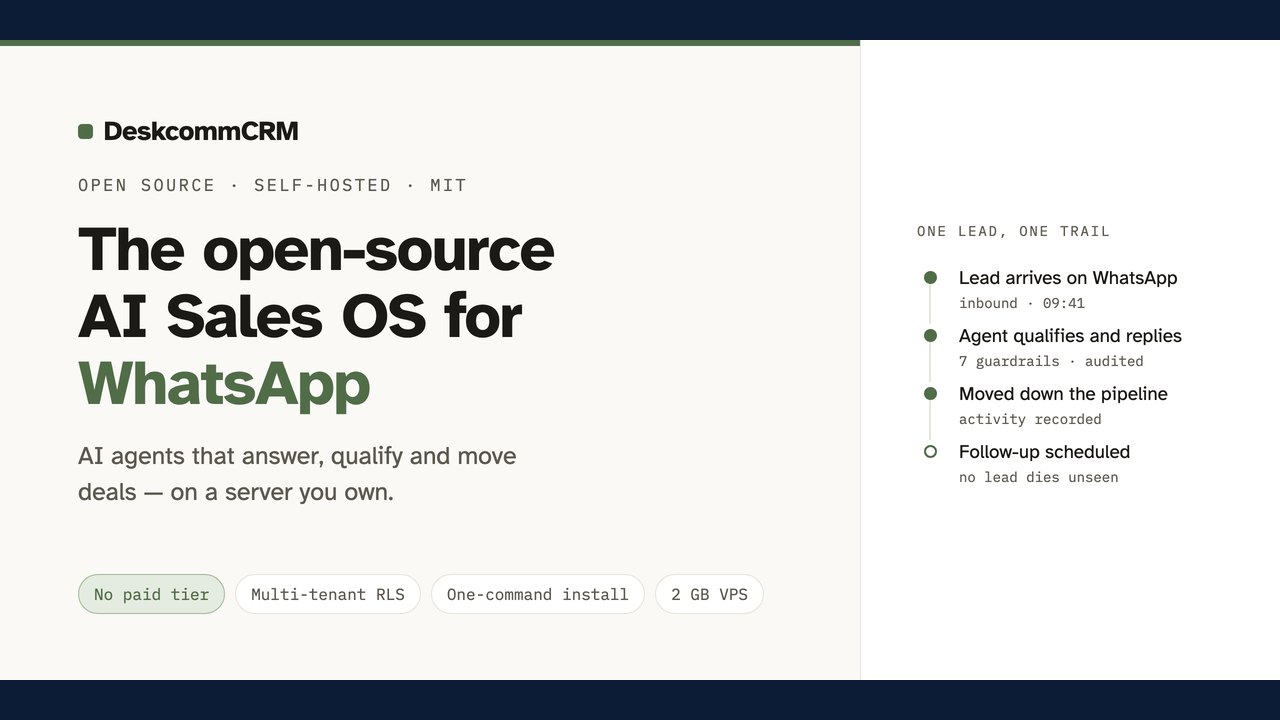 DeskcommCRM Launches as a Free Open‑Source AI‑Powered Sales OS for WhatsApp‑Based Businesses
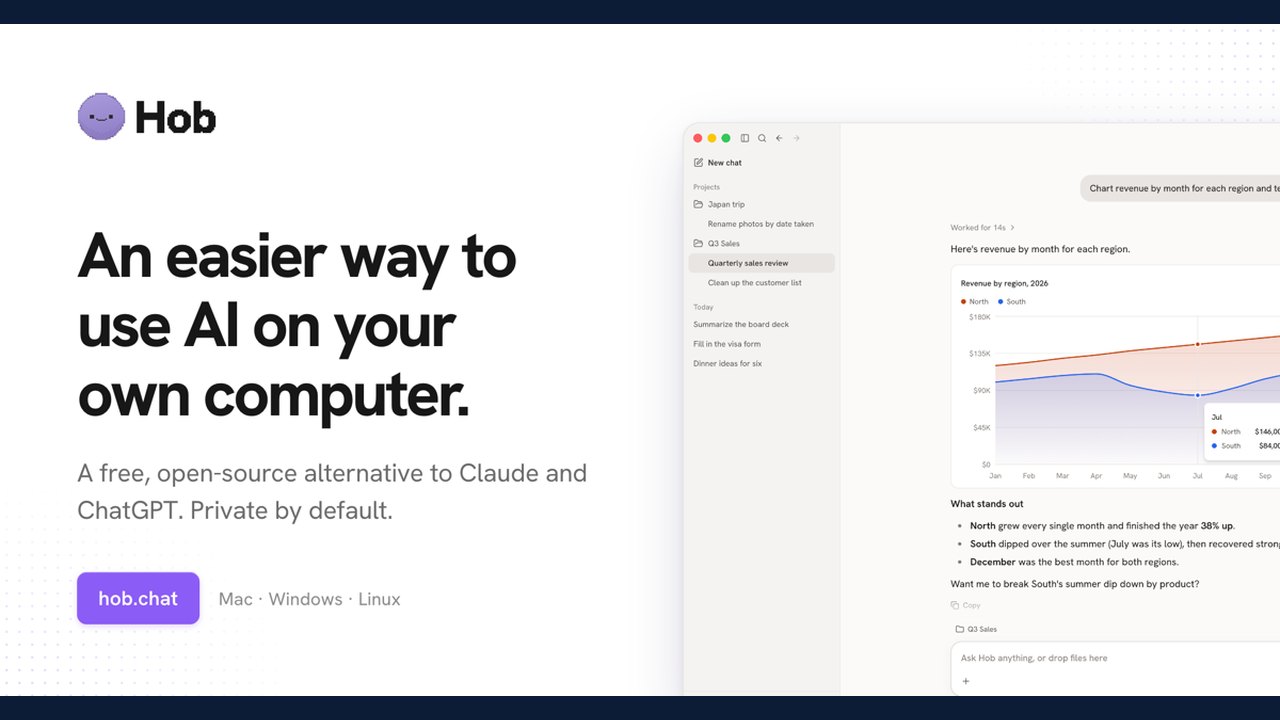 Hob Offers Free, Open-Source Local AI Tool as Alternative to Cloud Services
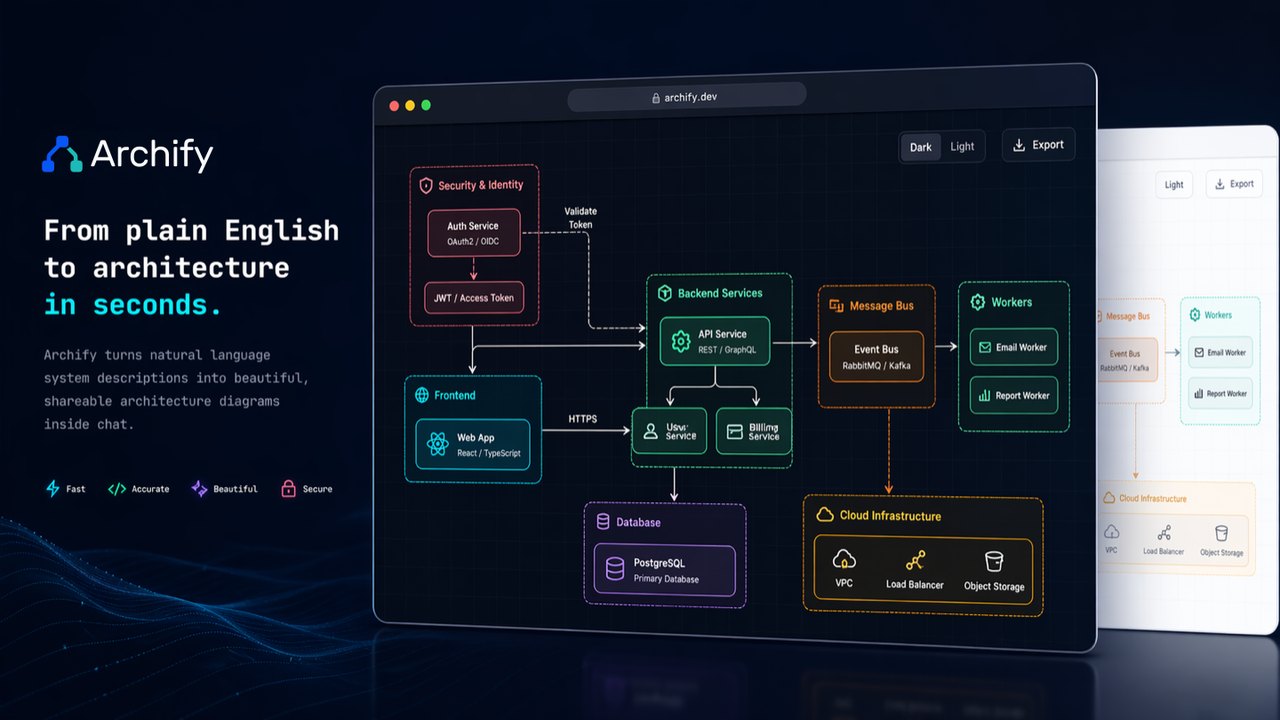 Open-Source Archify Project Aims to Turn Ideas and Codebases Into Interactive Diagrams via AI Agents
 Open-Source Tool 'Coucou' Brings AI Coding Agent Monitoring to Mac Notches and Mobile Devices
Trending on GlobeWire Daily
Selected from recent coverage and related topics; not live search rankings.