Samsung Gallery Integrates Google Storage for Seamless Cross-Device Access
· GlobeWire Daily Editorial Desk · Source: news.samsung.com
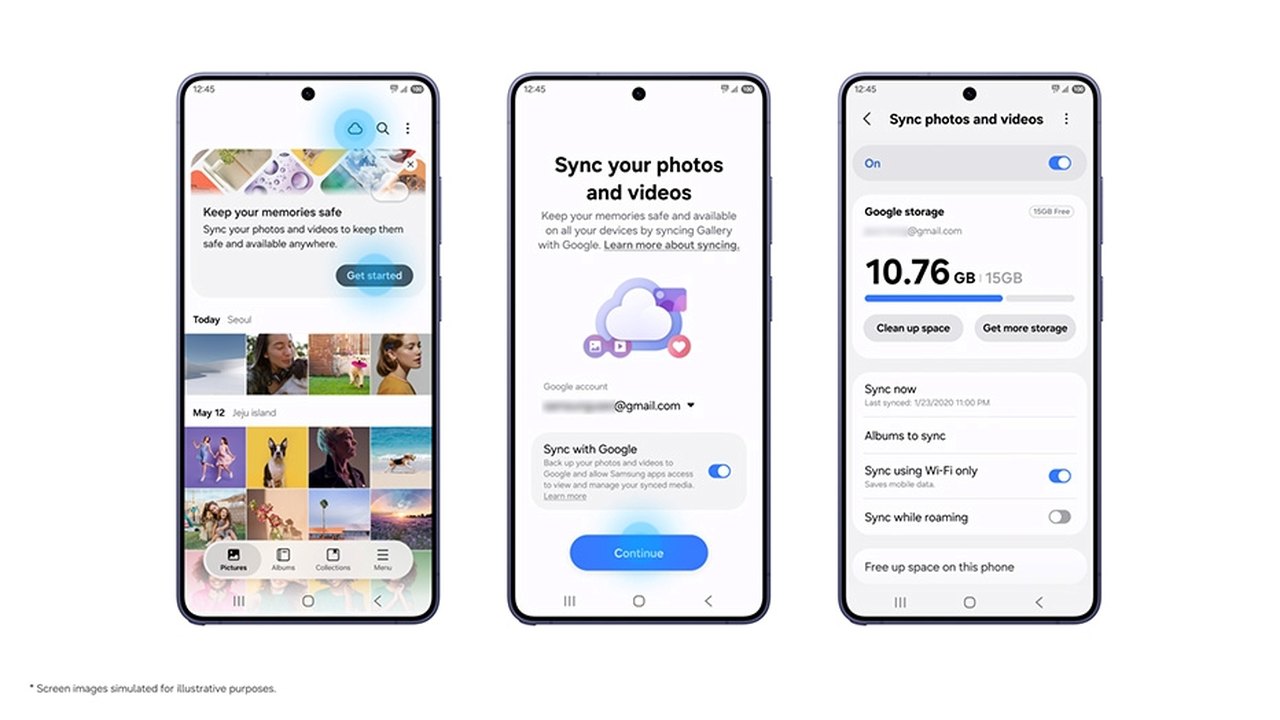
Image: Samsung Newsroom · Photo source · Resized and letterboxed to 16:9; no AI generation
Overview of Gallery Sync
Samsung Electronics has introduced a Gallery sync service in collaboration with Google, designed to simplify the management of photos and videos across Galaxy devices. By utilizing Google storage, users can access their media across multiple supported tablets and smartphones without needing a separate cloud account.
Key Features and Functionality
- Cross-Device Accessibility: Users signed into the same Samsung and Google accounts on multiple devices can view their synced media library across platforms. When transitioning to a new device, users can view previews of their library immediately upon syncing, selecting specific original files for download only when needed.
- Storage Management: A new "Free up space" feature allows users to remove original files from their local device after they have been synced to Google storage. Thumbnails remain visible in the Gallery app, while the originals are stored securely in the cloud.
- Storage Integration: The service utilizes the user's existing Google storage (shared with Gmail, Google Drive, and Google Photos), which includes 15 GB of free space. Users may opt for Google One plans if additional capacity is required.
Setup and Availability
As of the announcement, support is available for select Galaxy devices running One UI 9, with a phased rollout planned for additional markets and devices.
To enable the service, users can:
- Tap the Cloud icon within the Samsung Gallery app.
- Select "Get started" via the provided tip card.
- Navigate to Gallery Settings and toggle "Sync photos and videos" to follow the on-screen prompts.
It is important to note that deleting an item in the Samsung Gallery app will also remove it from the linked Google storage and other connected devices. Furthermore, existing content in Google storage prior to enabling the sync will not automatically appear in the Samsung Gallery interface.
AI-assisted reporting; source claims are attributed and have not been independently verified.
More to read
 Google Releases Gemma 4 QAT Models to Improve On-Device Efficiency
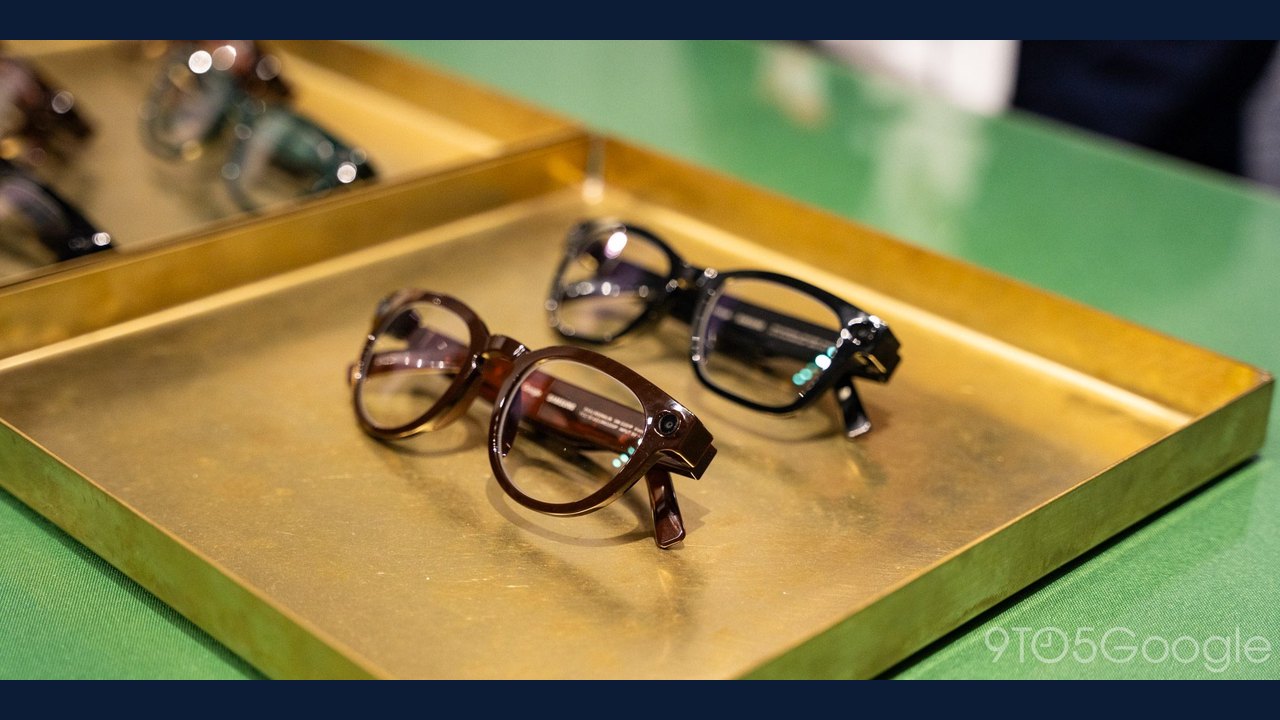 Google and Samsung Announce Intelligent Eyewear with iOS Support and Made for iPhone Certification
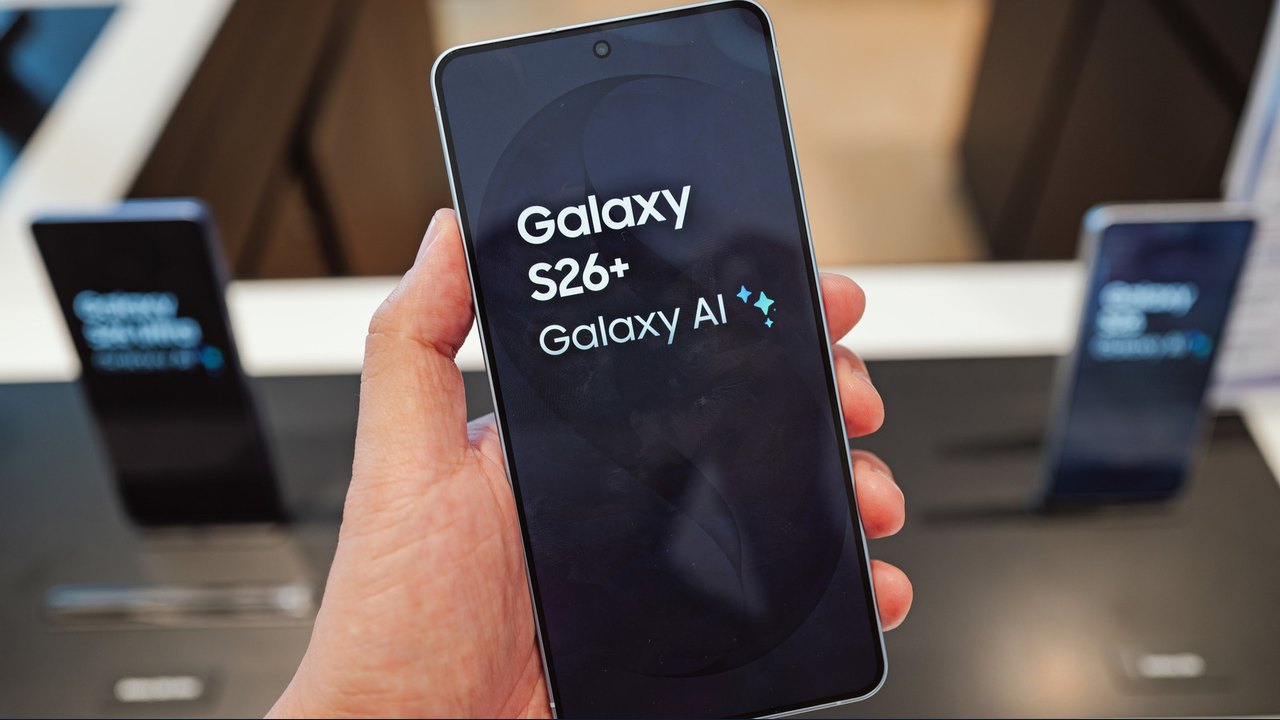 Comparing Google's Pixel 11 Series to the Samsung Galaxy S26+
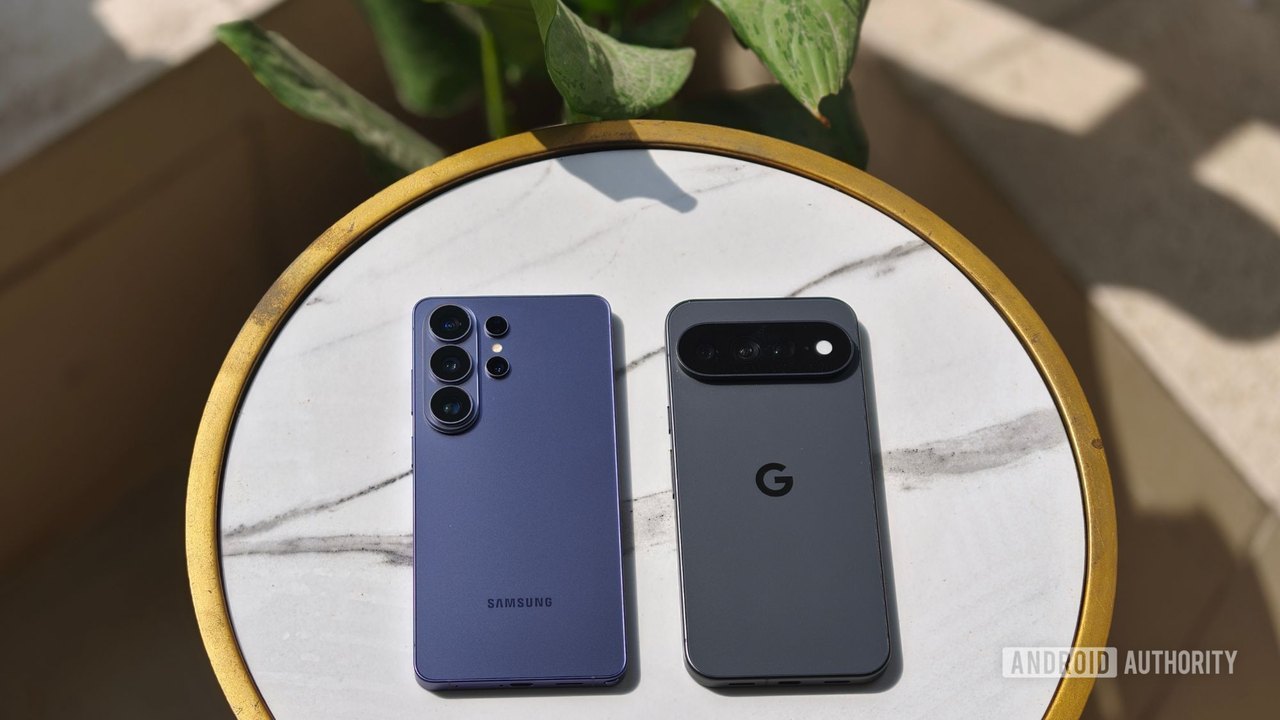 Google Pixel 11 Pro XL vs. Samsung Galaxy S26 Ultra: A One-Week Comparison