Set Custom Routines Based on Your Galaxy Z Fold 8’s Folding Status
· GlobeWire Daily Editorial Desk · Source: www.sammobile.com
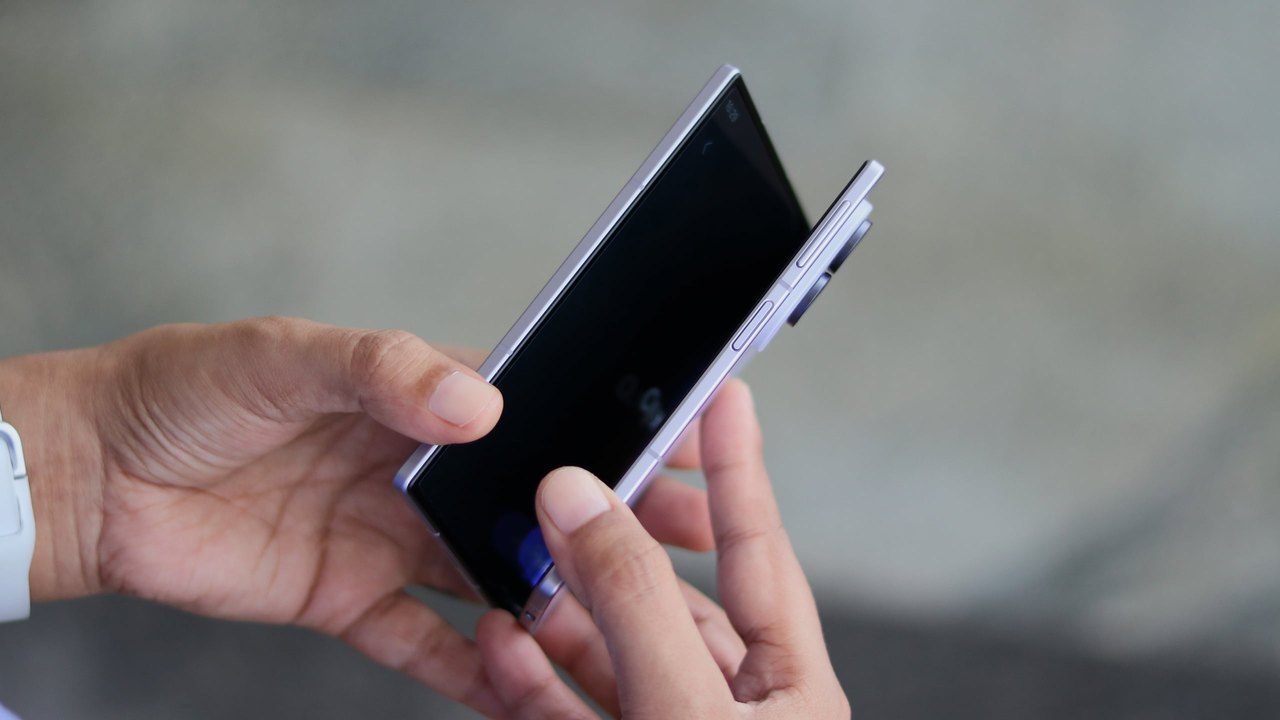
Image: Mihai Matei · Photo source · Resized and letterboxed to 16:9; no AI generation
Reports indicate that Samsung users can leverage the Modes & Routines feature on the Galaxy Z Fold 8 to automate tasks using the device's foldable form factor. According to available details, this functionality includes an "If" condition based on whether the phone is completely open or closed.
Understanding Folding Status Automation
Modes & Routines on foldable Galaxy devices reportedly offers a condition unique to the form factor. Users can configure custom actions that trigger automatically depending on the folding status of the device.
- Screen Timeout: Set one timeout duration for the cover screen and a different duration when the phone is unfolded.
- Display Preferences: Adjust Always On Display settings, motion smoothness, eye comfort shield, font size, and font style.
- Visual and Layout Effects: Add Edge Lighting effects or force a specific screen orientation.
- System and App Actions: Automatically open specific apps, start a timer, change sound, vibration, and equalizer settings, or manage Samsung Keyboard preferences and clear the clipboard upon unfolding.
Practical Implications and Setup
Reported details suggest that actions triggered when the phone is unfolded can automatically revert to previous settings once the device is folded back up.
To explore these options on a Galaxy Z Fold 8:
- Open Settings.
- Navigate to Modes & Routines.
- Tap the + icon.
- Select Folding status within the "If" section.
- Customize the desired "Then" parameters.
Reports note that some options may appear grayed out if accessed from the cover screen, so users may find it helpful to configure these routines while the device is unfolded. Additionally, similar folding status routines are reportedly testable on other compatible foldables such as the Galaxy Z Fold 8 Ultra and Galaxy Z Flip 8. Verification of these features requires checking the settings directly on the physical device as software versions and updates roll out.
AI-assisted reporting; source claims are attributed and have not been independently verified.
More to read
 World Heart Day: Monitoring Heart Health From Your Wrist With Samsung Galaxy Watch
 Customize Your Samsung Galaxy Lock Screen Padlock Using Good Lock
 Samsung Galaxy A24 Receives Android 17-Based One UI 9 Update
 Can the Galaxy Z Fold 8 Handle Simultaneous Gaming and Video Streaming?