Understanding the Risks of Completely Draining Your Laptop Battery
· GlobeWire Daily Editorial Desk · Source: www.engadget.com
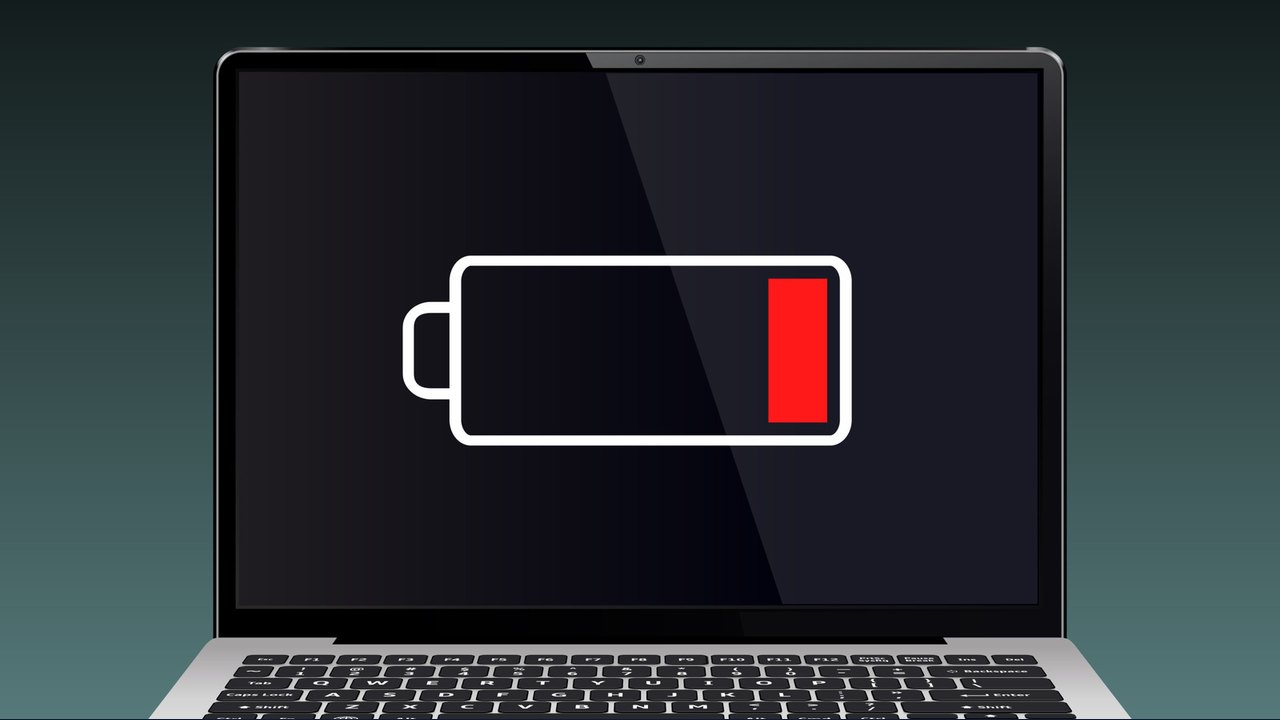
Image: Engadget · Photo source · Resized and letterboxed to 16:9; no AI generation
Running your laptop battery down to 0% is generally considered poor practice for long-term battery health. While an occasional total discharge is unlikely to cause immediate catastrophe, it is not ideal for the lithium-ion batteries found in most modern devices.
The Impact of Total Discharge
Lithium-ion batteries perform best when their charge remains within a stable range. According to HP, maintaining a charge between 20% and 80% is recommended to extend the lifespan of the battery. Repeatedly allowing the charge to drop to critical levels can accelerate degradation, which may eventually reduce the total charging capacity of the unit.
Mitigation and Safety Features
- Automatic Shutdowns: Many operating systems, including Windows, are designed to enter hibernation or power down automatically before the battery reaches an actual zero percent state to protect the hardware.
- Usage Habits: Contrary to older myths, you do not need to fully drain a modern battery before recharging it. Frequent deep discharges do more harm than good.
- Efficiency Management: If you notice your laptop is draining faster than its typical 4 to 12-hour range, consider checking for background apps, outdated software, or external devices that may be increasing power consumption.
Improving Battery Longevity
To maintain battery health, monitor your power levels closely and avoid leaving the device disconnected for extended periods when usage is high. Factors such as high operating temperatures and heavy processing tasks, like gaming, can naturally deplete energy reserves much faster than standard office tasks.
AI-assisted reporting; source claims are attributed and have not been independently verified.
More to read
 Understanding Why Your Phone Battery Percentage Suddenly Drops
 Why You Should Stop Using Your Laptop on Soft Surfaces
 NEC Launches Lightweight Lavie X14 Laptop in Japan Featuring a Large 99.9 Wh Battery
 Understanding Winter Hunger: Why Your Appetite Increases During Colder Months