What Is the SC Port on Your Old Laptop?
· GlobeWire Daily Editorial Desk · Source: www.engadget.com
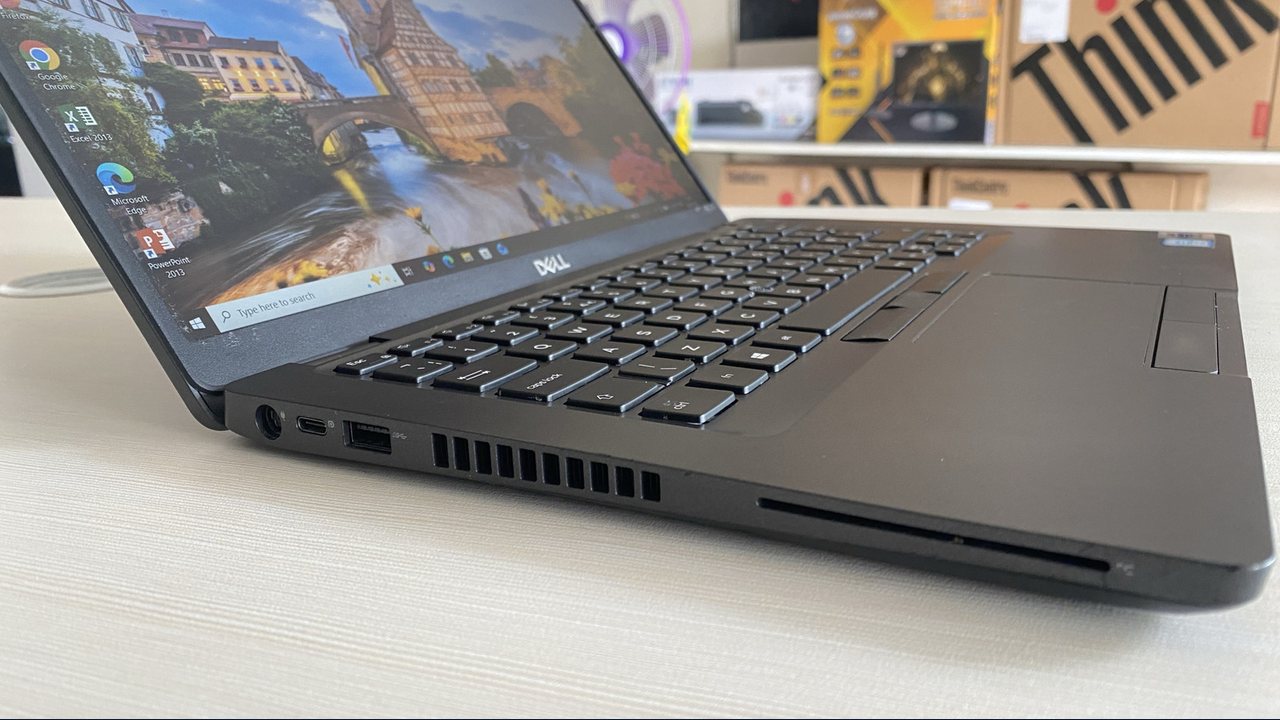
Many older or business-oriented laptops feature an unusual slot known as the SC port, or smart card reader. This port is designed to read physical identification and security cards, rather than process credit card payments for online shopping.
Reports indicate that these readers are predominantly found on enterprise laptops used in government agencies, security companies, and educational institutions. In these environments, the port helps manage secure access to private portals, sensitive information, or restricted networks by requiring users to insert physical badges.
Practical Implications and Use Cases
- Enterprise Security: Organizations utilize smart card readers to add an extra layer of authentication for employees accessing confidential data.
- Educational Access: Schools sometimes issue laptops with built-in readers so students can log into private portals for assignments and schedules.
- Limited Home Utility: While some security enthusiasts might attempt to configure an SC port for personal home security, the process is described as complex and largely impractical compared to standard two-factor authentication.
How to Verify and Check Compatibility
If you find an unfamiliar slot on your device, you can verify its function by checking your laptop's exact model specifications on the manufacturer's official support website. It is important to note that these laptop readers are built for identification badges and generally cannot function as point-of-sale terminals to complete financial transactions.