How Disabling YouTube Music's Smart Downloads Can Fix Android Battery Drain
· GlobeWire Daily Editorial Desk · Source: www.androidpolice.com
Original GlobeWire Daily editorial illustration — not an event photograph.
Understanding the YouTube Music Battery Drain Issue
Users experiencing rapid battery depletion on Android devices may find the culprit hiding inside their music streaming settings. Reports indicate that certain background features bundled with paid subscriptions can silently consume significant power even when the app is not actively in use.
While the application remains a staple for integration with home entertainment systems and car navigation tools, its background synchronization processes can lead to unexpected power consumption.
The Core Culprit: Smart Downloads and Offline Sync
According to user findings, a primary driver of excessive background battery usage is the Smart Downloads feature, available to paid subscribers.
- Predictive Caching: The feature automatically downloads playlists, liked songs, and frequently played albums based on listening history.
- Background Processing: Because the algorithm runs predictive downloads without direct user prompting, it frequently wakes up the device processor in the background.
- Secondary Settings: Related toggles, such as automatic downloads for recently played tracks, can compound the background activity.
Practical Steps to Reduce Power Consumption
If you notice high background battery usage from the app, you can adjust several settings within the application and your device preferences to mitigate the issue.
- Disable Smart Downloads: Navigate to your profile in the upper-right corner of the app, locate the download settings, and turn off automated offline saving features. You may also need to clear existing downloaded lists.
- Prioritize Audio-Only Playback: Go to Settings > Data Saving and enable options to prevent the app from preloading music and podcast videos.
- Manage Notifications: Turn off unnecessary push alerts via Settings > Notifications to stop the app from refreshing updates constantly in the background.
- Optimize System Battery Settings: In your Android device settings under Apps > YouTube Music > App battery usage, switch the background restriction from unrestricted to Optimized.
How to Verify and Check Your Device
To confirm whether the app is impacting your daily battery life, check your device's native power management menu.
- Open your Android Settings.
- Navigate to Battery and select Battery usage or App battery usage.
- Review the list of applications to see if background time and power consumption match your actual usage.
*Disclaimer: Effectiveness may vary depending on device models, Android operating system versions, and individual app configurations.*
AI-assisted reporting; source claims are attributed and have not been independently verified.
More to read
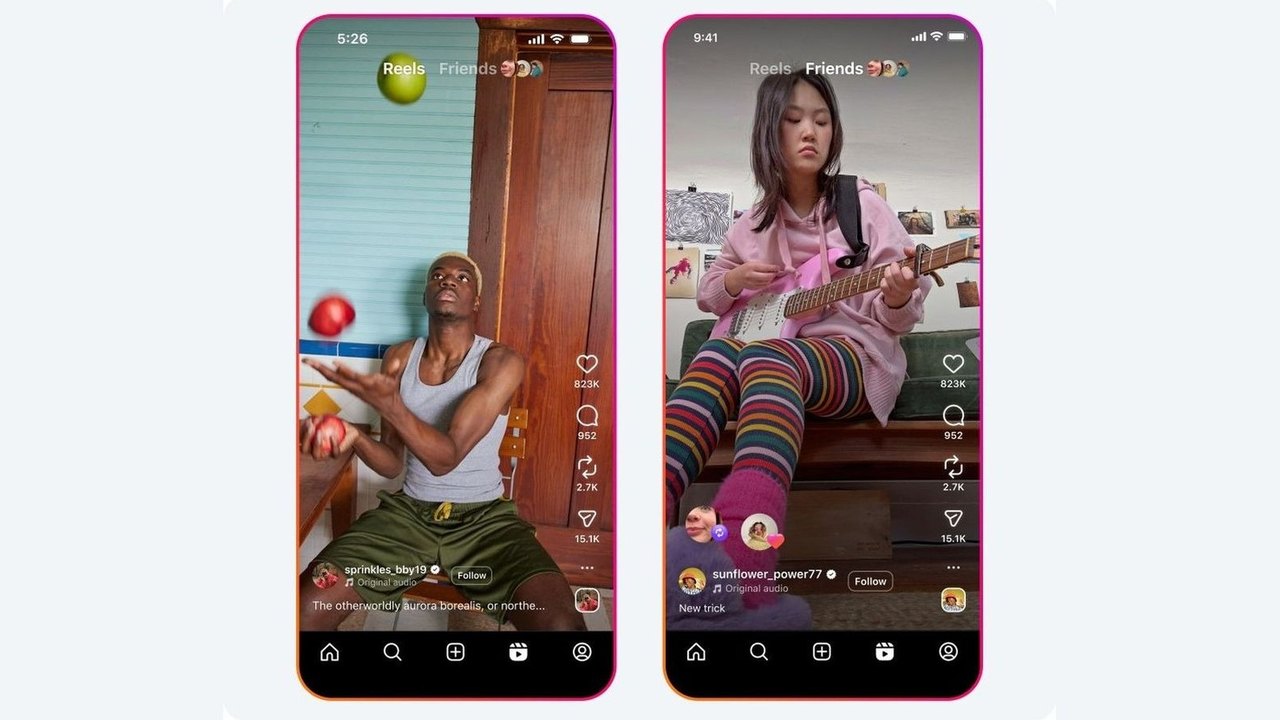 Instagram Details Reposting Feature Mechanics, Visibility, and Management Controls
 TikTok Expands Beyond Social Media With New Features Aiming for Super App Status
 Exploring Editorial Horror Recommendations on YouTube for Halloween
 French Officials Scrutinize Social Media's Role Amid Nationwide Protests
Trending on GlobeWire Daily
Selected from recent coverage and related topics; not live search rankings.
 Unconfirmed: Tovah Feldshuh Denies Cast Tension Rumors on ‘Nobody Wants This’ After Adam Brody’s ‘Free Palestine’ Comments
 Punjab Government Has Provided Over 70,000 Government Jobs Based on Merit, Says CM Bhagwant Mann
 Bihar Initiates Process to Remove Untrained Teachers Appointed After March 2015 Following Supreme Court Directive
 Mumbai Indians Name New Coaching Staff Ahead of IPL 2027
 Maharashtra Government Launches NAINA Project to Develop 'Third Mumbai' and Create 15 Lakh Jobs
 Supreme Court Expresses Concern Over Ministry's Alleged Interference in NCLT and NCLAT Administration