YouTube Music Updates Mobile Interface, Removes Samples Tab
· GlobeWire Daily Editorial Desk · Source: www.androidauthority.com
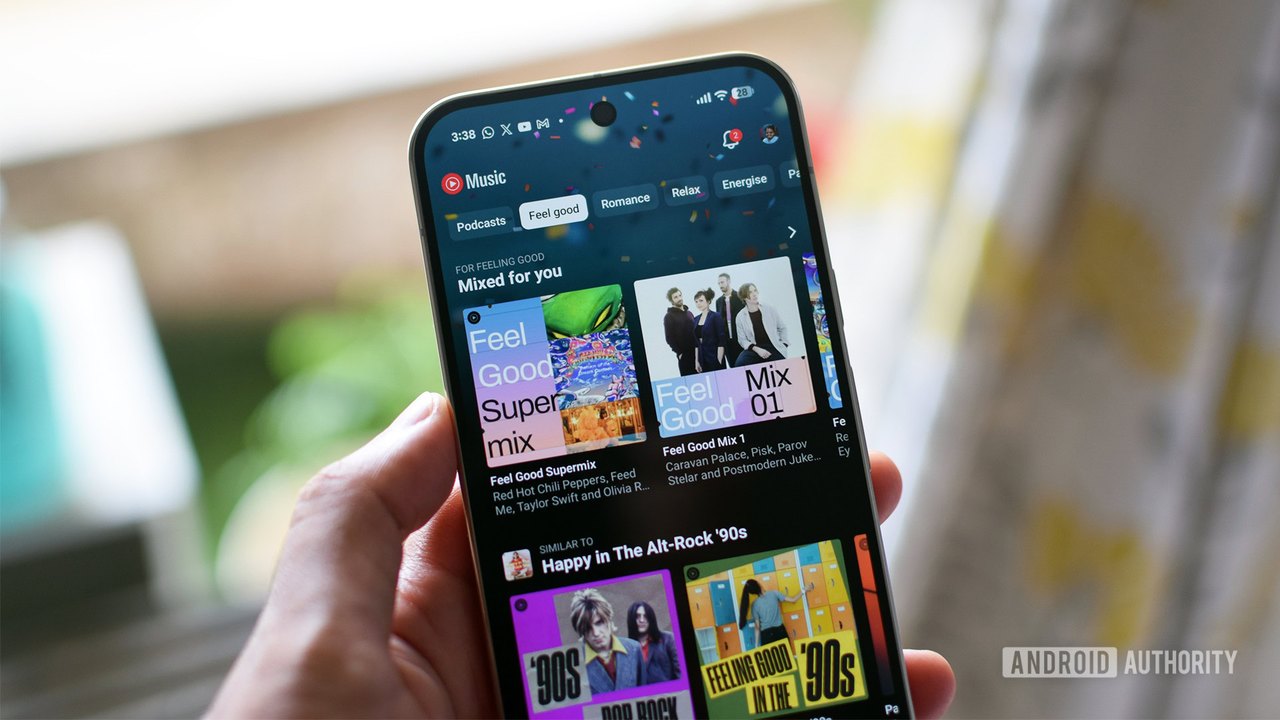
Image: Android Authority · Photo source · Resized and letterboxed to 16:9; no AI generation
Navigation Changes
YouTube Music is simplifying its mobile application on Android and iOS by removing the Samples tab from the primary bottom navigation bar. This change is being distributed through a server-side update, meaning users may see the update arrive gradually. Following this modification, Premium subscribers will navigate through three main tabs—Home, Search, and Library—while free users will retain a fourth tab for account upgrades.
Accessing Samples
Although the vertical discovery feed is no longer located in the main bar, Google has integrated it into specific sections of the app:
- Artist Pages: Users can select the "Sample this" card located under the Subscribe button.
- Albums and Playlists: A dedicated Samples icon, represented by a play triangle with double chevrons, is available in the top-right corner near the overflow menu.
Interface Redesign
Beyond navigation adjustments, Google is rolling out a visual refresh for album and playlist pages that was previously tested in October. Key design updates include:
- Cover Art: Headers now display larger artwork that spans the top third of the screen.
- Button Reorganization: The Play and Shuffle buttons are now positioned on the right side, while primary actions such as Download, Save to Library, and Share are grouped to the left.
Verification
These changes are being pushed via server-side updates. Users can verify these modifications by ensuring their app is updated to the latest version via the Google Play Store or Apple App Store. Official announcements regarding feature changes can typically be found on the Google Support or YouTube Official Blog platforms.
AI-assisted reporting; source claims are attributed and have not been independently verified.
More to read
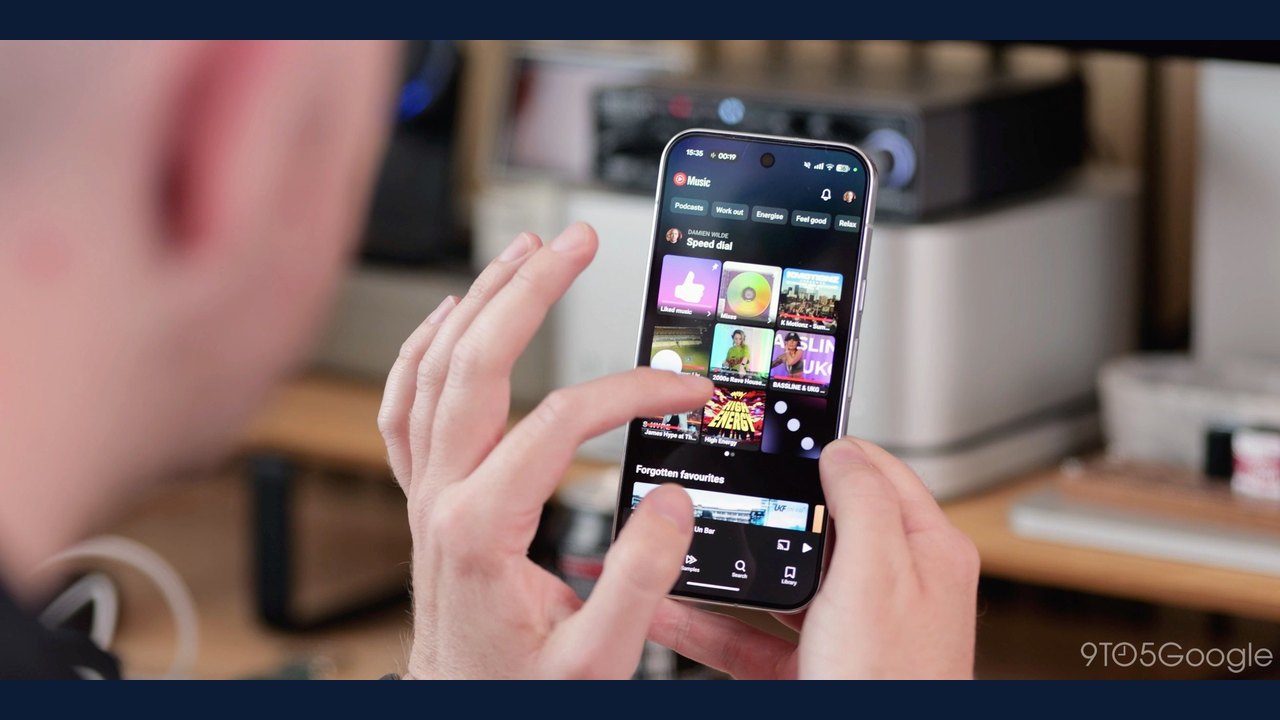 YouTube Music Removes Samples Tab in App Navigation on Android and iOS
 YouTube Updates View Metrics to Include Co-Viewing Estimates on TV
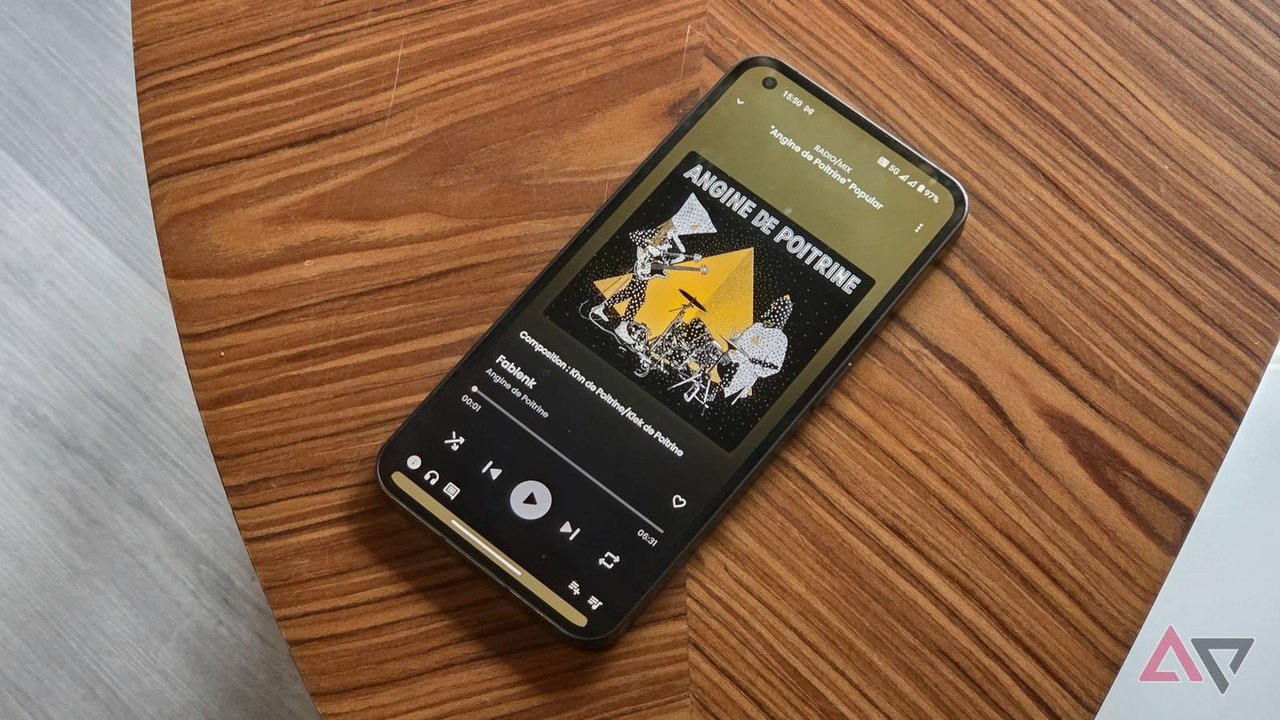 Testing SimpMusic: An Open-Source YouTube Music Alternative
 YouTube Music Update on Google TV Introduces a Bright Red Sidebar Logo