YouTube Music Removes Samples Tab in App Navigation on Android and iOS
· GlobeWire Daily Editorial Desk · Source: 9to5google.com
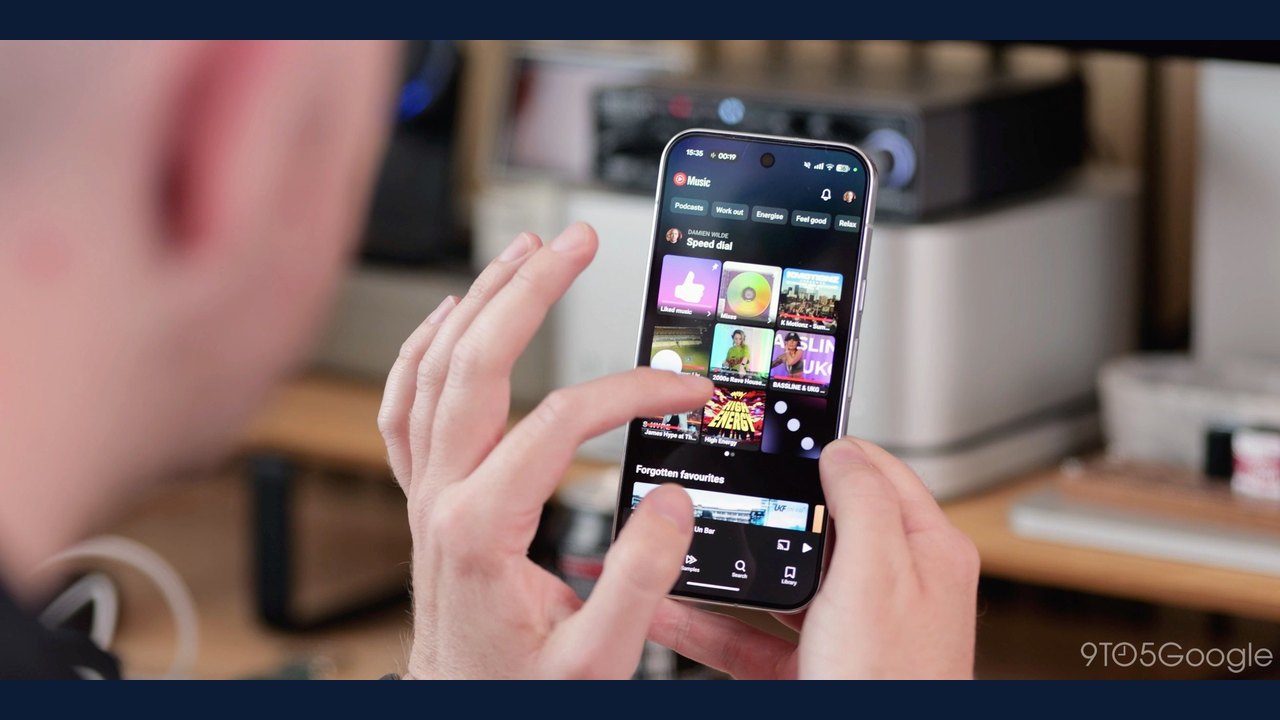
Image: Abner Li · Photo source · Resized and letterboxed to 16:9; no AI generation
YouTube Music is streamlining its core navigation bar on Android and iOS by removing the dedicated Samples tab, according to reports covering a server-side rollout. The vertical video discovery format, introduced in 2023 to help users find new music through short video snippets, is not being completely shut down, but its placement within the app is changing.
Here is an overview of the navigation and interface updates reported:
- Bottom Bar Navigation: For Premium subscribers, the bottom navigation bar now features only three tabs: Home, Search, and Library. For free users, the fourth tab remains the "Upgrade" option.
- Samples Format Location: While the dedicated bottom tab is being removed, the Samples vertical video experience remains accessible from the top-right corner on playlist, artist, and album pages.
- Album and Playlist Button Tweaks: Visual adjustments have been applied to buttons on album and playlist pages, moving the Play button to the right and grouping download, add to library, and comments on the left.
- Upcoming Ask Music Integration: YouTube previously announced in September that the Gemini-powered Ask Music feature, represented by a spark icon, will soon be accessible from the top-right corner as part of an ongoing gradual rollout.
Official Platform Feature and Policy Details
The removal of the Samples tab represents a shift in how YouTube Music surfaces its discovery feed. The feature was originally launched to let users sample music via a Shorts-style vertical video player, cycling through new releases and deep cuts. Reports indicate that this change is occurring via a gradual server-side rollout rather than an immediate universal update.
Creator and User Impact
Users accustomed to tapping the bottom Samples tab for endless music discovery will now need to access the format through contextual entry points on specific pages rather than the main navigation bar. Meanwhile, the streamlined bottom bar aims to simplify day-to-day app usage by focusing strictly on primary navigation items.
How to Verify the Announcement
Because interface updates and server-side rollouts vary by region and account status, users can verify whether the feature has reached their device by checking their app's bottom navigation bar and updating the YouTube Music application to the latest version available on the Google Play Store or Apple App Store.
AI-assisted reporting; source claims are attributed and have not been independently verified.
More to read
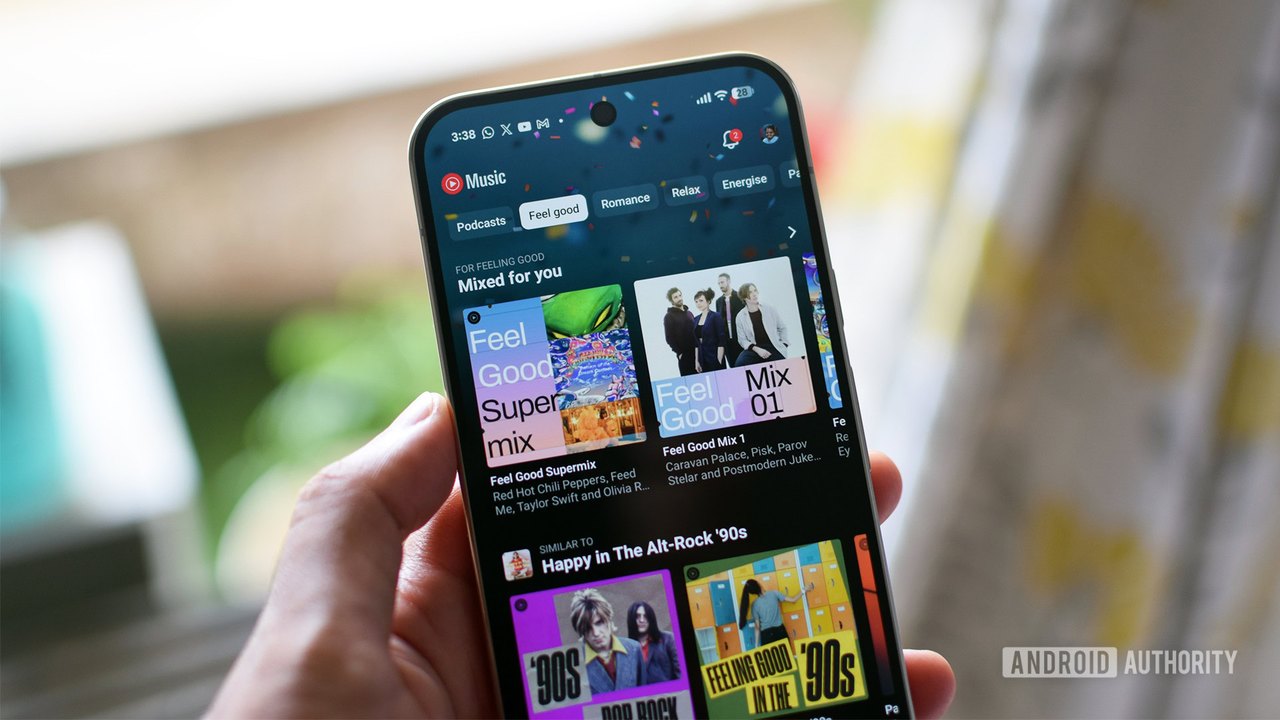 YouTube Music Updates Mobile Interface, Removes Samples Tab
 Meld: Android Music Client Unifying Spotify and YouTube Music
 How Disabling YouTube Music's Smart Downloads Can Fix Android Battery Drain
 New Apple TV 4K Users Report YouTube App Error Messages and Workarounds