YouTube Tests Auto-Expanding Video Previews on Smart TVs and Consoles
· GlobeWire Daily Editorial Desk · Source: www.androidauthority.com
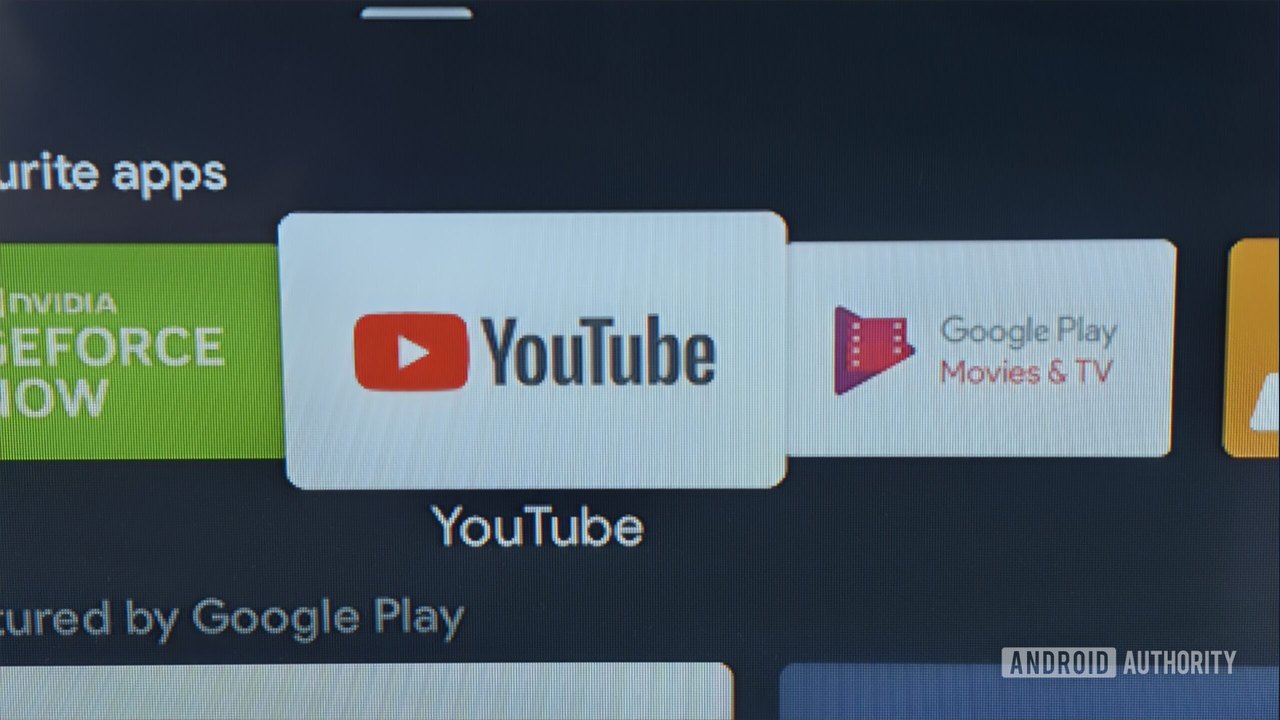
Image: Android Authority · Photo source · Resized and letterboxed to 16:9; no AI generation
YouTube is reportedly testing a new feature on smart TVs and gaming consoles that automatically expands video previews into full-screen playback after approximately 40 seconds of hovering over a thumbnail. Independent observations on Google TV and user reports on platforms like Reddit indicate that the behavior is currently rolling out to select users as an unconfirmed test.
Traditional YouTube TV previews typically play for about 30 seconds before reverting to a static thumbnail when a user hovers over a video. The newly observed behavior extends this preview duration slightly and transitions directly into uninterrupted full-screen playback if the user does not navigate away.
How the Tested Feature Operates
- Trigger Mechanism: Hovering over a video thumbnail initiates a preview.
- Duration Shift: Previews extend beyond the previous 30-second window to roughly 40 seconds.
- Auto-Expansion: Instead of returning to a static state, the video switches to full-screen playback automatically.
Practical Implications for Users
While the change may streamline passive viewing by reducing manual clicks, it introduces potential drawbacks:
- Watch History Impact: Accidental full-screen playback from leaving a thumbnail highlighted could unintentionally alter watch history.
- Recommendation Shifts: Unintended views might negatively influence future algorithm-driven video recommendations.
Rollout Status and Verification
YouTube has not officially announced this preview behavior, and availability remains limited rather than general. Because it is currently unconfirmed by official Google documentation, users cannot manually enable or disable the feature through standard settings at this time.
To verify if the feature is active on your device, check for updates on your TV app, observe thumbnail behavior after hovering past 30 seconds, or consult official YouTube support channels and community announcements for future updates.
AI-assisted reporting; source claims are attributed and have not been independently verified.
More to read
 Instagram Tests 'Features': A Long-Form Video Format to Rival YouTube
 YouTube Refuses U.K. Government Request to Remove Russell Brand Video, Investigates Content
 Interactive 'GTA 5' Experience Launches as Playable YouTube Video
 How Disabling YouTube Music's Smart Downloads Can Fix Android Battery Drain