dontallow Open-Source Utility Automatically Dismisses macOS Local Network Prompts
· GlobeWire Daily Tech Desk · Source: github.com

Image: GitHub · Photo source · Resized and letterboxed to 16:9; no AI generation
An open-source utility named 'dontallow' has been published to automatically dismiss the macOS local network permission prompt by programmatically selecting 'Don't Allow'. According to the project documentation, the tool aims to address repetitive prompts on macOS Sequoia and later versions where certain applications trigger the dialog repeatedly.
Background on macOS Local Network Prompts
Starting with macOS Sequoia, the operating system displays a prompt asking users whether to allow an app to find devices on local networks. While intended to be remembered, the decision often fails to persist for specific software:
- Chromium Browsers: Applications like Chrome, Brave, Edge, and Arc copy their app bundles into random temporary folders at launch to support in-place updates. macOS ties the local network decision to that random path, causing every launch to appear as a brand-new application and accumulating duplicate entries in Privacy settings.
- Versioned Install Paths: Software installing into version-specific directories generates a new settings row with each update.
- Misattributed Prompts: The operating system occasionally attributes the dialog to apps that are not actively running.
How dontallow Functions
Reported as consisting of two short Swift files with no external dependencies, dontallow operates via the macOS Accessibility API to monitor for the system dialog owned by UserNotificationCenter. When the prompt appears, the utility checks user-defined allowlists and active pause durations before performing an accessibility action to click 'Don't Allow'.
- Resource Usage: The developer states the agent consumes zero CPU while idle and survives system reboots through a per-user launchd agent.
- Notifications: Each dismissal generates a notification containing the app name and a command to pause the utility if needed.
- Exceptions and Allowlists: Users can pause the utility temporarily using `dontallow pause 10m` to grant permissions manually, add applications to an allowlist via `~/.config/dontallow/allowlist`, or set a grace period using `~/.config/dontallow/grace`.
Requirements and Limitations
The documentation notes several technical specifics and current constraints:
- Compatibility: Building requires macOS 13 or later, while the prompt itself targets macOS 15 Sequoia and later. It supports both Apple Silicon and Intel architectures using Apple's Command Line Tools without requiring Xcode.
- Localization: Currently restricted to English-localized macOS builds, as the text matcher relies on specific dialog phrasing and button titles.
- Accessibility Permissions: The tool requires manual configuration in System Settings under Privacy & Security > Accessibility to function, and updates to the binary currently require re-adding the permission due to code signature changes.
Verification
Users interested in reviewing the source code, unit tests, or integration instructions can inspect the repository directly on GitHub under the `johncassil/dontallow` page.
AI-assisted reporting; source claims are attributed and have not been independently verified.
More to read
 Kensaku: Open-Source Local Search and File Launcher with OCR
 OpenField: Open-Source Studio for Video, Stills, and 3D on Local GPUs via ComfyUI
 VoiceStudio: Open-Source Local Audio Suite for Voice Cloning, Transcription, and Dubbing
 Open Source Canvas: A Node-Based Interface for Local ComfyUI Workflows
Trending on GlobeWire Daily
Selected from recent coverage and related topics; not live search rankings.
 Bihar Police Intervene as Vlogger Films Video at Railway Station, Sparking Online Discussion
 Unusual Snake Discovery Inside a Refrigerator Door Recorded in Viral Instagram Video
 Viral Post Highlights Train Seat Struggles for Soldier Traveling with Family, Sparking Online Debate
 Viral Video of Couple Marking New Car with Footprints Sparks Online Debate
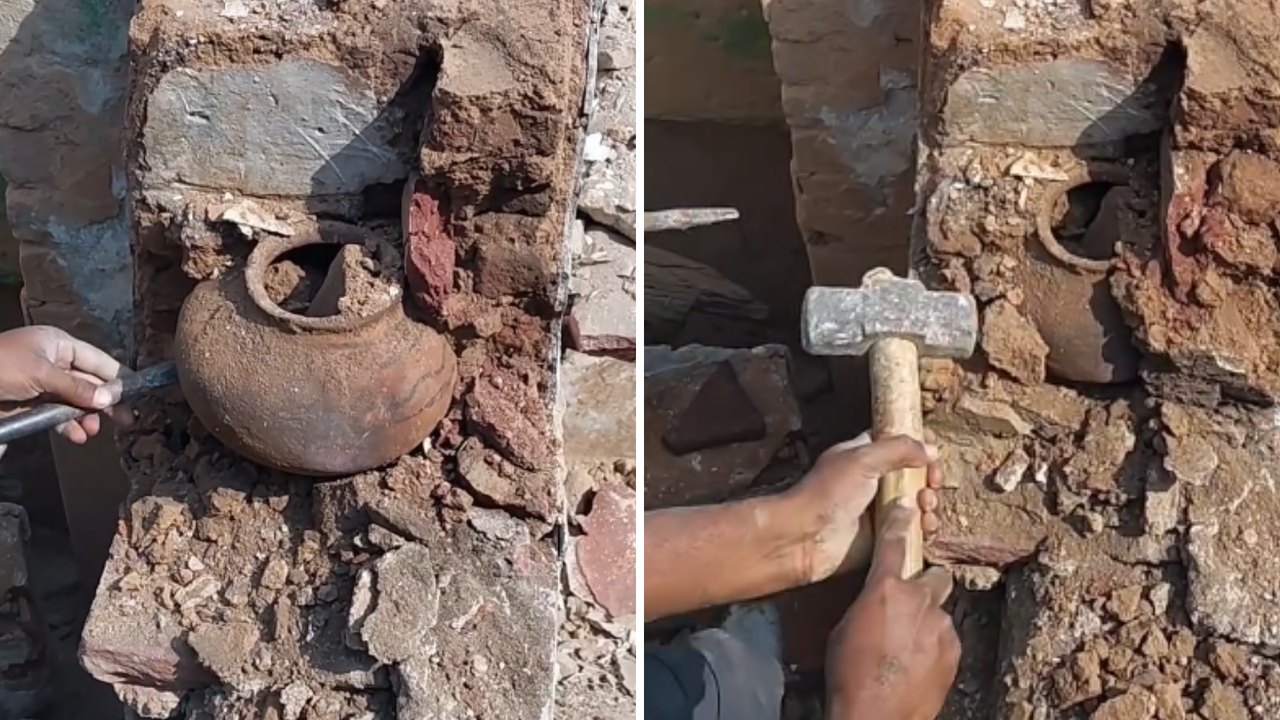 Wall Demolition Uncovers Hidden Pot, Sparking Viral Treasure Hopes Before the Twist
 Viral Video Shows Grandmother Advising Parents Against Prioritizing Society Over Children's Dreams