Essential Google Photos Privacy Settings to Check Before Sharing Pictures
· GlobeWire Daily Editorial Desk · Source: www.androidpolice.com
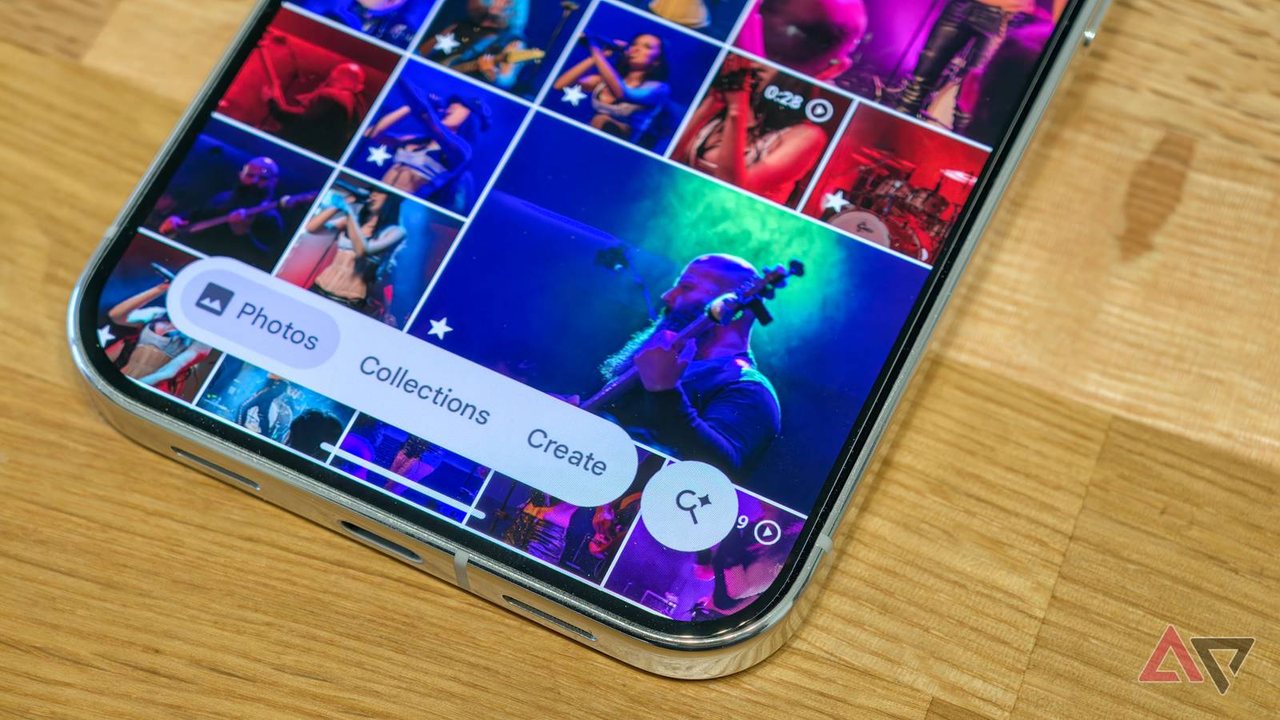
When sharing pictures with friends and family, photos can occasionally reveal more than intended, such as hidden locations or personal information within screenshots. Google Photos offers built-in features to help manage privacy, and reviewing these settings before sharing can prevent accidental exposure.
Redacting Personal Information in Screenshots
Screenshots often contain sensitive details like email addresses, phone numbers, account numbers, or order confirmations. Google Photos includes a built-in redaction tool designed to conceal this information.
- Open a screenshot in Google Photos, tap Edit, and go to Markup.
- Select Redact and swipe over the text or details you want to blur or pixelate.
- Tap the checkmark and choose Save as copy to retain the original image while creating an edited version.
Managing Location Sharing
Google Photos keeps location details private by default for new albums and links. However, custom sharing options on specific albums might expose location metadata.
- Navigate to Collections > Albums, select the shared album, and tap Share > Options.
- Check the Share photo locations setting and turn it off if you prefer to keep location data hidden.
- Note that downloading an image and sending it via external apps may still attach original metadata.
Using the Locked Folder
For sensitive images or private documents that should not appear in the main photo grid, search results, or Memories, Google Photos provides a Locked Folder feature protected by device screen lock authentication.
- Go to Collections > Locked to set up the secure space.
- Select target photos and tap Move to Locked Folder.
- Items in this folder remain hidden from regular galleries and other device applications, and they cannot be shared directly.
Verifying Settings
Taking a moment to review these privacy options helps ensure that personal details and locations remain protected before sharing albums or handing over a device.