Technology
Four Clever Ways to Repurpose Your Old Streaming Dongle
· GlobeWire Daily Editorial Desk · Source: www.androidpolice.com
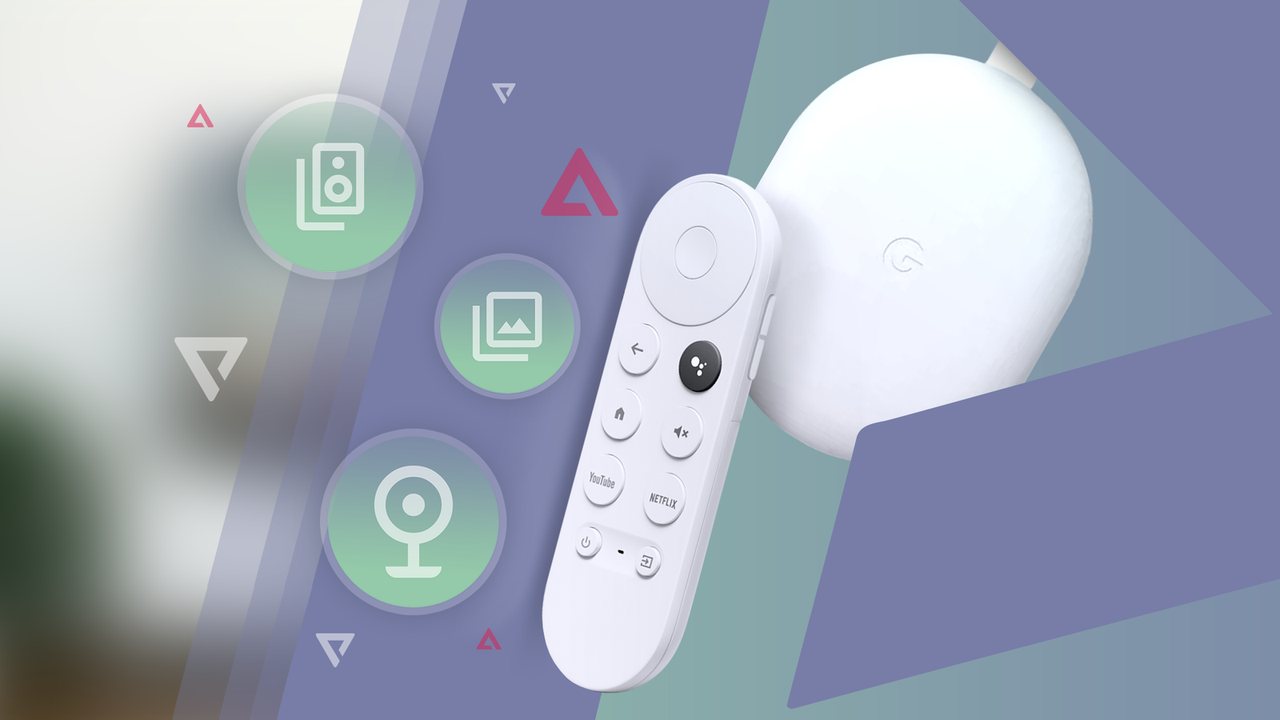
When a streaming device like a Chromecast starts showing its age with sluggish app loading and delayed boot times, replacing it with a newer model like an Apple TV or a Google TV Streamer (4K) is a common solution. However, older streaming hardware often retains enough functionality to be repurposed rather than discarded.
Practical Uses for an Older Streaming Dongle
- Travel Companion: Packing an older streaming stick for trips allows users to plug it into hotel room televisions. While hotel networks typically require a phone Wi-Fi hotspot for connectivity, this method provides access to personal streaming apps rather than relying solely on standard hotel channel lineups.
- Digital Photo Frame: Relieving the device of heavy video streaming tasks by using it strictly as a casting tool can improve the experience. Users can cast personal photos and videos from mobile devices via Google Photos during family gatherings, or display ambient loops like wildlife videos and fireplace screensavers.
- Dedicated Wi-Fi Audio Streaming: Connecting the dongle directly to a soundbar with an HDMI In (pass-through) port allows for wireless music streaming via services like Spotify and YouTube without needing to turn on the television. Note that plugging into an HDMI ARC/eARC-only port will not work for this specific setup.
- Retro Gaming Console: Chromecast models running Google TV can be adapted into retro gaming machines by sideloading emulators such as RetroArch and PPSSPP. This method involves transferring ROM files and pairing a compatible controller, such as a former Stadia controller. Note that un-updated Stadia controllers require a wired USB-C connection or third-party WebHID tools, as Google's official firmware conversion tool has been retired.
Verification and Limitations
It is important to note that first-generation Chromecast models no longer receive software or security updates. Users should verify device compatibility, hardware ports, and controller firmware requirements before attempting advanced setups like retro gaming or soundbar pass-through audio.
Share this article
Read the original source I replaced my slow Chromecast with an Apple TV, then found 4 clever ways to reuse the old dongle