Technology
Google Keep testing hidden filter bar to streamline note browsing
· GlobeWire Daily Editorial Desk · Source: www.androidpolice.com
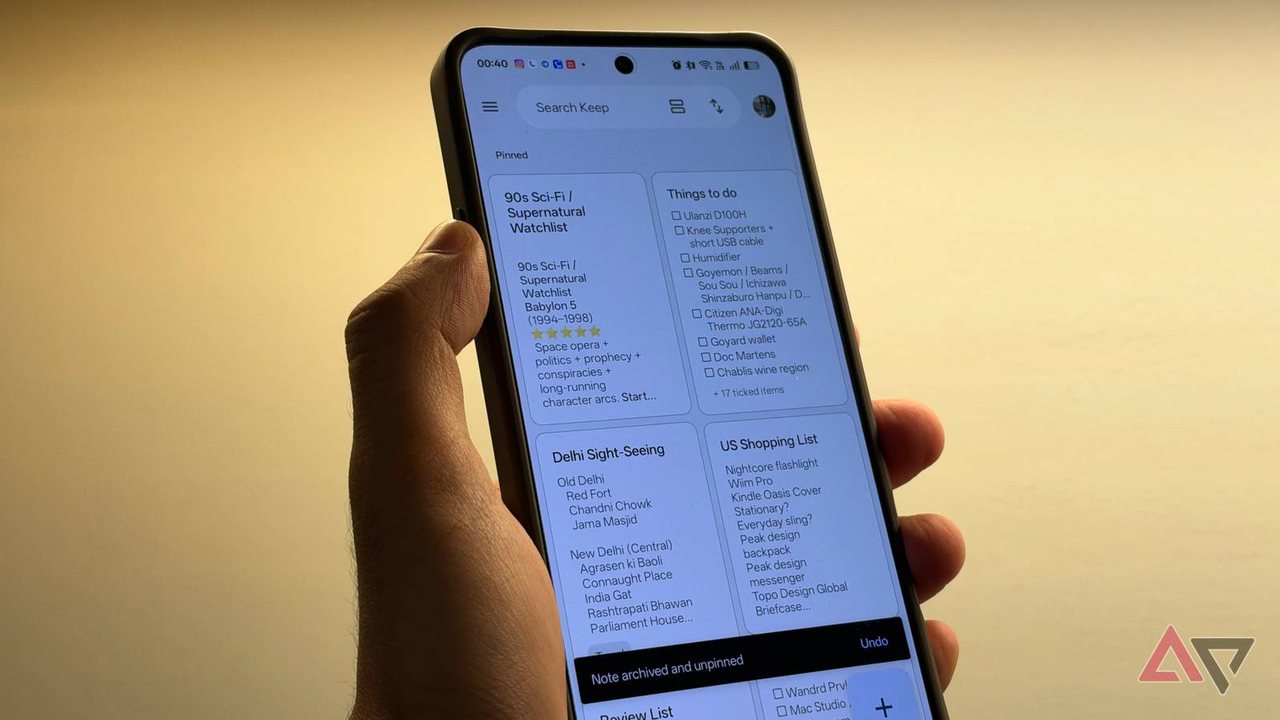
Summary
Google Keep appears to be testing a new filter bar that could let users narrow down notes by type, due date or sharing status, according to an APK analysis reported by Android Authority.
Details
- What was found: An APK breakdown of the latest Google Keep update revealed a hidden UI element positioned between the search bar and the note list. The element functions as a *filter bar*.
- Current filter options: In the test build, users can toggle between viewing *All notes*, *Due this week*, *Lists*, *To‑dos*, and *Shared notes*.
- Potential extensions: The reviewer noted that the bar does not yet support filtering by voice notes, drawings, or custom labels, which are features users have requested.
- Status: The filter bar is not publicly released. Android Authority accessed it by enabling a hidden setting, suggesting the feature is still in a testing or pre‑release stage and may change before any official rollout.
- Implications: If launched, the filters could reduce the time spent scrolling through large note collections, complementing Keep’s existing search function and recent integration of Gemini AI across Google apps.
How to verify
- Check the version number of Google Keep on the Play Store and compare it with the APK version referenced by Android Authority.
- Look for official announcements from Google’s blog or the Keep product page.
- If you are an early‑access tester, enable the hidden setting described by Android Authority to see whether the filter bar appears.
Practical tips for users
- Until the feature is officially released, you can still use the built‑in search and label system to organize notes.
- Consider archiving or deleting old notes regularly to keep the main view manageable.
- Keep an eye on future updates that may add label‑based filtering or support for voice and drawing notes.
--- *This article is based on publicly available reporting from Android Authority and does not contain any proprietary information from Google.*
Share this article
Read the original source Google Keep is testing a feature that will finally tame your messy notes