How to Enable the Create My Widget Feature on Supported Pixel Phones
· GlobeWire Daily Editorial Desk · Source: www.androidpolice.com
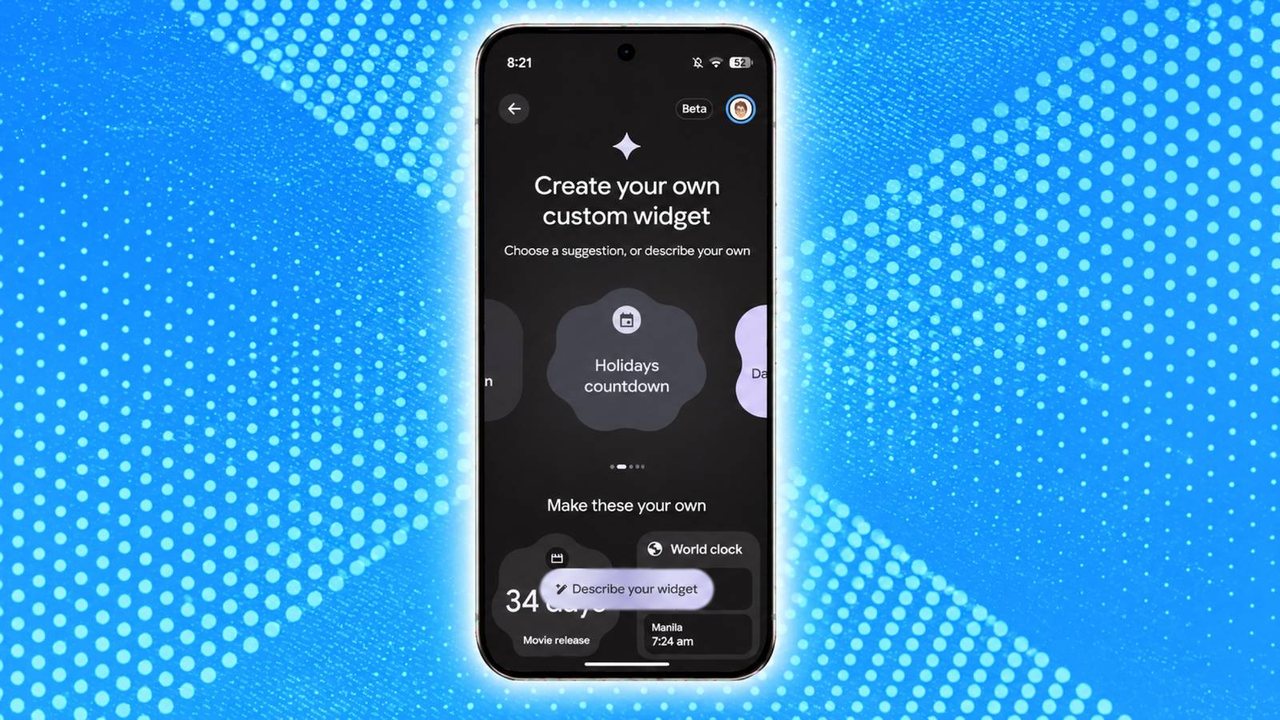
Google has rolled out the Create My Widget feature as part of the November Pixel Drop, though some users report not seeing it immediately. According to reports from Android expert Mishaal Rahman, users who have not received the update automatically can manually enable it by joining the beta program via the Google Play Store listing.
Understanding Create My Widget
Create My Widget is a Gemini Intelligence feature designed to let users generate personalized home screen widgets using natural language prompts. Reported capabilities include:
- Tracking favorite team schedules
- Displaying countdowns to upcoming events
- Showing weekly spending summaries using Gmail information
Availability and Requirements
Reports indicate that the feature has specific regional, language, and hardware limitations:
- Device Compatibility: Exclusive to Pixel 10 and Pixel 11 series devices, excluding the Pixel 10a.
- Language and Region: Available only to English-speaking users aged 18 and above in Australia, Canada, India, the UK, and the US.
- Regional Restrictions: Gemini's Connected Apps integration is reportedly not yet available for users in the UK.
Practical Implications and Verification
For users meeting the eligibility criteria who wish to bypass the standard rollout waiting period, enrolling in the app's beta program via the Play Store is a reported workaround. To verify the official status of the rollout and ensure device compatibility, users should check their Google Play Store updates and review official Google Pixel support documentation.
More to read
 How to Use Google Gemini's Schedule Feature to Track Black Friday Deals
 Android 17 QPR3 Beta 4 Shows Battery Life Gains for Pixel Phones, Final Release Expected Early 2027
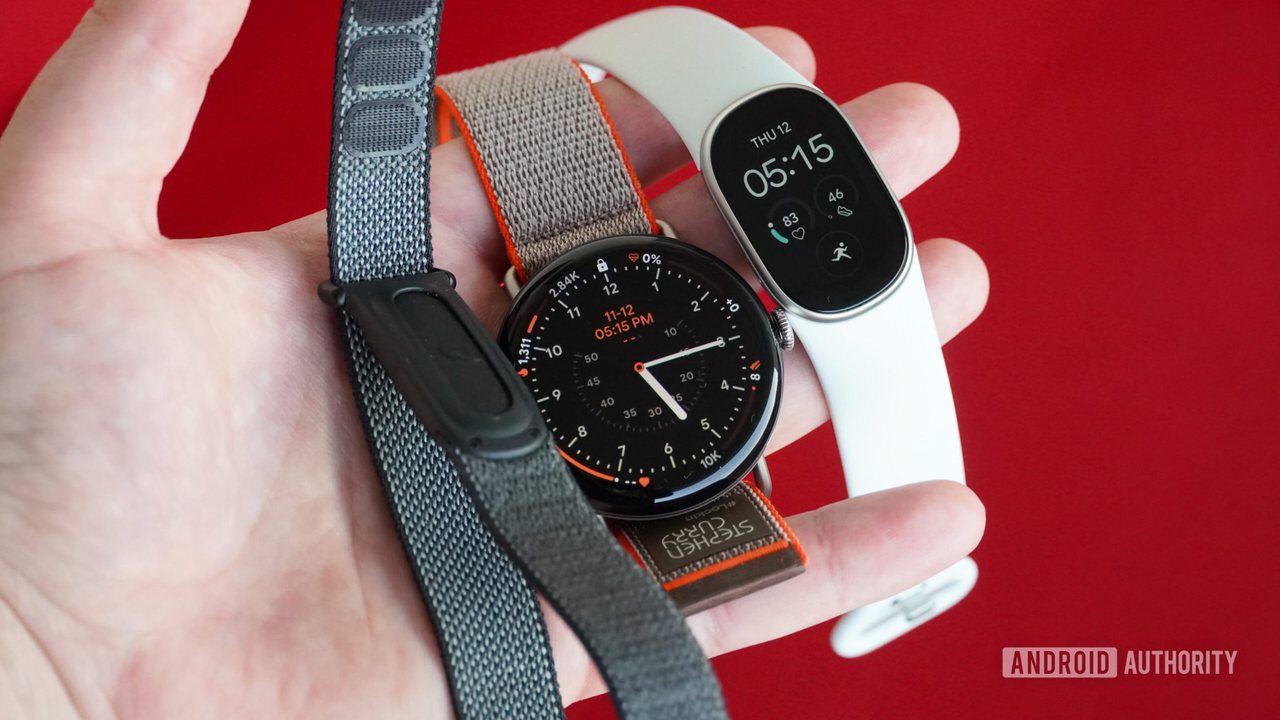 Side-by-side comparison of Fitbit Air, Fitbit Edge, and Pixel Watch 5 highlights multi-device Google ecosystem
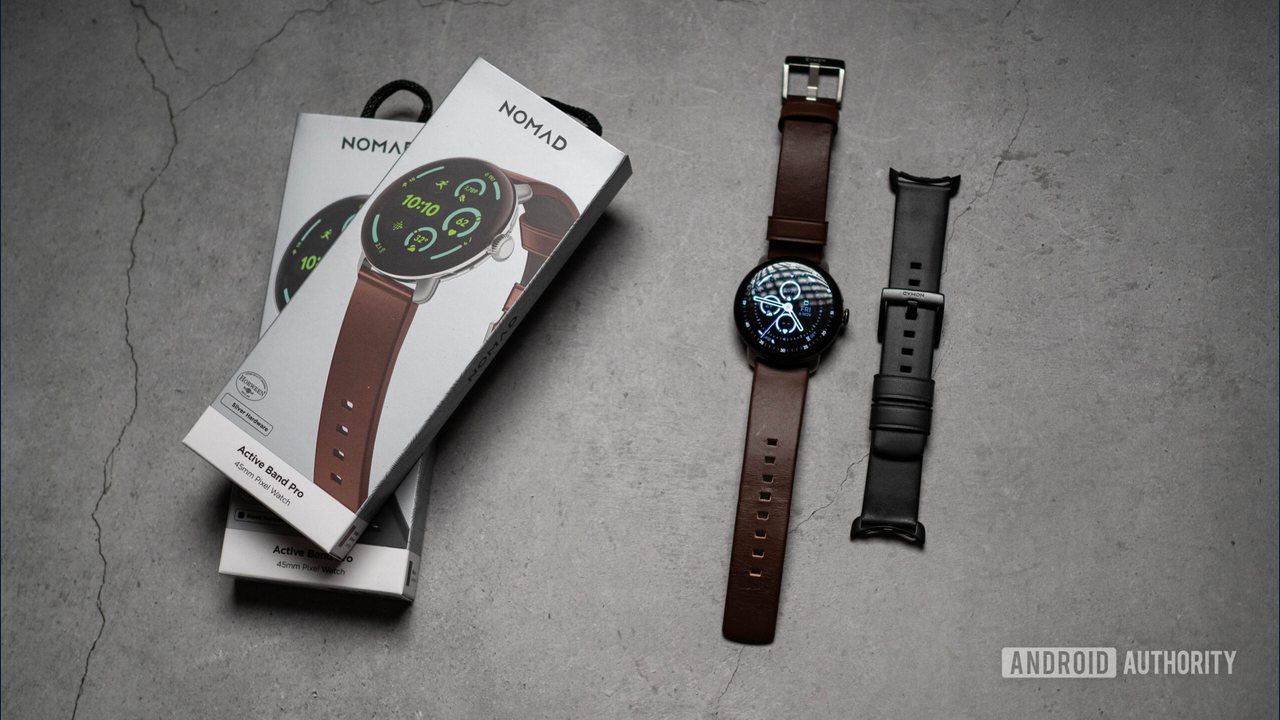 Finding a Comfortable Leather Band Alternative for the Pixel Watch 5