How to Use Google Wallet to Organize Shopping Discounts and Avoid Expiration
· GlobeWire Daily Editorial Desk · Source: www.androidpolice.com
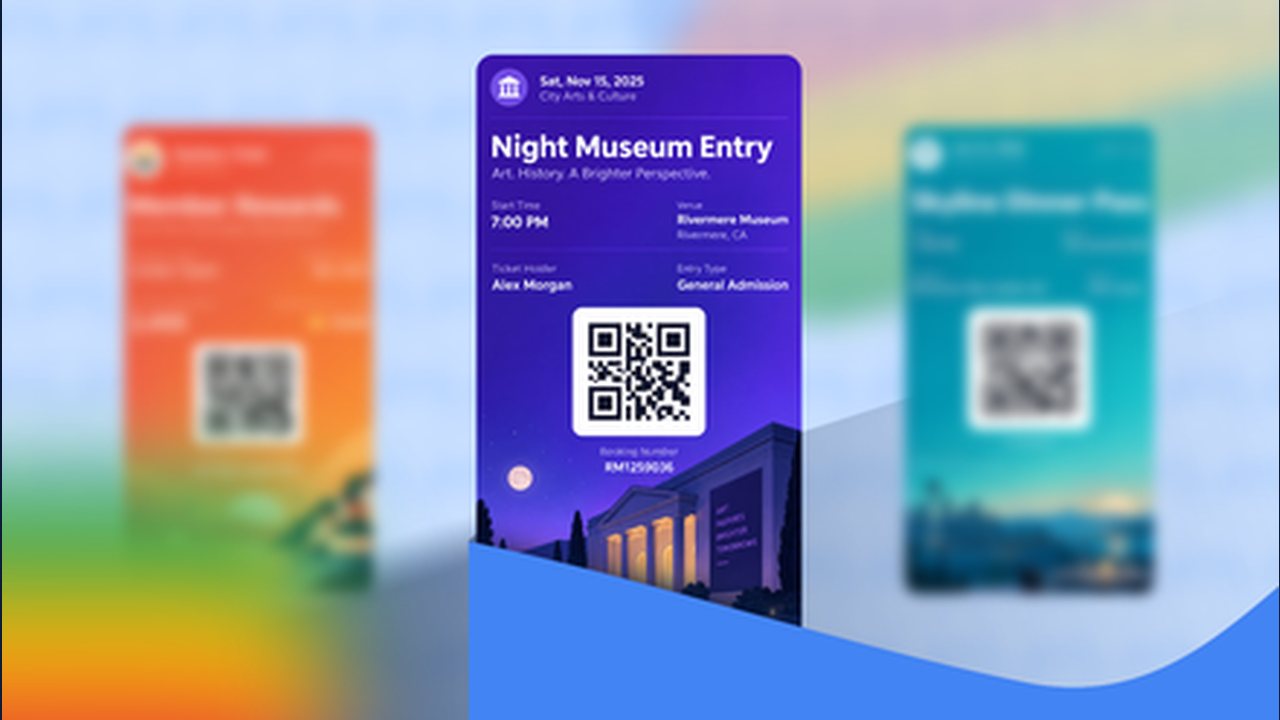
Managing online shopping discounts can be challenging when promo codes and vouchers are scattered across promotional emails, browser tabs, and screenshots. To address this, some shoppers use Google Wallet as a central hub to store and manage retailer promotions before they expire.
Creating Custom Passes for Retailer Offers
While not every retailer provides a direct "Add to Google Wallet" button, users can utilize the "Everything else" feature within the app to generate custom digital passes.
- Image Conversion: Users can take screenshots of offers, save promotional vouchers as images, or photograph physical coupons.
- Pass Creation: By opening Google Wallet, selecting the "Add to Wallet" (+) option, and choosing "Everything else," users can upload an image from their gallery.
- Detail Editing: Wallet extracts text from the image, allowing users to review, correct, or manually add essential details such as the retailer name, promo codes, discount values, expiration dates, and barcodes or QR codes.
- Restriction Notes: Including purchase minimums, product limitations, or online-only conditions directly in the pass details helps clarify terms without revisiting the original source.
Finding Stored Offers Quickly
Google Wallet includes a built-in search tool to help locate saved promotions efficiently. Users can tap "View more" at the bottom of the home screen and use the search field to enter retailer names or keywords like "discount" or "offer."
Understanding Location-Based Reminders and Limitations
Google Wallet supports location-based notifications that alert users when they approach participating merchant locations for certain official passes.
- Prerequisites: Enabling location access ("Allow all time" with precise location) and enabling "Nearby Passes" notifications in device settings can facilitate these alerts.
- Important Limitations: This proximity feature applies primarily to passes issued directly by merchants using Google's Wallet API. Custom passes created manually via the "Everything else" option do not support automatic location-based reminders.
Verification and Practical Implications
Google Wallet serves as an organizational tool rather than a replacement for proprietary retailer apps or automated discount systems. Manually created passes do not automatically apply discounts at checkout. To verify how promotions function, users should consult the original retailer's terms, check expiration dates directly from saved passes, and test features within the app interface.