Samsung Gallery's New Google Storage Integration Offers an Alternative to Google Photos
· GlobeWire Daily Editorial Desk · Source: www.androidpolice.com
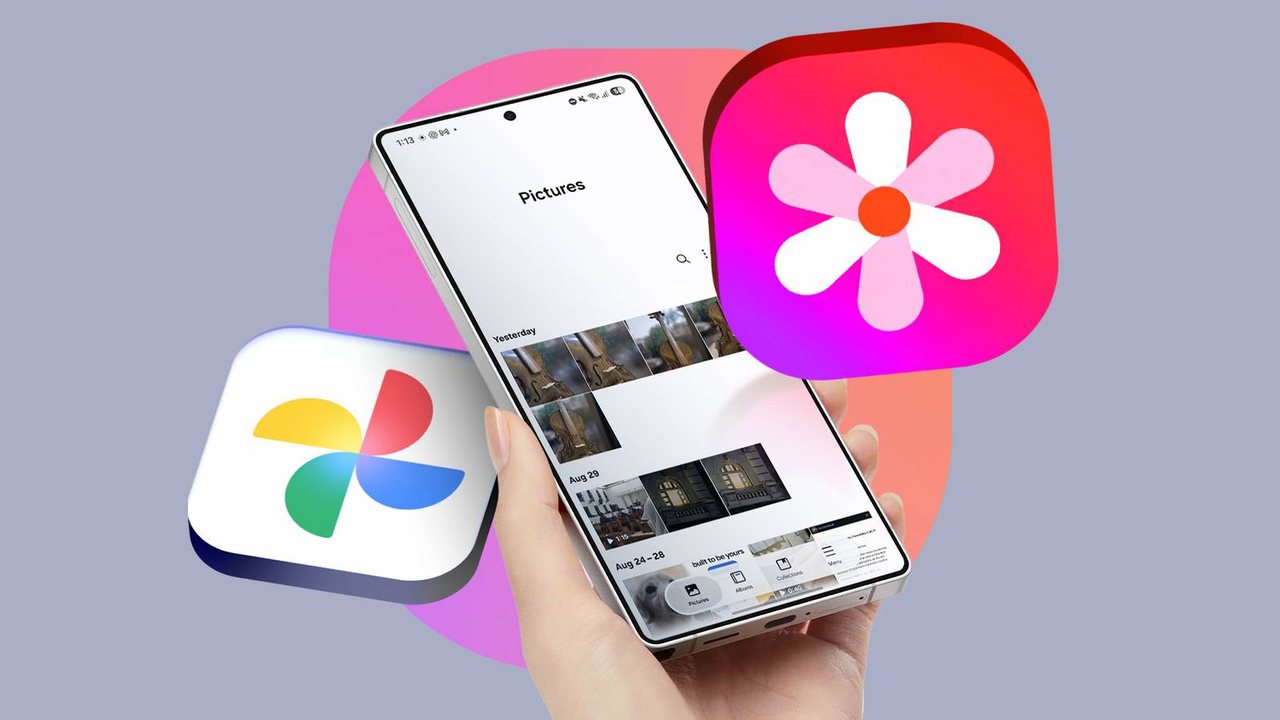
A reported shift in cloud storage partnerships for Samsung Galaxy devices has introduced native Google storage integration within the Samsung Gallery app, offering users an alternative to Google Photos for automatic media backups.
Moving Away from OneDrive Integration
For years, Samsung Gallery relied on OneDrive as its default cloud backup tool. However, because many Android users already link Google storage to their accounts and utilize Google Workspace tools, the previous requirement often prompted users to rely on Google Photos instead of the native gallery application.
Following a reported change in Samsung's default cloud storage partnership, the Gallery app now supports direct Google One storage integration. This feature arrived alongside One UI 9 on supported devices, providing a setup process designed to mirror the convenience of previous cloud configurations.
Setup and Storage Benefits
- Account Selection: Users can configure backups by selecting from Google accounts already logged in on their Samsung device within the cloud settings.
- Storage Tiers: Google One offers a 15GB free storage tier, compared to the typically smaller standard capacity offered by OneDrive.
- Cross-Device Access: Media can sync and be accessed across multiple Galaxy devices, such as tablets and foldables.
- Album Controls: Specific folders and albums can be toggled on or off for synchronization.
Practical Implications and Limitations
According to user testing reports, setting up the sync is straightforward, though switching between Google accounts currently requires turning off sync and removing the account from the device. Additionally, features such as the reported "Free up space" tool—which aims to remove local copies of safely backed-up media while keeping thumbnails—may have staggered availability depending on the specific Galaxy model, such as the Galaxy Z Flip 7.
To verify these features, users can check for software updates corresponding to One UI 9 on their Samsung Galaxy devices and review the cloud sync settings inside the Samsung Gallery application.