Vorssaint Open-Source Utility Suite Aims to Expand macOS Productivity Options
· GlobeWire Daily Editorial Desk · Source: www.engadget.com
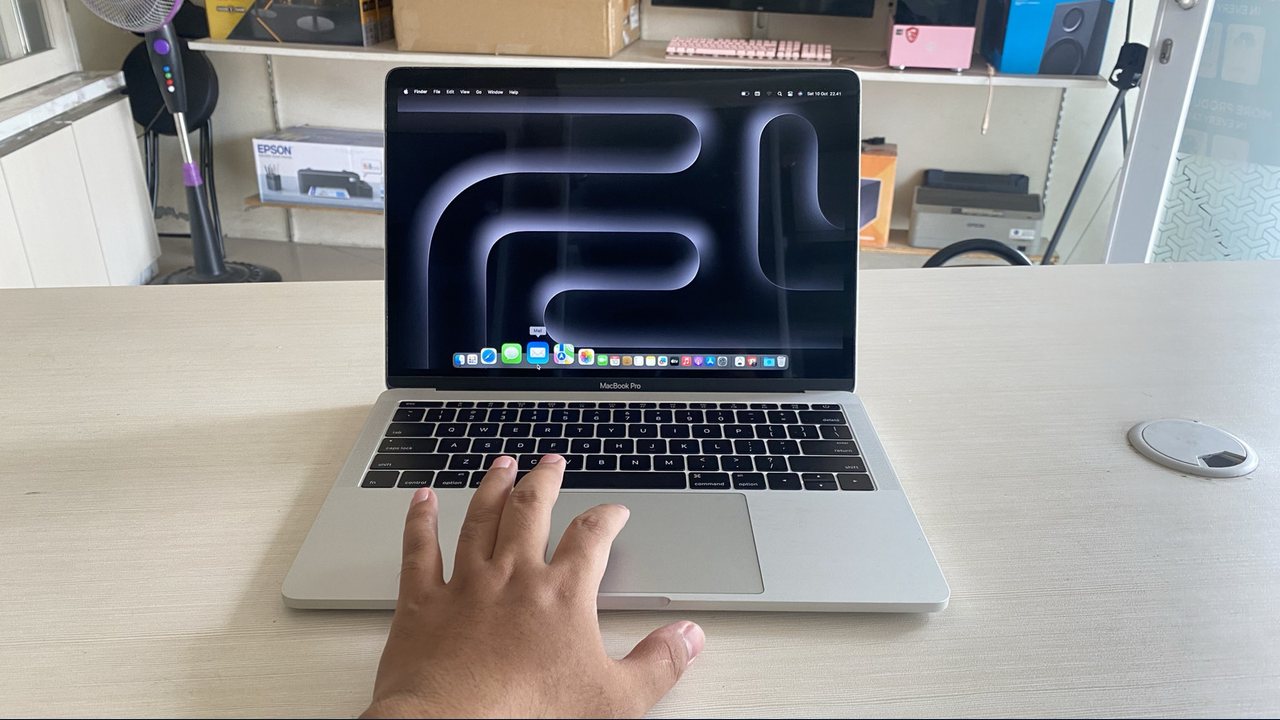
Vorssaint is an open-source, third-party utility suite designed for macOS users seeking granular desktop control and customization tools beyond native operating system options. Hosted on GitHub, the project aims to address common productivity pain points through a single menu-bar application.
Key Features and Tools
The modular application bundles various utilities intended to streamline daily workflows and system management:
- Window Management: Offers enhanced window tiling, edge snapping, and shortcuts.
- Power and Display Controls: Includes toggles for clamshell mode and a "Keep Awake" feature to manage sleep states.
- Capture and Media: Features scrolling screenshot capabilities, built-in image editing, video compression, image conversion, and text extraction.
- System Monitoring: Extends standard activity monitoring with metrics on thermals, memory usage, and network speed.
- Additional Utilities: Provides a Homebrew graphical interface, a URL cleaner, and a command bar supporting calculations, unit conversions, and quick utility access.
Permissions and Security Considerations
Because the software performs system-level operations, certain features may request sensitive macOS permissions, such as Accessibility, Screen Recording, Full Disk Access, and Automation. To mitigate potential security risks, Vorssaint utilizes a modular design that allows users to install specific modules selectively and grant only the corresponding permissions required for those specific functions.
Privacy and Verification
According to the project's privacy documentation, Vorssaint follows a local-first approach that does not require user accounts, subscriptions, or telemetry sharing. However, security analysts note that being open source does not inherently guarantee security. Users are advised to review the project repository directly on GitHub to inspect the code and evaluate privacy trade-offs before installation.